Activate User Account for HandL UTM Grabber
UTM attribution overview
This guide explains Activate User Account for HandL UTM Grabber. It helps you configure HandL UTM Grabber correctly so campaign attribution works reliably across WordPress and keep the marketing context needed for accurate reporting across forms, bookings, signups, and sales.
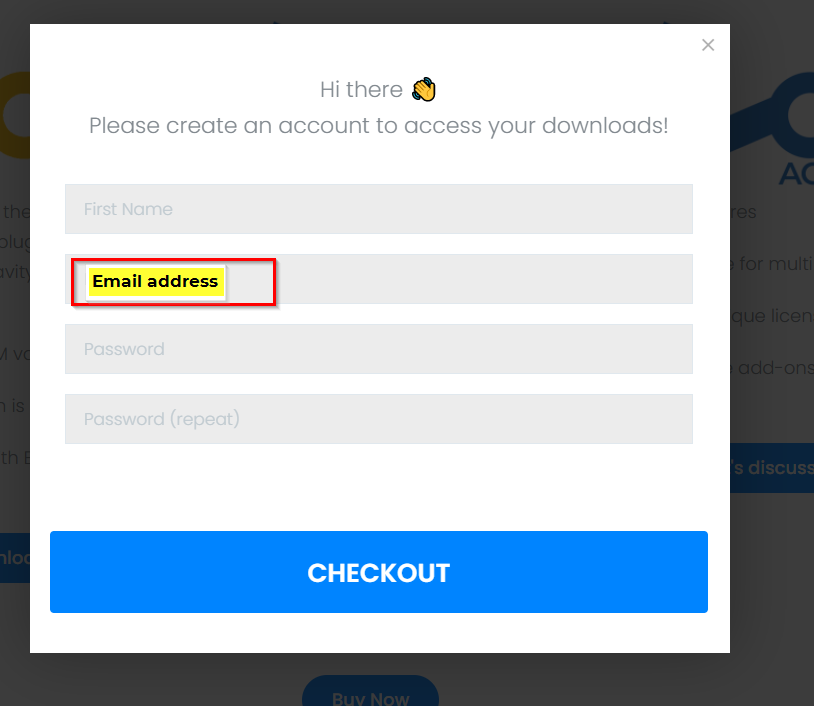
1. Remember Your Registered Email Address
2. Check Your Registered Email
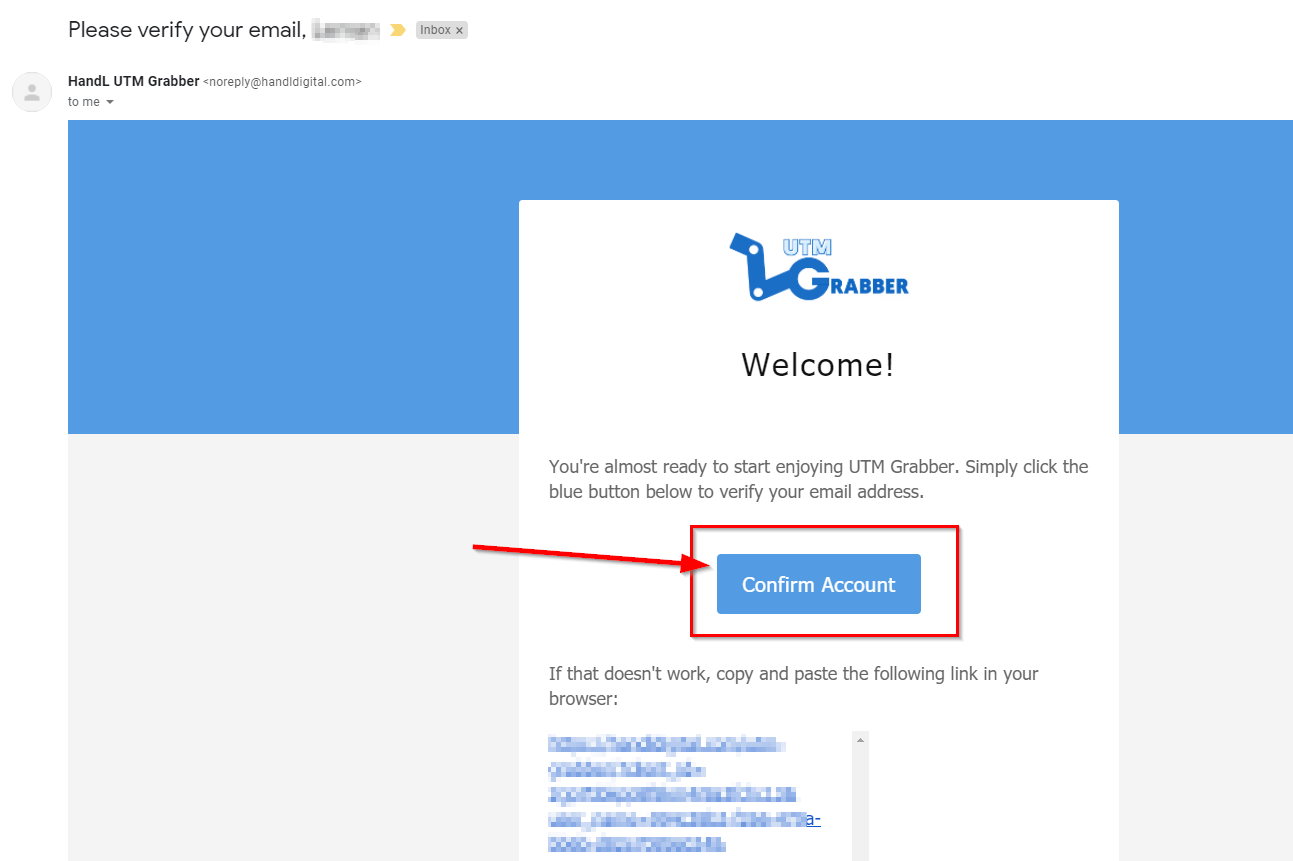
Please check your registered email inbox to confirm your account. You will have an email from HandL UTM Grabber with the subject 'Please verify your email.'
Please check your registered email inbox to confirm your account. You will receive an email from HandL UTM Grabber with the subject 'Please verify your email.' If you have not received your confirmation email from us, please check your spam or junk folder and white list our email address noreply@handldigital.com.
If you still have not received your verification email, please contact us. We will be happy to assist you.

3. Open the Confirmation Email and Click the 'Confirm Account' Button