# Generating dynamic content based on UTM parameters
There are three different ways of accmomplishing this...
1) Using shortcode method. You can place any shortcodes in your site and it will print the value of the parmeter directly. See here for the list of the parameters [Native WP Shortcodes](https://docs.utmgrabber.com/books/102-getting-started-for-handl-utm-grabber-v3/page/native-wp-shortcodes).
2) Add these two lines into `wp-content/plugins/handl-utm-grabber-v3/js/handl-utm-grabber.js`
After line 76
```
jQuery("[class*="+v+"_out]").html(curval)
jQuery("[id*="+v+"_out]").html(curval)
```
[](https://docs.utmgrabber.com/uploads/images/gallery/2021-10/image-1634241435734.png)
And then you can add HTML templates like this in your page
```
```
[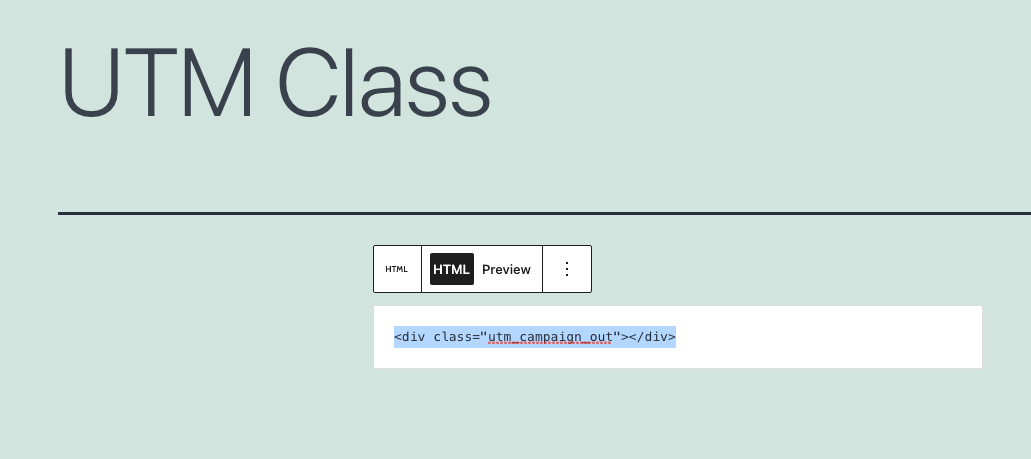](https://docs.utmgrabber.com/uploads/images/gallery/2021-10/image-1634241426079.png)
When there is utm_campaign present in the Cookies, the value will be printend between the div tag you created.
[](https://docs.utmgrabber.com/uploads/images/gallery/2021-10/image-1634241409432.png)
3) Client side integration
You can check whether certain cookies present by using `Cookies` function that comes with our plugin and then integrate your own logic around that.
For example: Let's print some dynamic content if `utm_campaign` is present.
```
var cmp_value = Cookies.get('utm_campaign')
if ( cmp_value != undefined ){
var my_html = `This is the value of utm_campaign: ${cmp_value}
`
jQuery('.dynamic_content_class').html(my_html)
}
```