# How to Track UTMs in Hubspot Form
## UTM attribution overview
This guide explains How to Track UTMs in Hubspot Form with HandL UTM Grabber. It helps you pass lead attribution into your CRM, email platform, or marketing automation workflow and keep the marketing context needed for accurate reporting across forms, bookings, signups, and sales.
#### Add UTM fields to your form
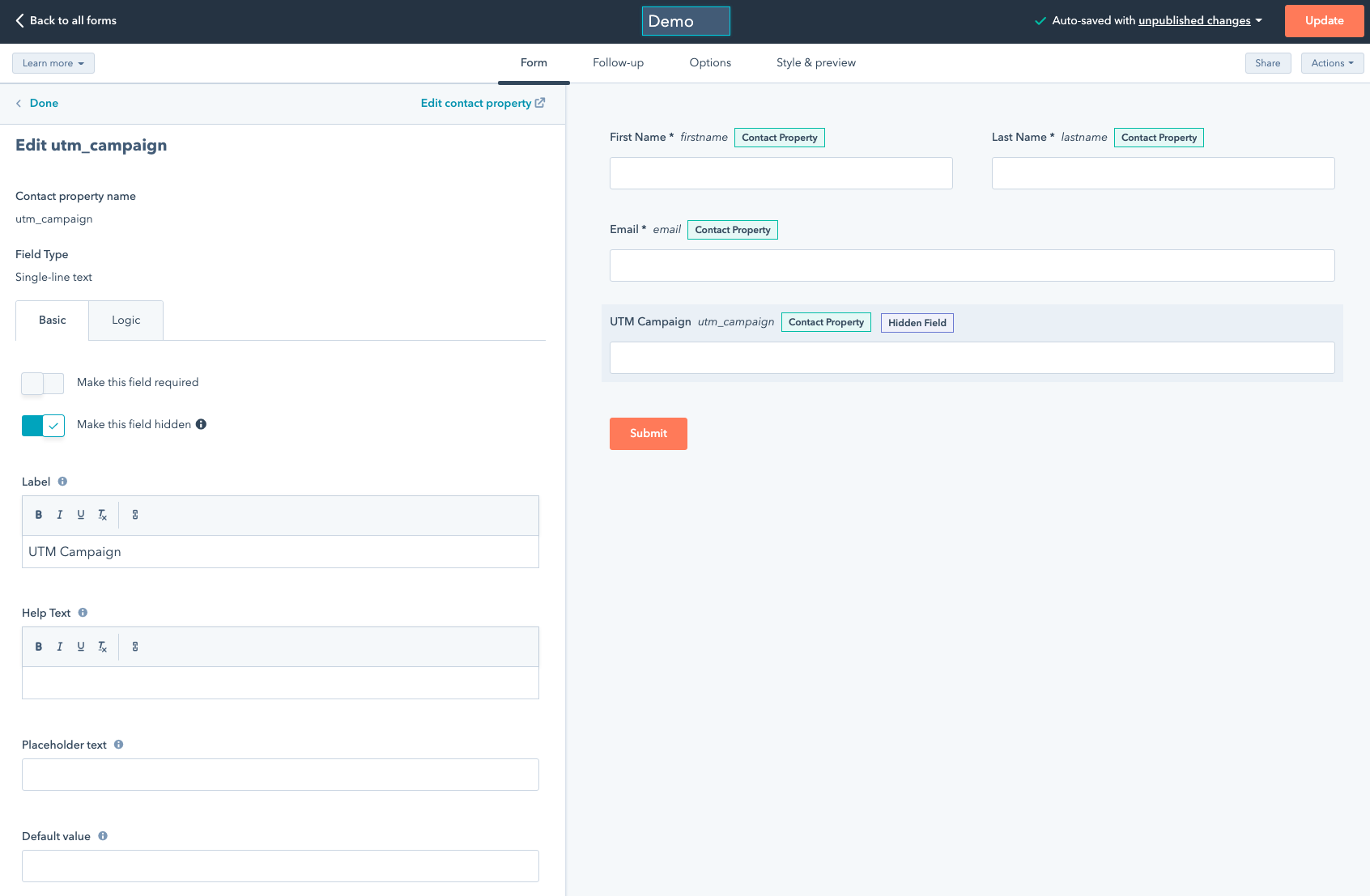
This is assuming you already created Contact properties (ideally under Web Analytics) and make sure you name them after HandL UTM Grabber properties (such as utm_campaign, utm_source, gclid, fbclid etc). See the full list here [Native WP Shortcodes](https://docs.utmgrabber.com/books/102-getting-started-for-handl-utm-grabber-v3/page/native-wp-shortcodes)
Make sure the fields are hidden
[](https://docs.utmgrabber.com/uploads/images/gallery/2021-10/image-1635521914822.png)
#### Copy paste the form embed code
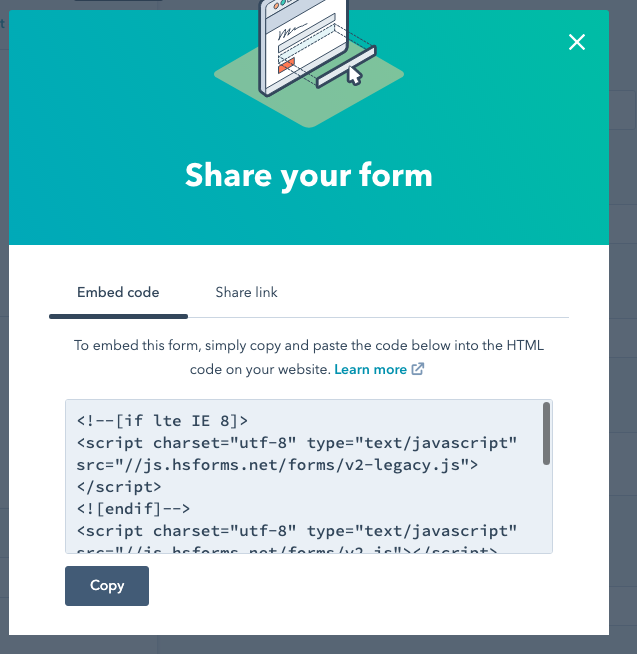
Clicking the share button will generate the embed code looks like this
[](https://docs.utmgrabber.com/uploads/images/gallery/2021-10/image-1635521977333.png)
Add the following modifications
Simply add the `onFormReady` event as is
```
```
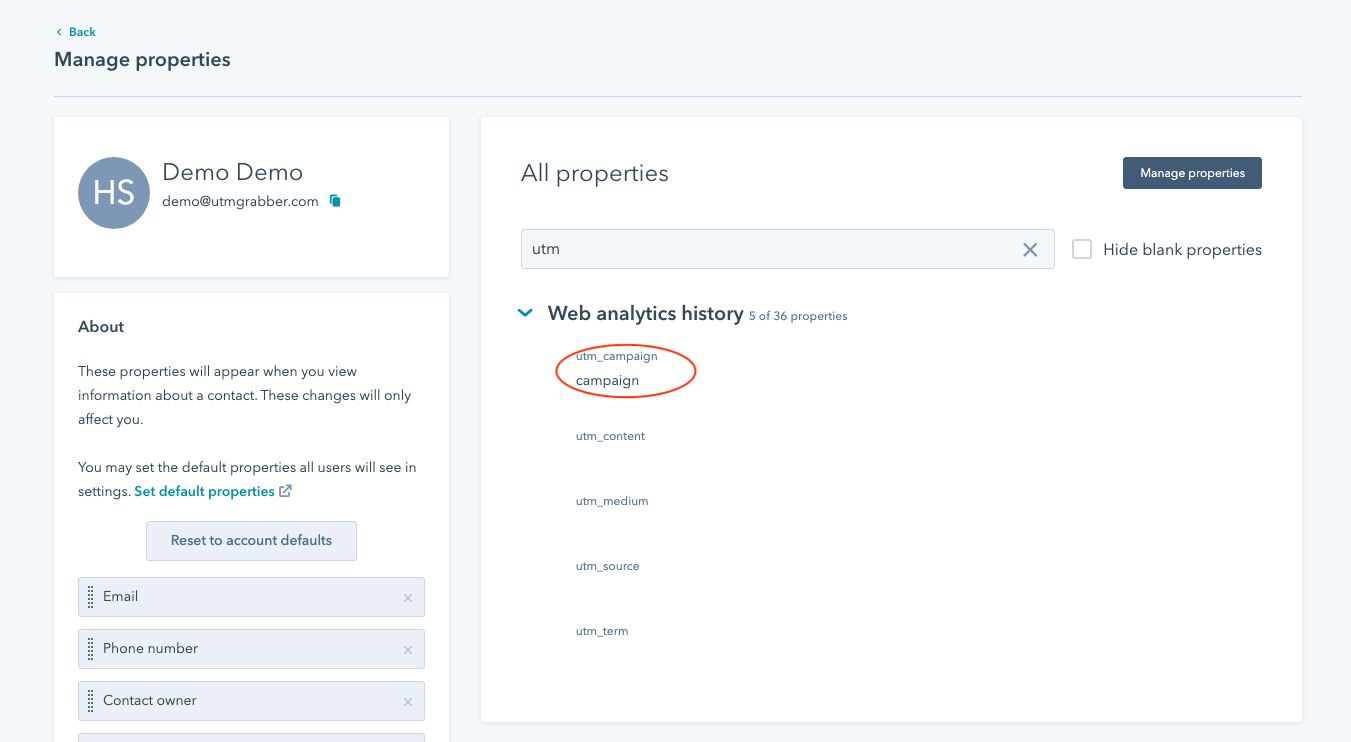
That's it! Your form will track the parameters and you'll get all the tracked parameters under submissions in Hubspot (in contact property for the contact)
[](https://docs.utmgrabber.com/uploads/images/gallery/2021-10/image-1635522174185.png)