# Typeform UTM Tracking Integration
Set up Typeform with HandL UTM Grabber to capture UTM parameters, GCLID, FBCLID, referrer, and landing page data in hidden fields for lead attribution.
# TypeForm UTM Tracking Integration - Preferred (Advanced)
## UTM attribution overview
This guide explains TypeForm UTM Tracking Integration - Preferred (Advanced) with HandL UTM Grabber. It helps you capture UTM source, medium, campaign, term, content, click IDs, referrer, and landing page data and keep the marketing context needed for accurate reporting across forms, bookings, signups, and sales.
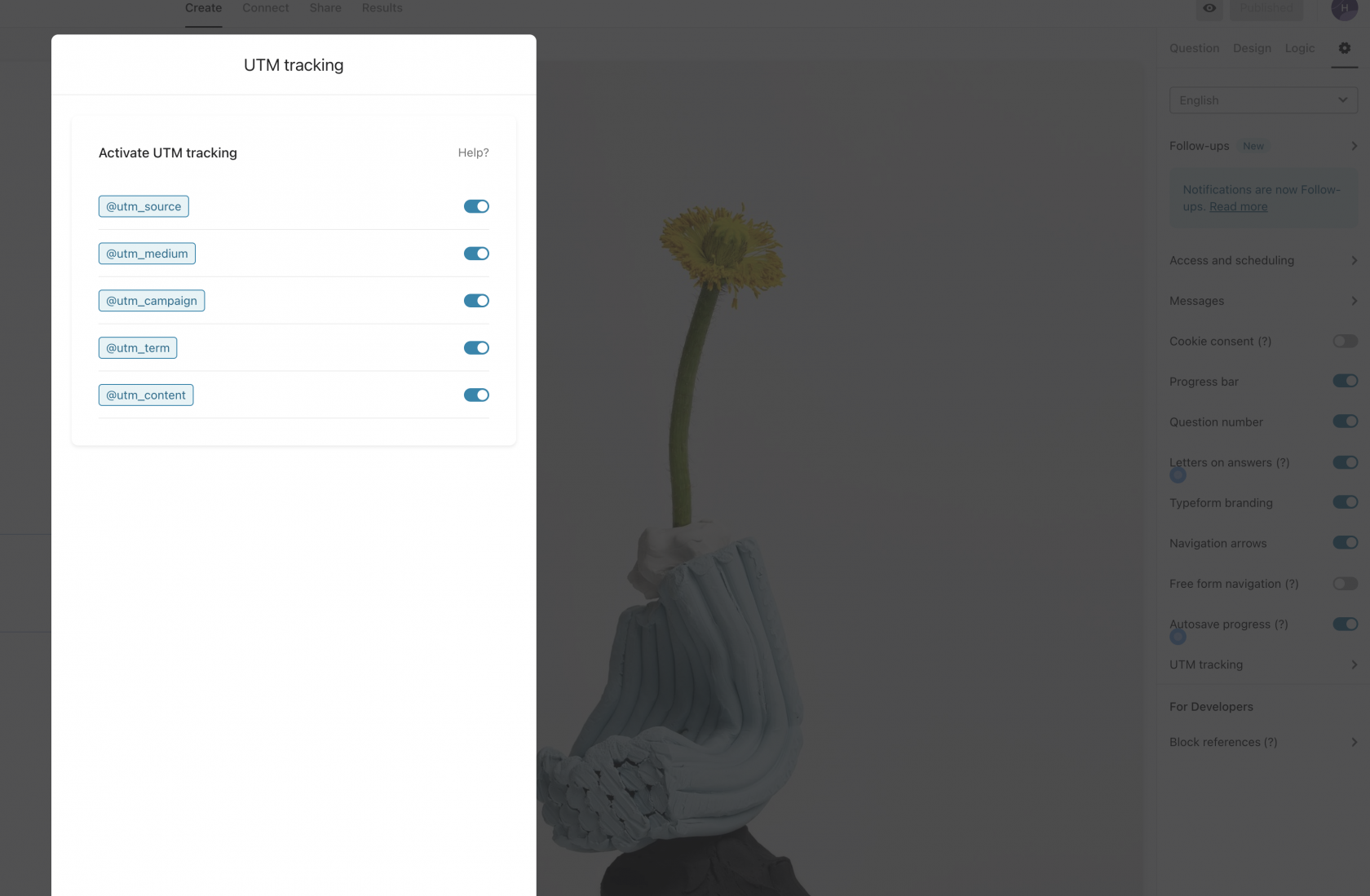
### Enable UTM Tracking in Typeform
[](https://docs.utmgrabber.com/uploads/images/gallery/2024-02/image-1707163771014.png)
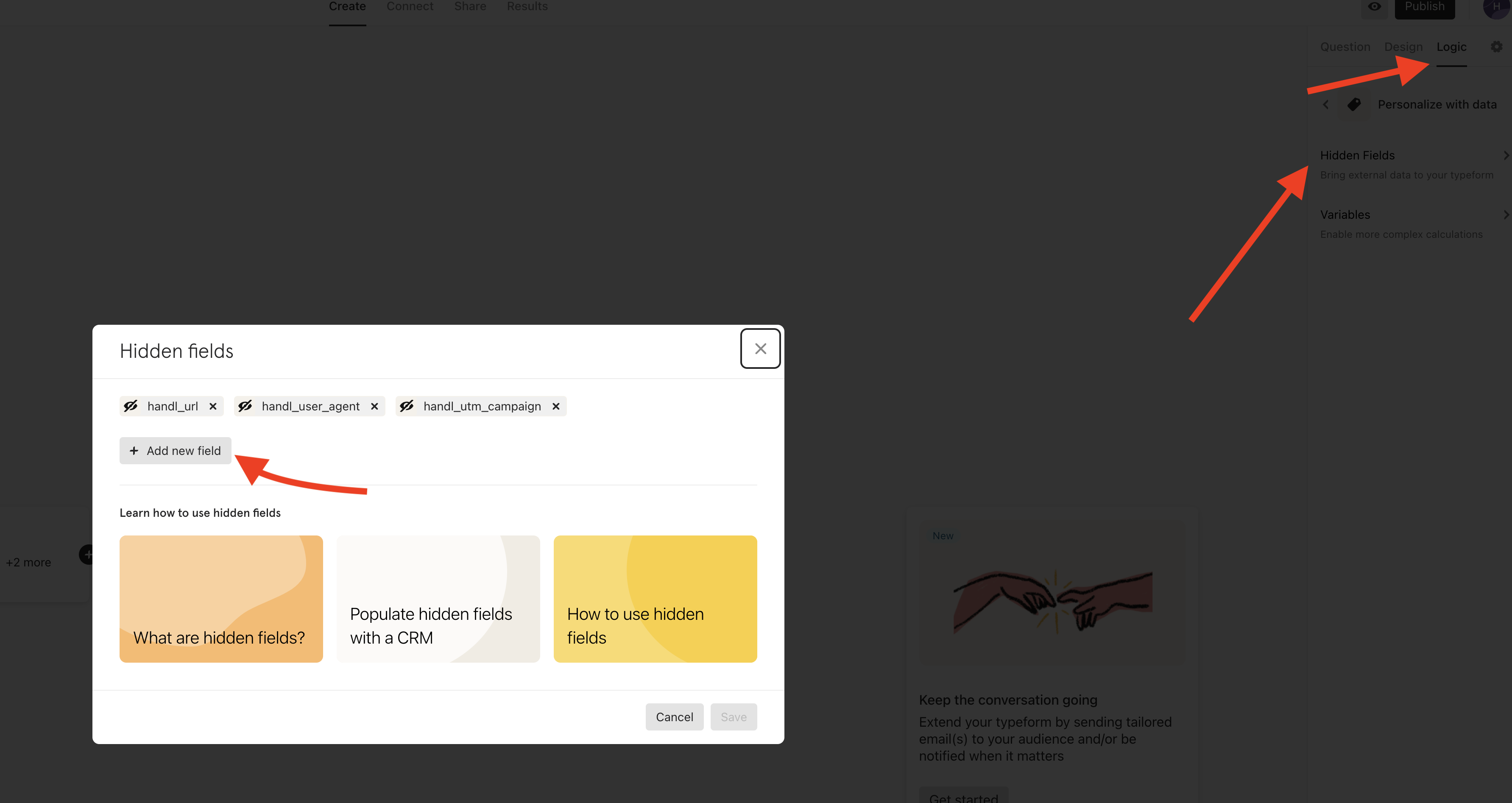
### Create custom fields in typeform (Optional - only if you'd like to capture more than utm e.g. handl\_url)
You can create the custom fields following the documentation [here](https://www.typeform.com/help/a/using-hidden-fields-360052676612/)
[](https://docs.utmgrabber.com/uploads/images/gallery/2024-02/image-1707163500981.png)
```
```
How to get form id of your form?
You can find from the public URL of your form:
https://form.typeform.com/to/Or from admin panel URL:
https://admin.typeform.com/form//\*
# Typeform UTM Tracking Integration
## UTM attribution overview
This guide explains Typeform UTM Tracking Integration with HandL UTM Grabber. It helps you capture UTM source, medium, campaign, term, content, click IDs, referrer, and landing page data and keep the marketing context needed for accurate reporting across forms, bookings, signups, and sales.
### Enable UTM Tracking in Typeform
[](https://docs.utmgrabber.com/uploads/images/gallery/2024-02/image-1707163771014.png)
### Create custom fields in typeform (Optional - only if you'd like to capture more than utm e.g. handl\_url)
You can create the custom fields following the documentation [here](https://www.typeform.com/help/a/using-hidden-fields-360052676612/)
[](https://docs.utmgrabber.com/uploads/images/gallery/2024-02/image-1707163500981.png)
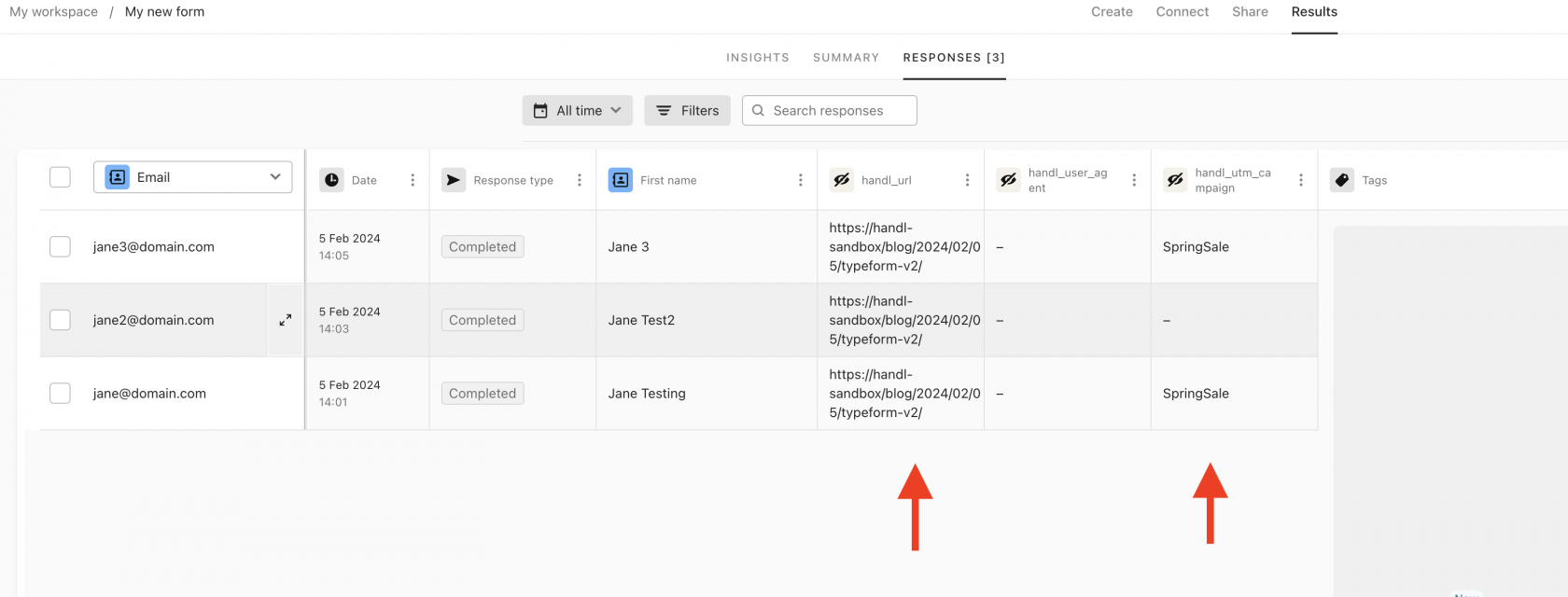
### Prefill the hidden fields (custom fields) created from previous step
**If you are using the latest embed code from TypeForm**
```
```
**If you are using the old way:**
You can prefill any custom field in the form by adding the query arguments to your final form URL.
For example: if you have `utm_campaign`, `utm_medium`, `utm_source` and `gclid` parameters, your Typeform widget will look like this
```
```
[](https://docs.utmgrabber.com/uploads/images/gallery/2024-02/image-1707163592378.png)