Gravity Forms to Zapier UTM Tracking Integration Screen Shot tutorial
UTM attribution overview
This guide explains Gravity Forms to Zapier UTM Tracking Integration Screen Shot tutorial with HandL UTM Grabber. It helps you send UTM and click ID data into automations, webhooks, reports, and connected tools and keep the marketing context needed for accurate reporting across forms, bookings, signups, and sales.
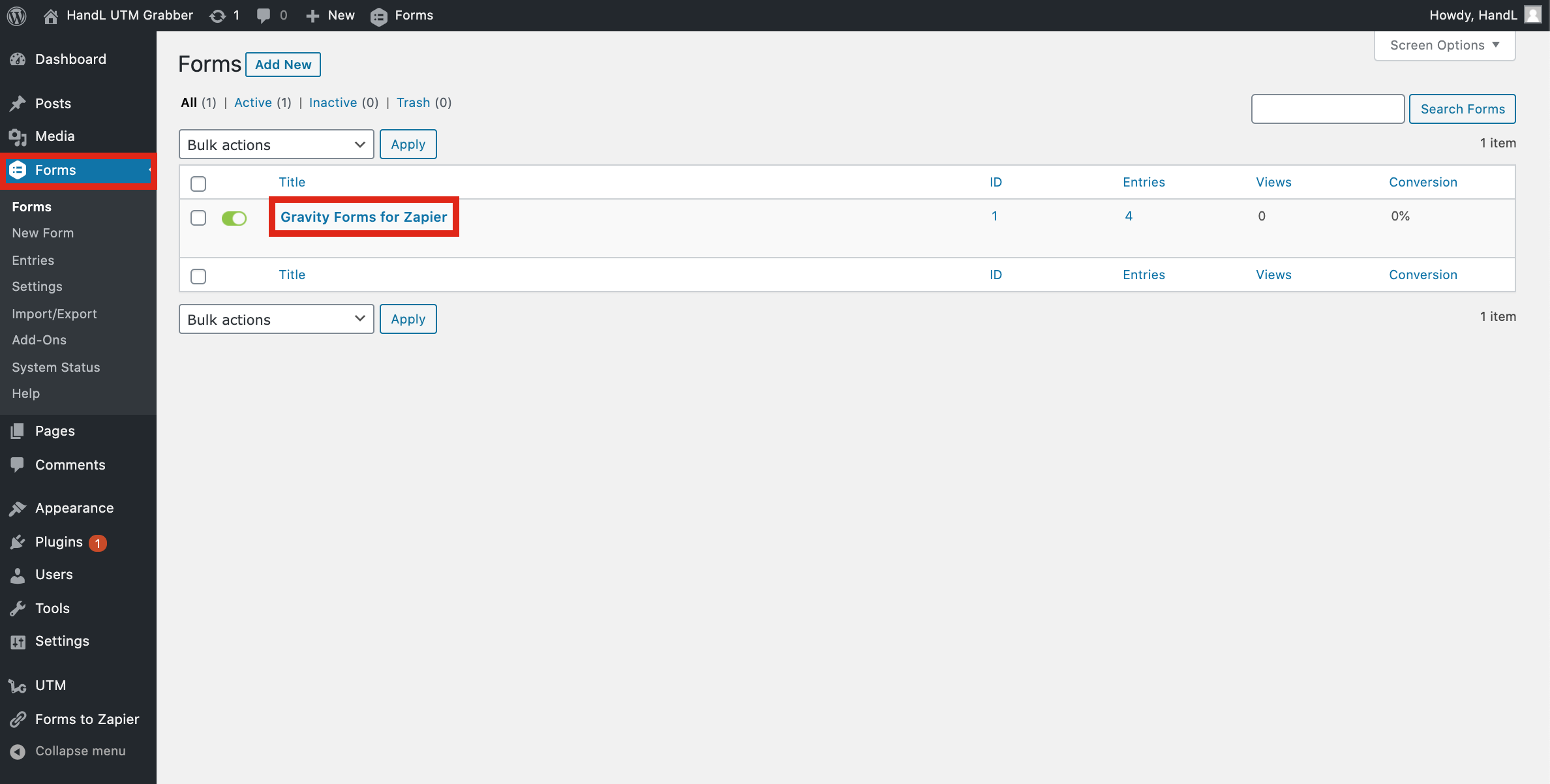
1-)Go to your Gravity Form
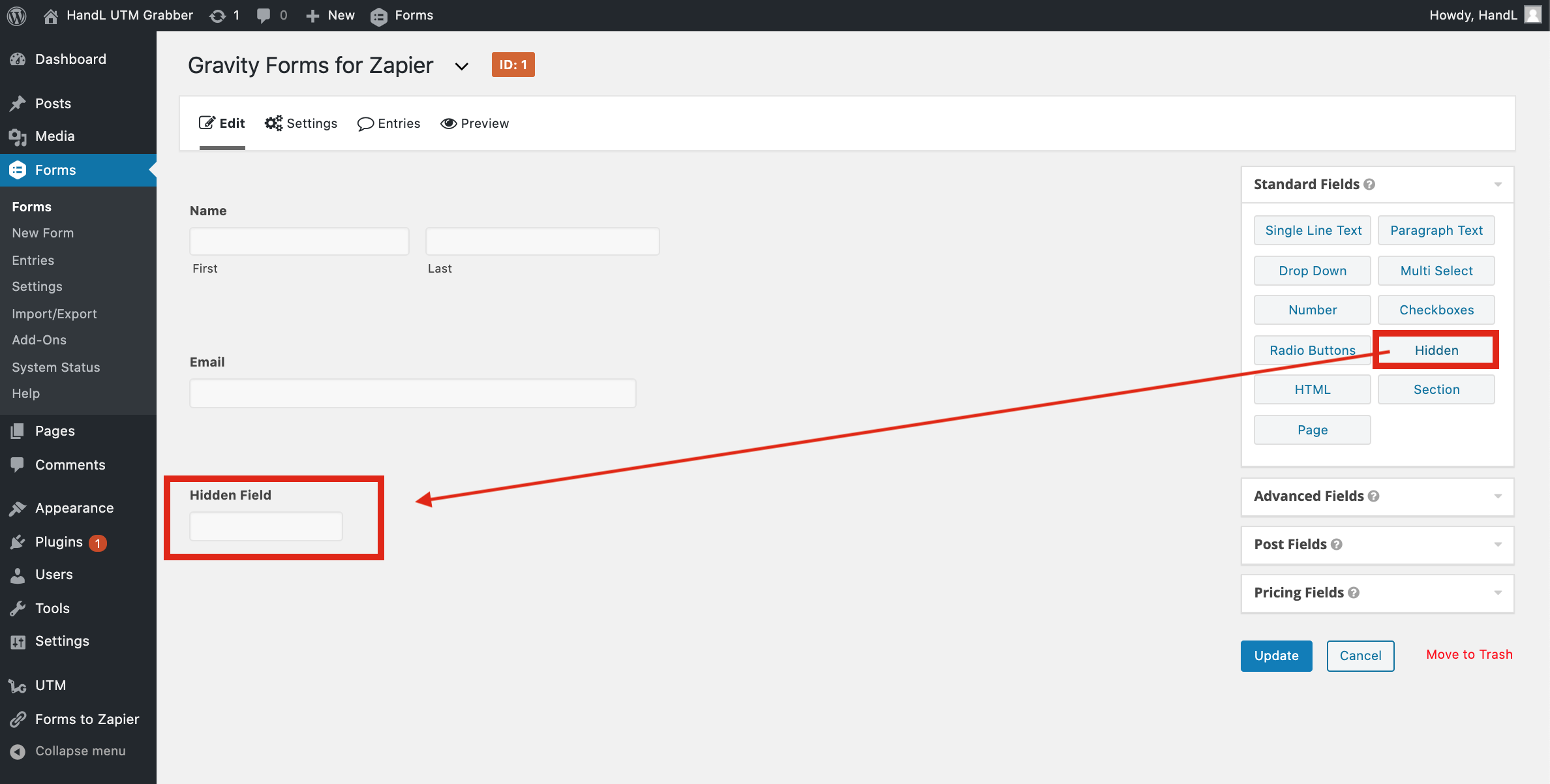
2-)Add Hidden Fields to your Form
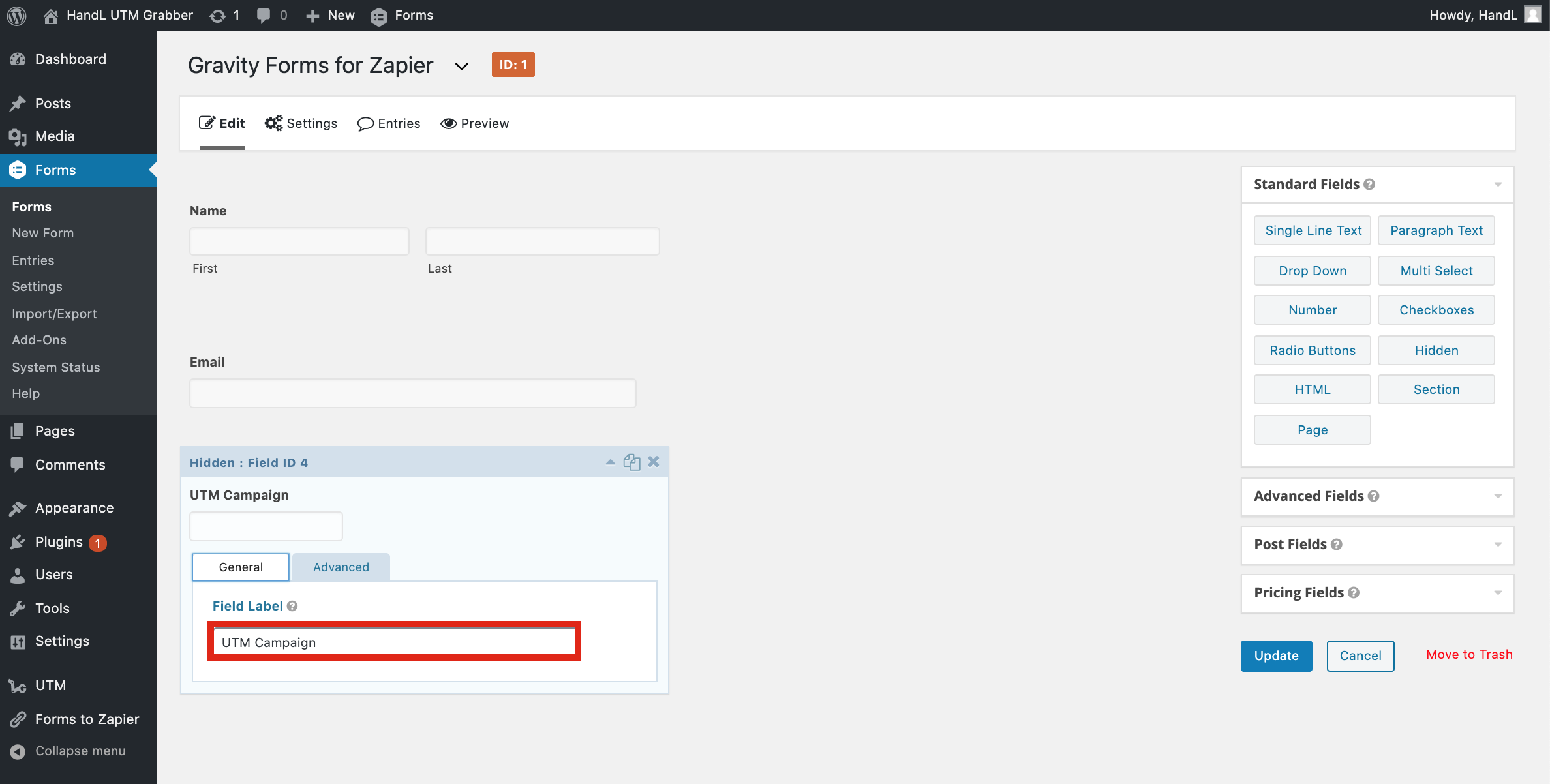
3-)Fill the Field Label Bar
4-)Allow Field to be Populating dynamically and enter your parameter name
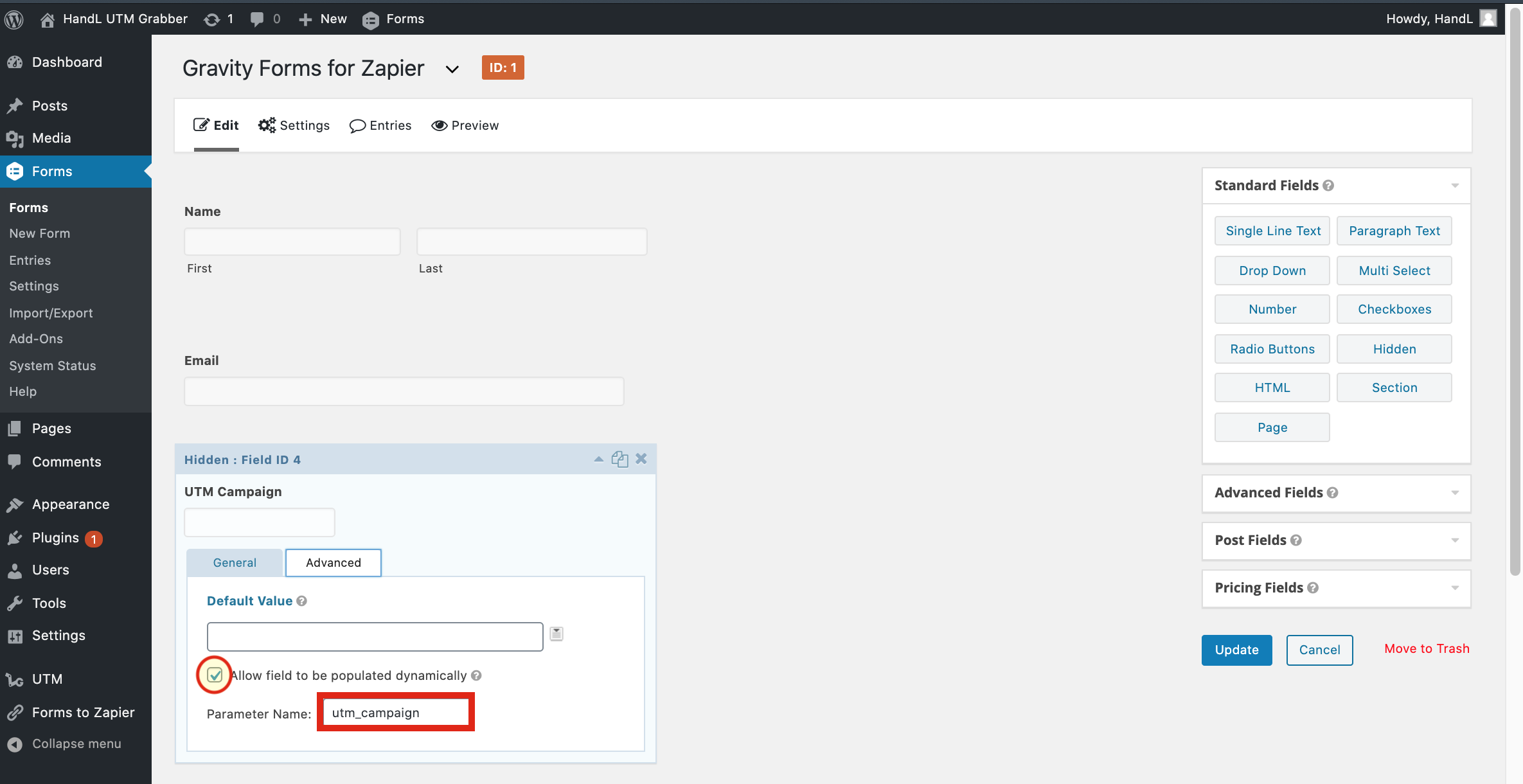
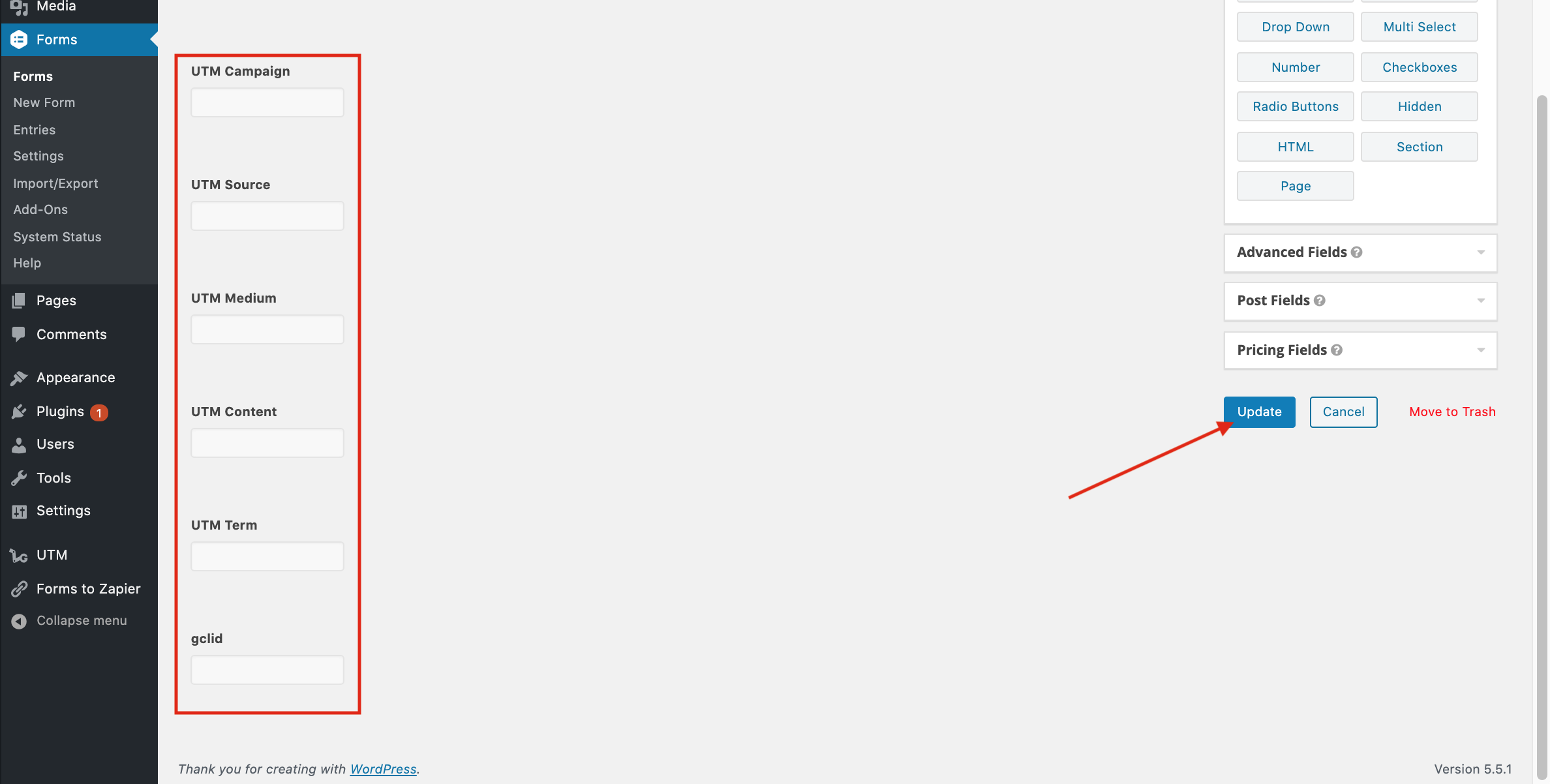
5-)Make it to all of the UTM's and click Update
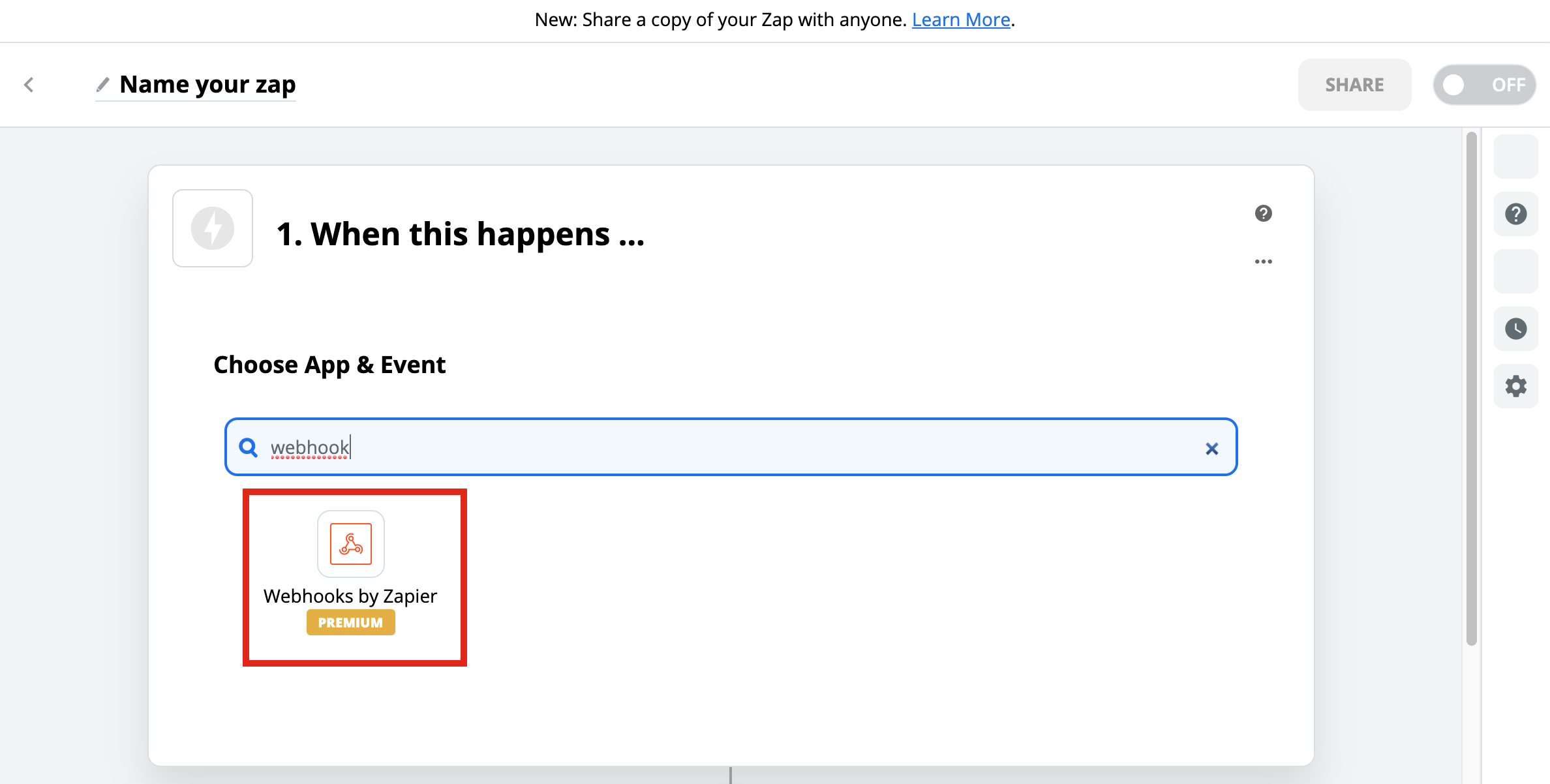
6-)Go to Zapier and Create a Webhook Zap
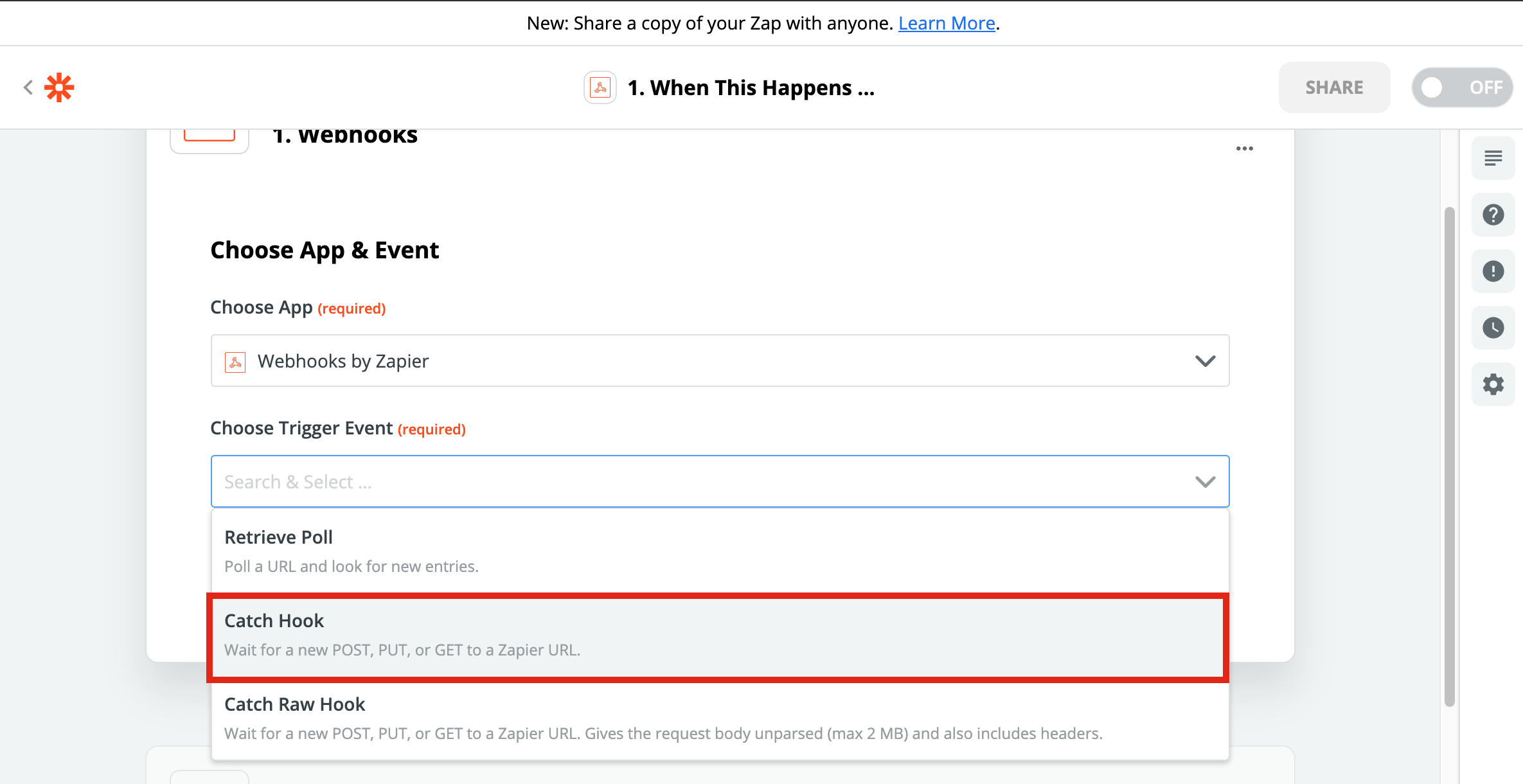
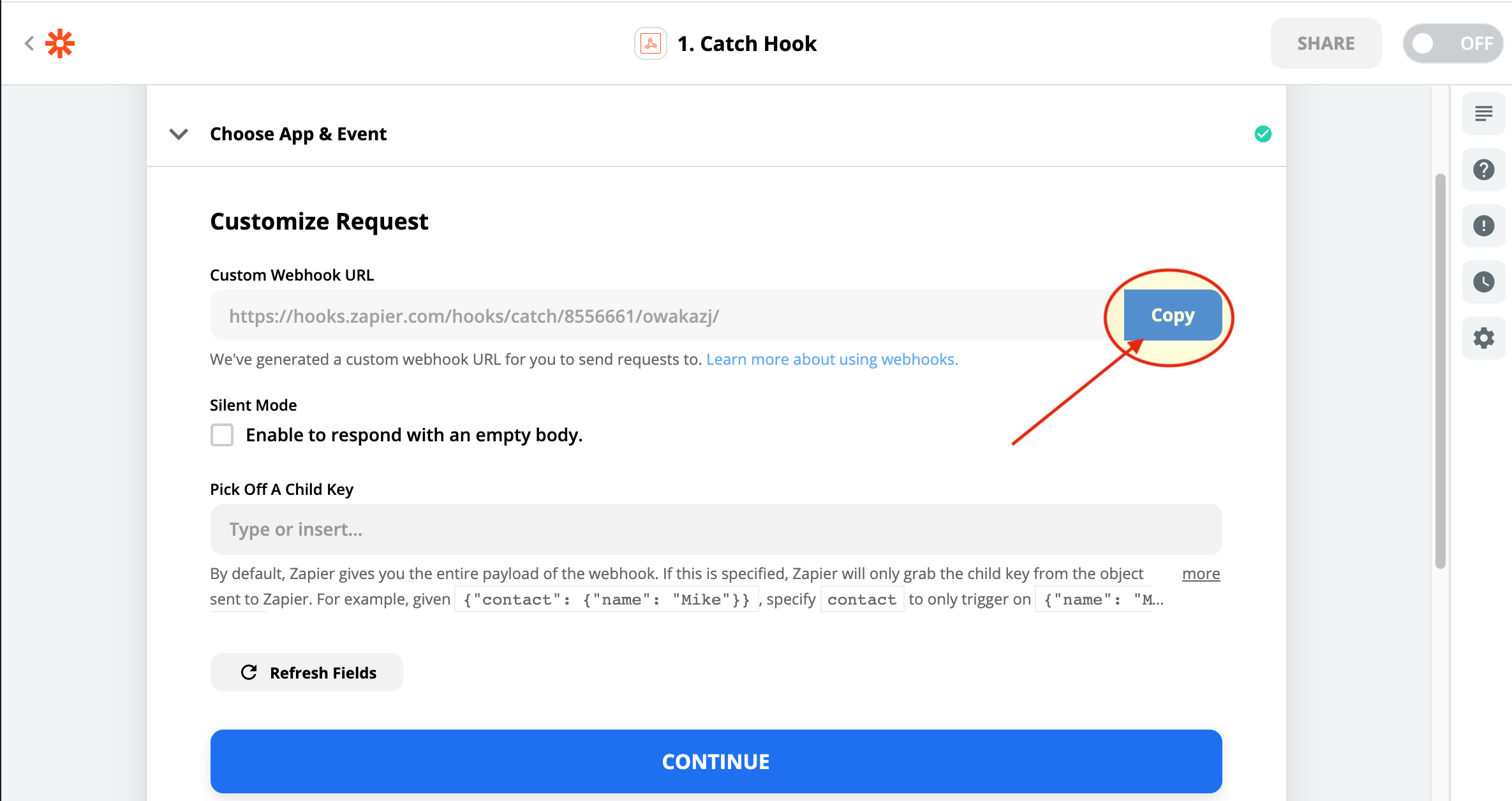
7-)Select Catch Hook
8-)Copy the URL that Zapier Generated
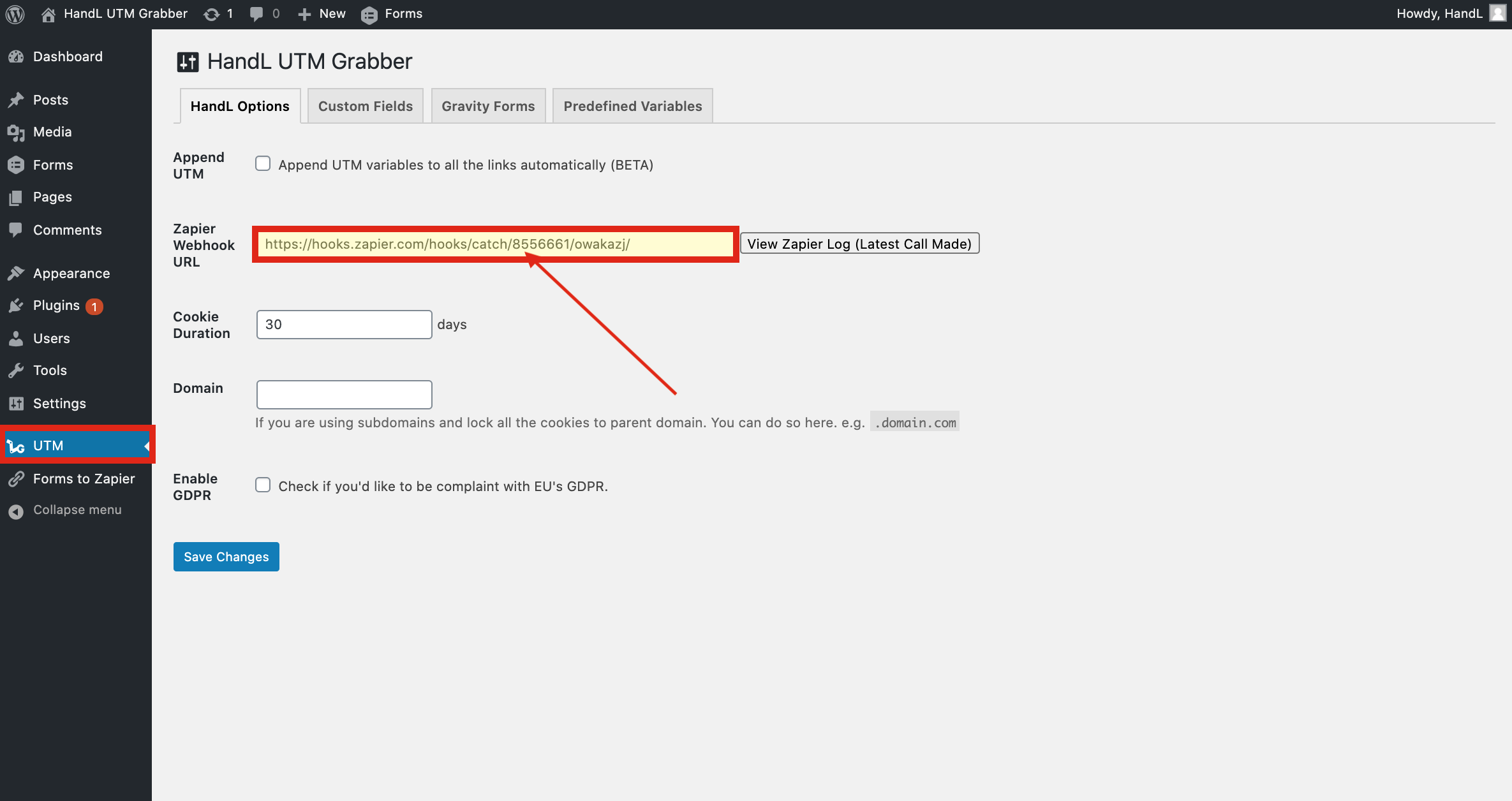
9-)Paste The URL that you copied and save changes
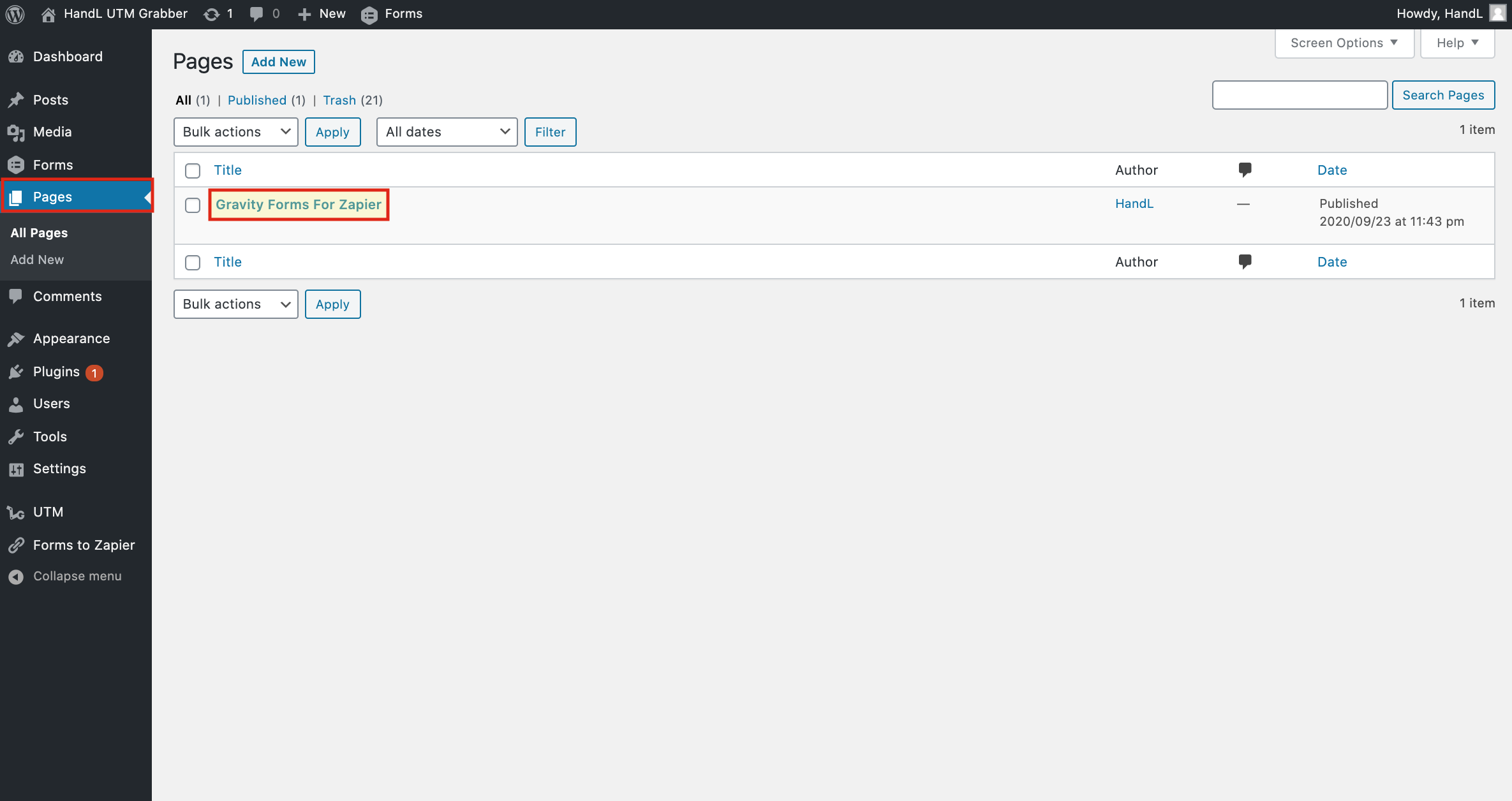
10-)Go To Pages and Click on Your Page
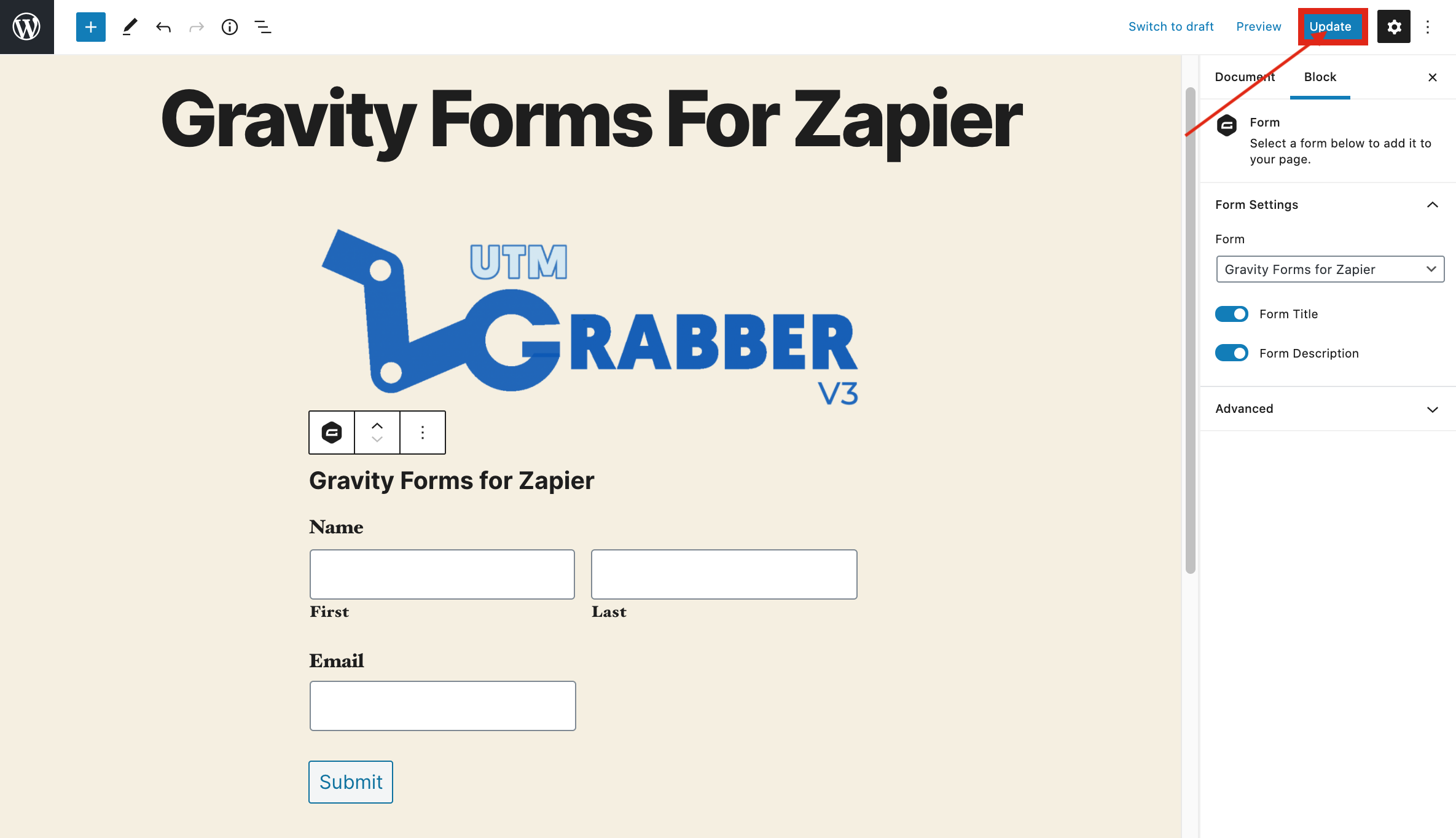
11-)Click On Plus Button and Select Form
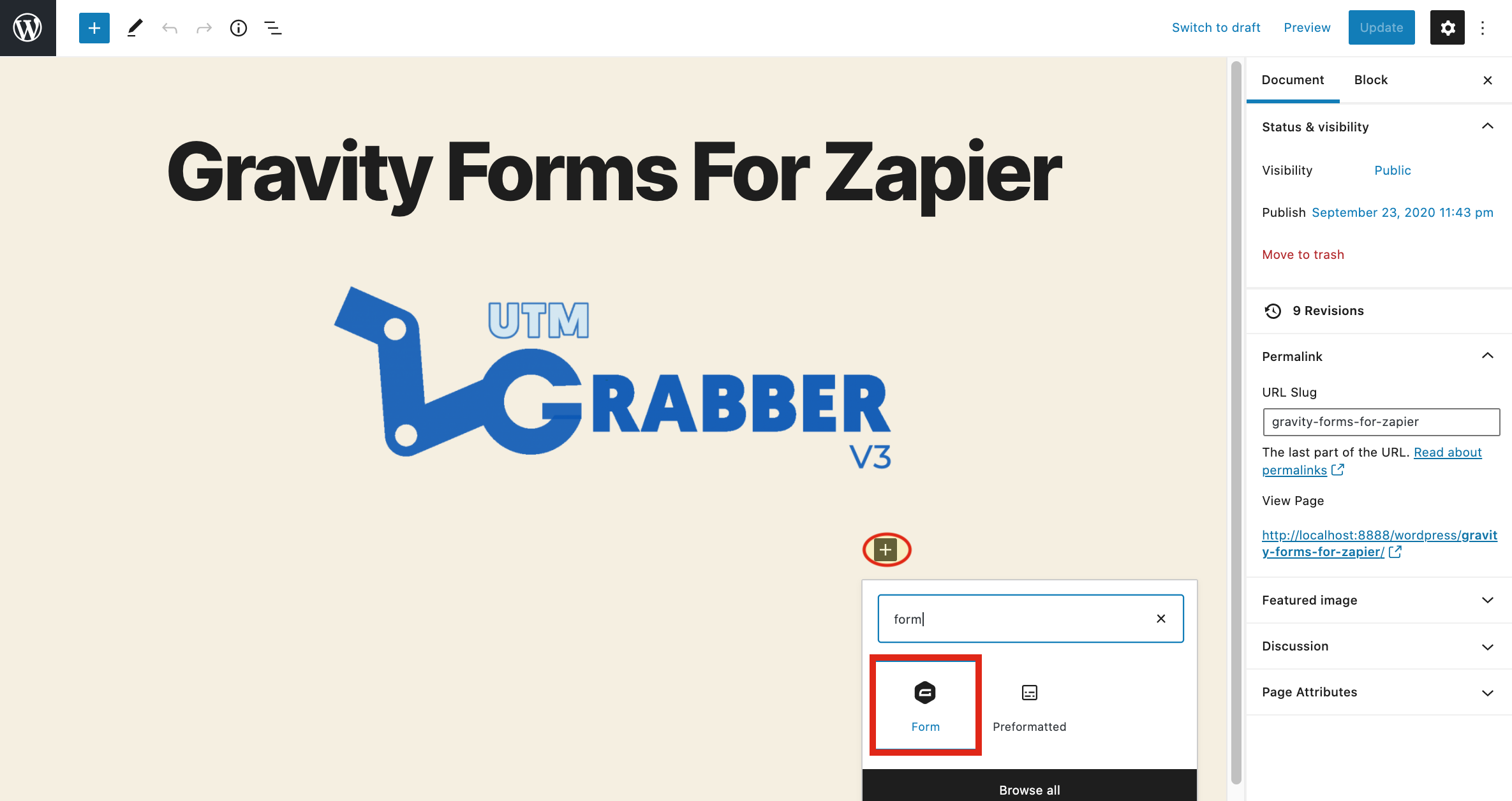
12-)Click on Update Button
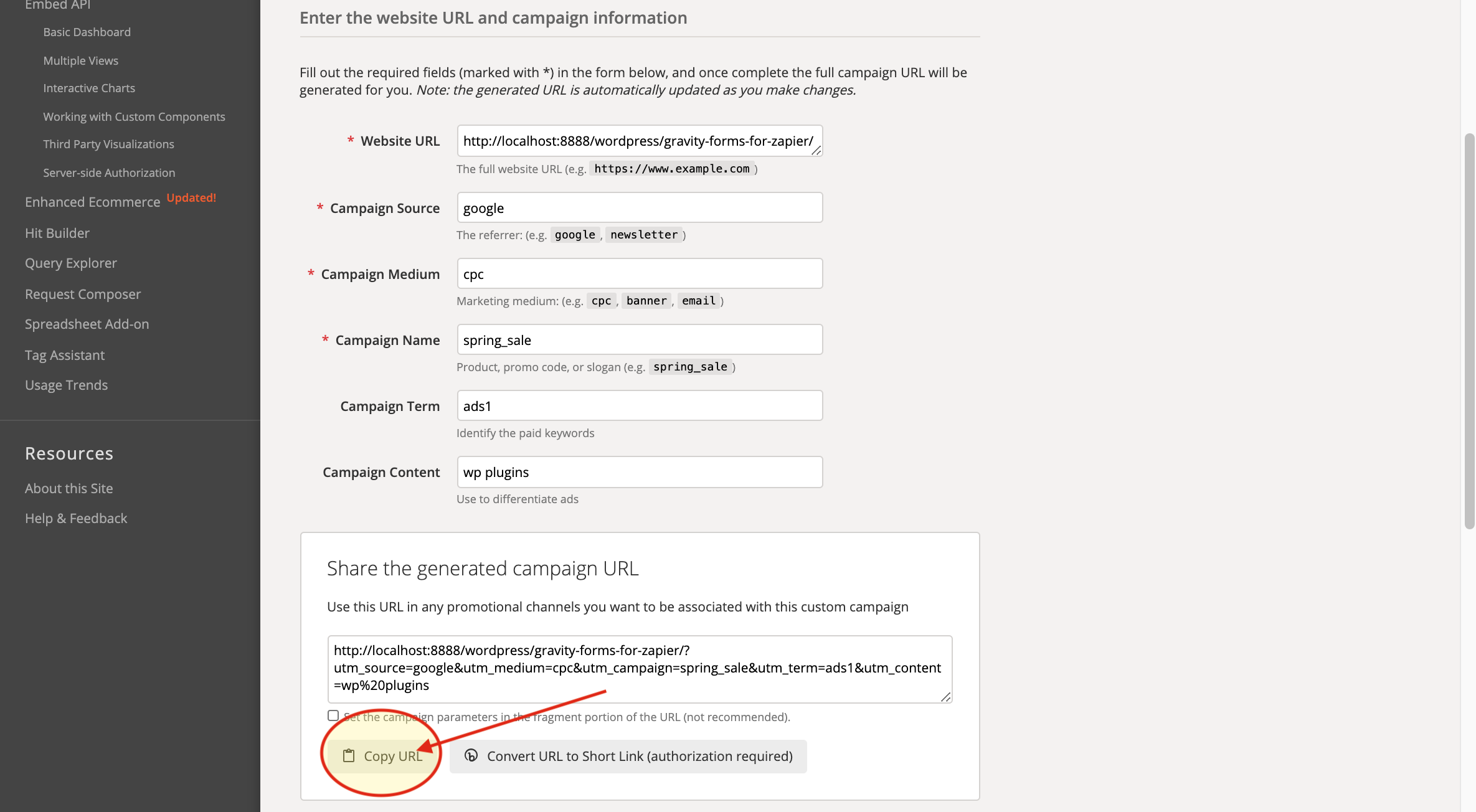
13-)Go To Campaign URL Builder And Copy The URL that it Generated
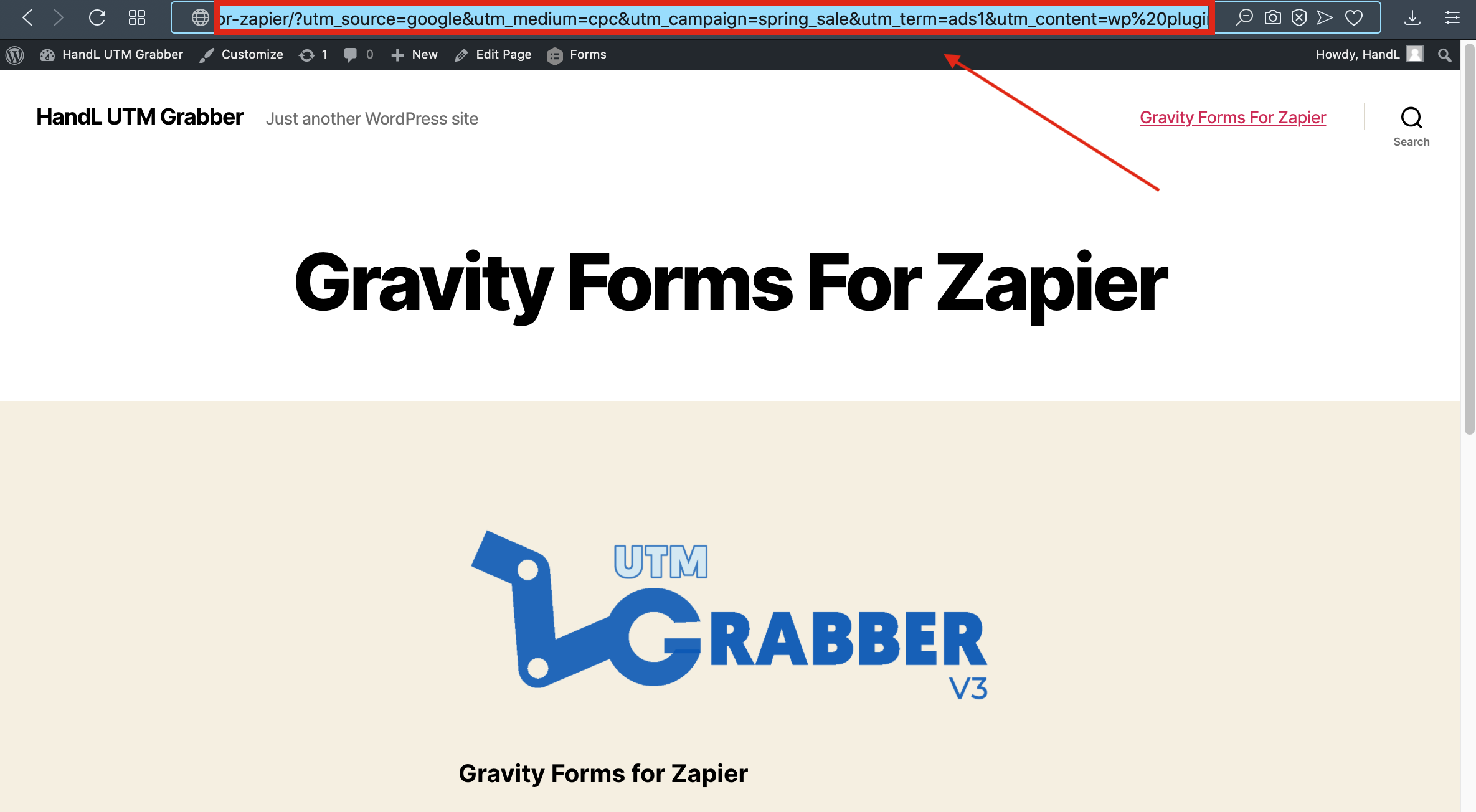
14-)Paste the URL that you copied
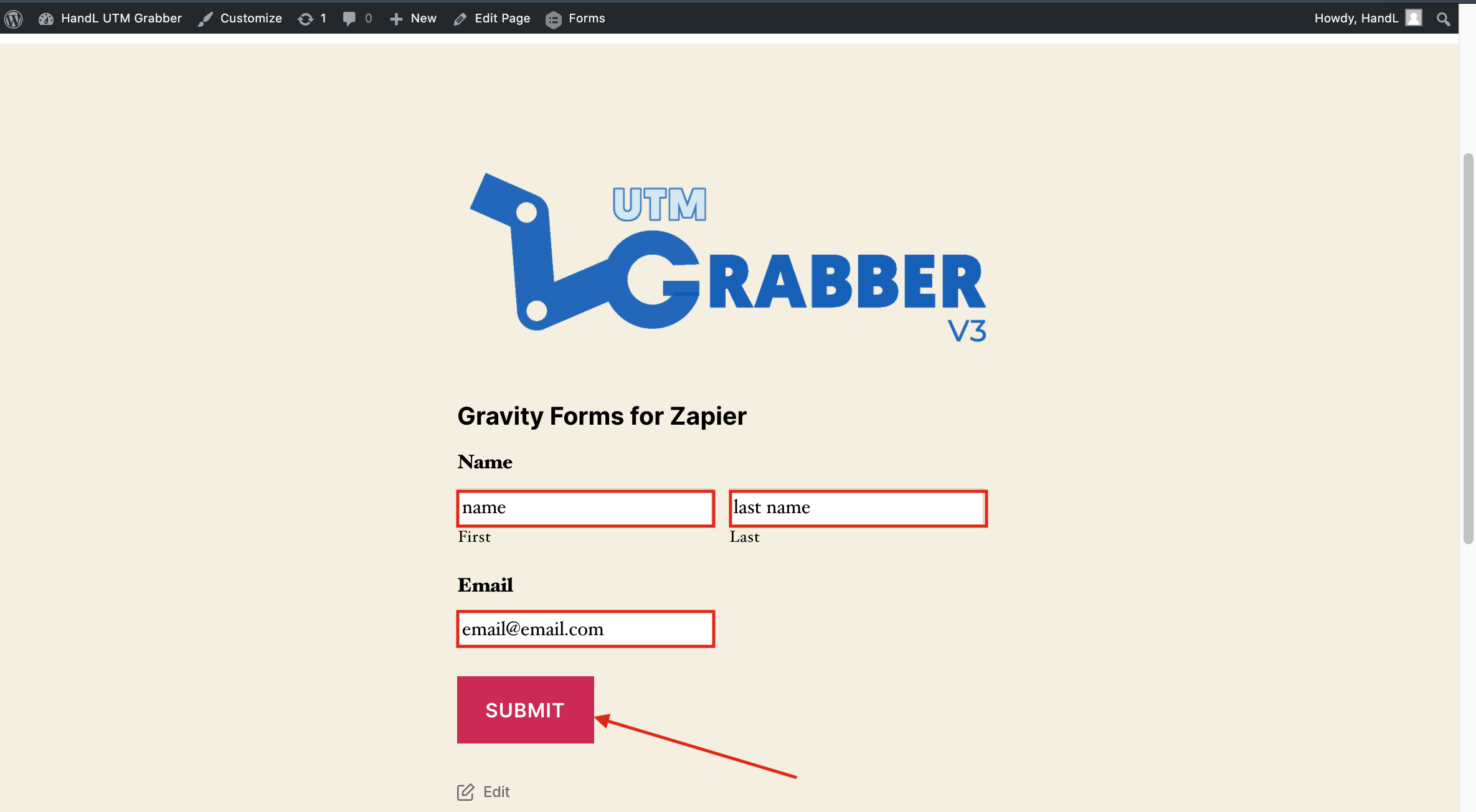
15-)Fill the blanks on your form and submit
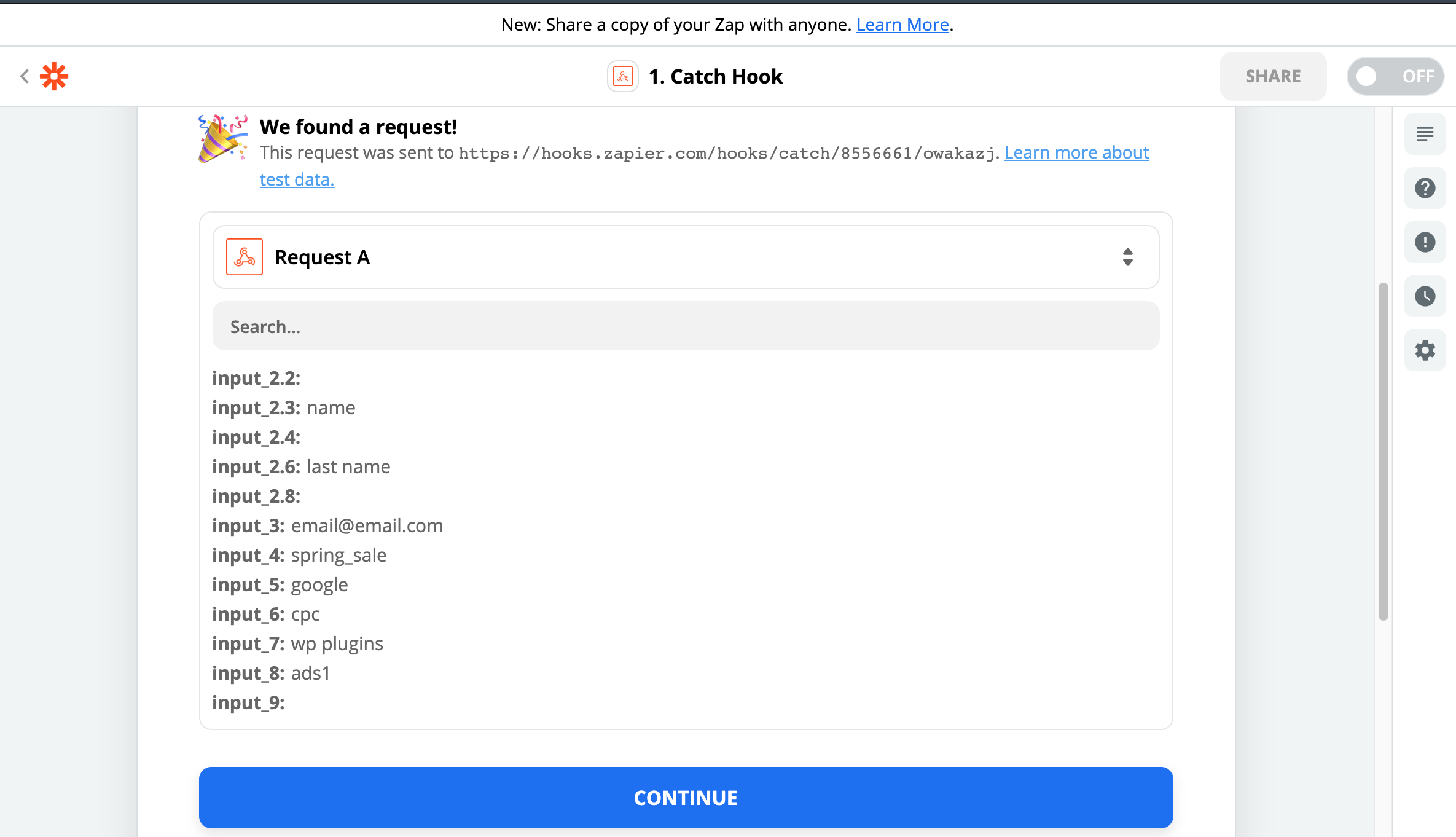
16-)Here is Your Result on Zapier