Selecting specific parameters for append utm with HandL UTM Grabber
UTM attribution overview
This guide explains Selecting specific parameters for append utm with HandL UTM Grabber. It helps you capture UTM source, medium, campaign, term, content, click IDs, referrer, and landing page data and keep the marketing context needed for accurate reporting across forms, bookings, signups, and sales.
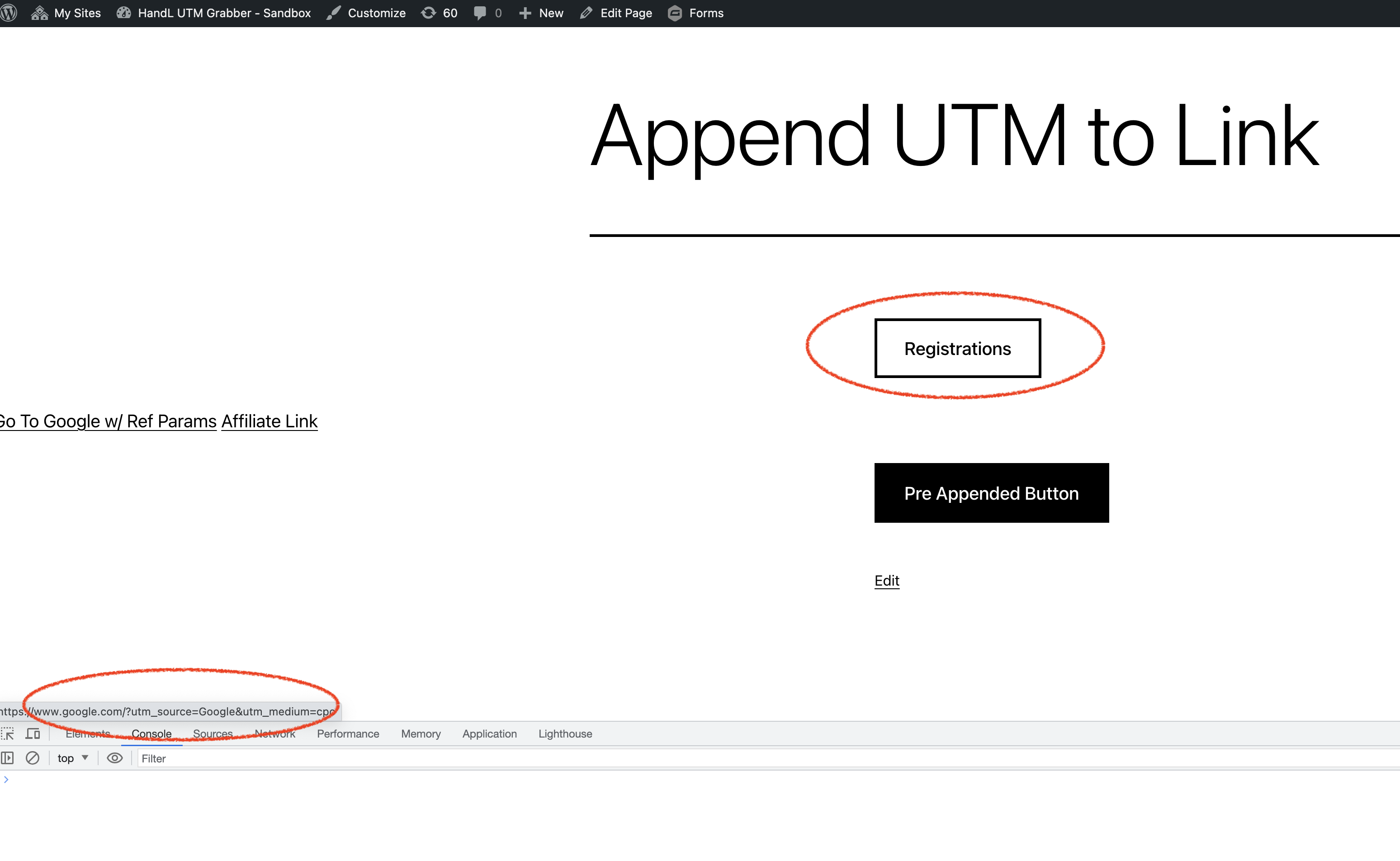
In some rare instances, you might want to specify certain parameters to append and exclude the rest. Make your selections below, and only the chosen parameters will be appended to the links. This also applies to the utm-out, utm-out-js and utm-src feature. If no selection is made below, all parameters will be appended by default.
Simply click Append UTM tab:
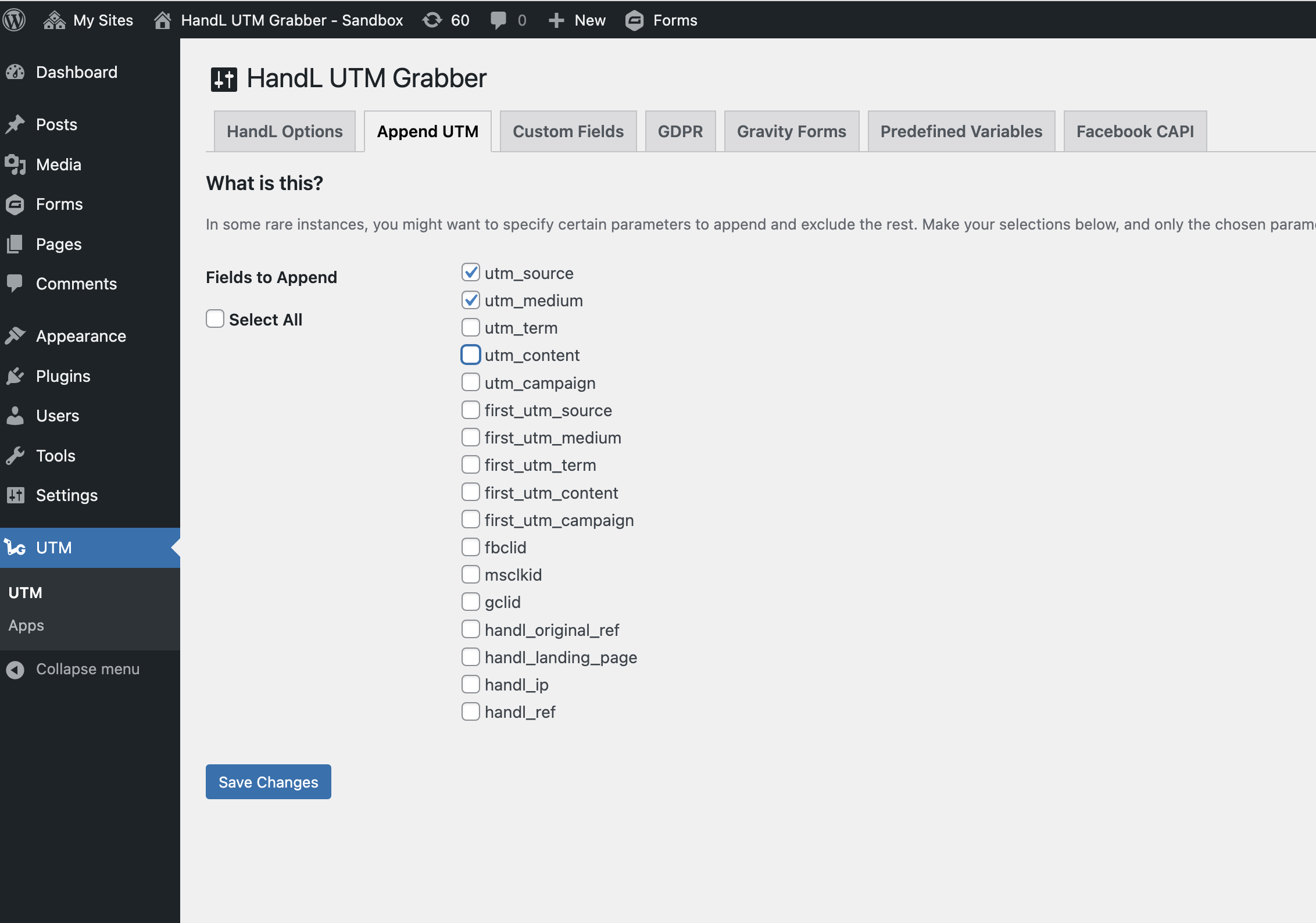
Select the fields you'd like to append.
Save the form.
Only the selected paramters will be appended to your links.