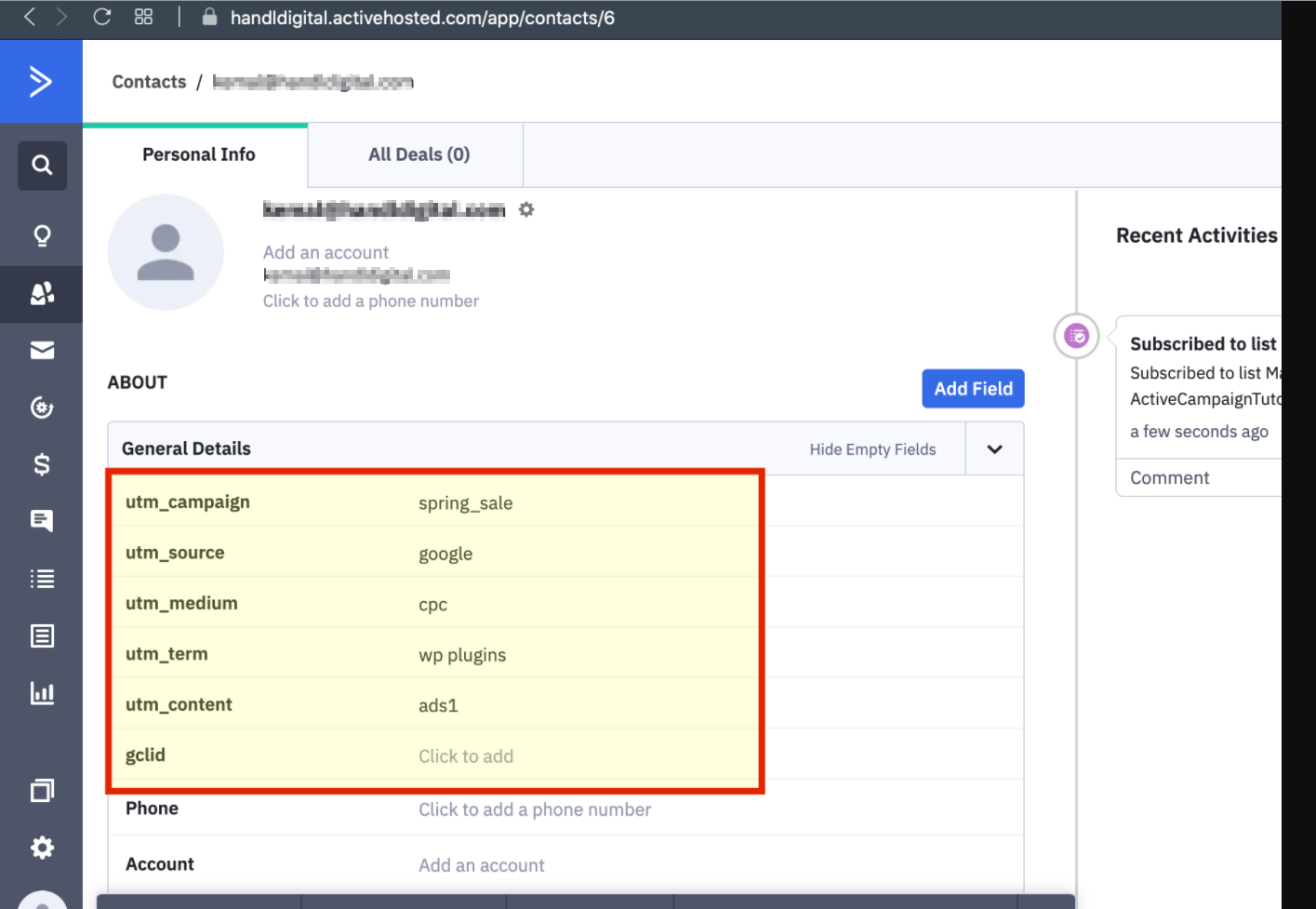
Active Campaign UTM Tracking Integration using Active Campaign Subscription Forms plugin
UTM attribution overview
This guide explains Active Campaign UTM Tracking Integration using Active Campaign Subscription Forms plugin with HandL UTM Grabber. It helps you pass lead attribution into your CRM, email platform, or marketing automation workflow and keep the marketing context needed for accurate reporting across forms, bookings, signups, and sales.
1-) You Can Find Your URL And Key Here
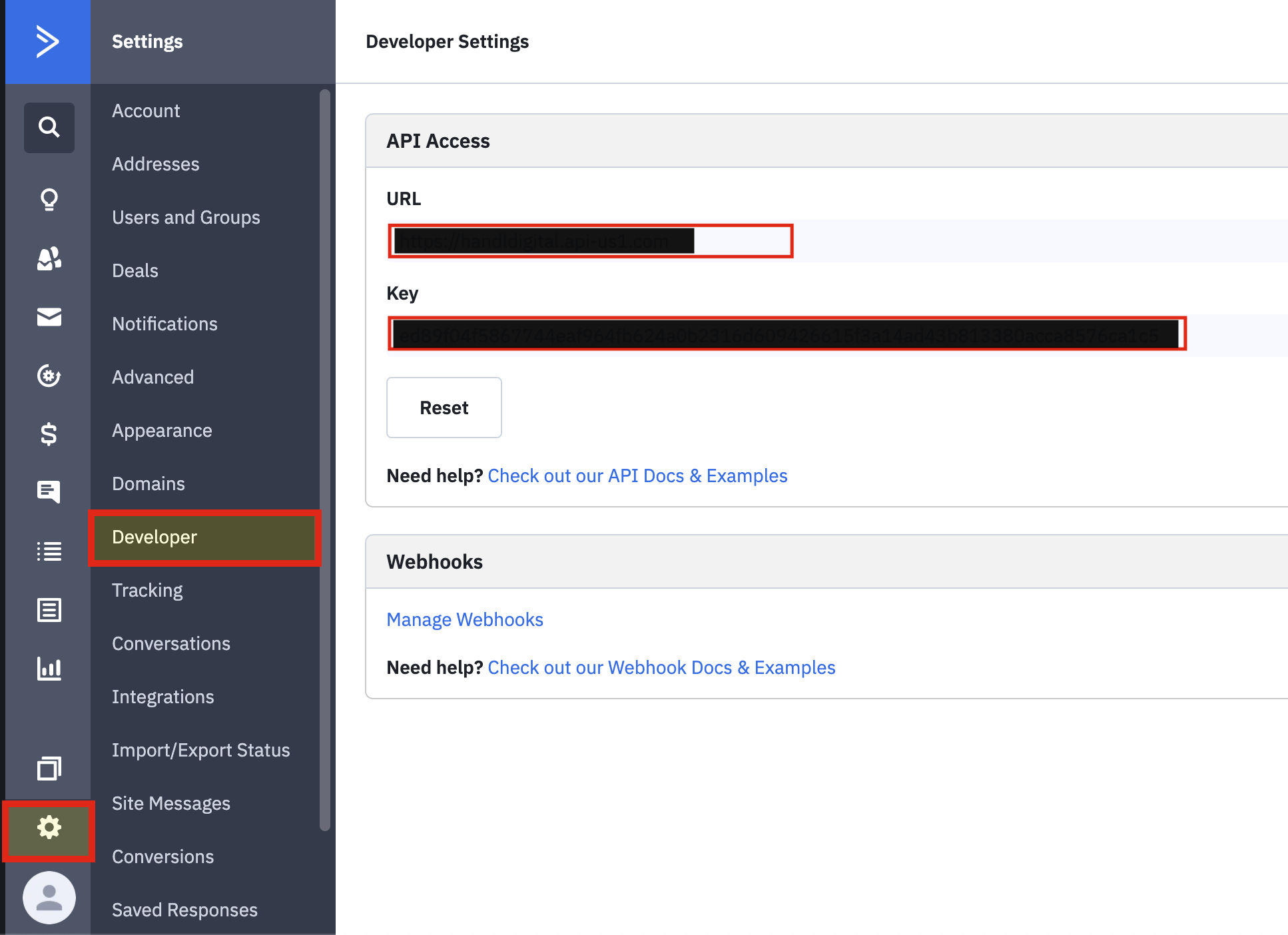
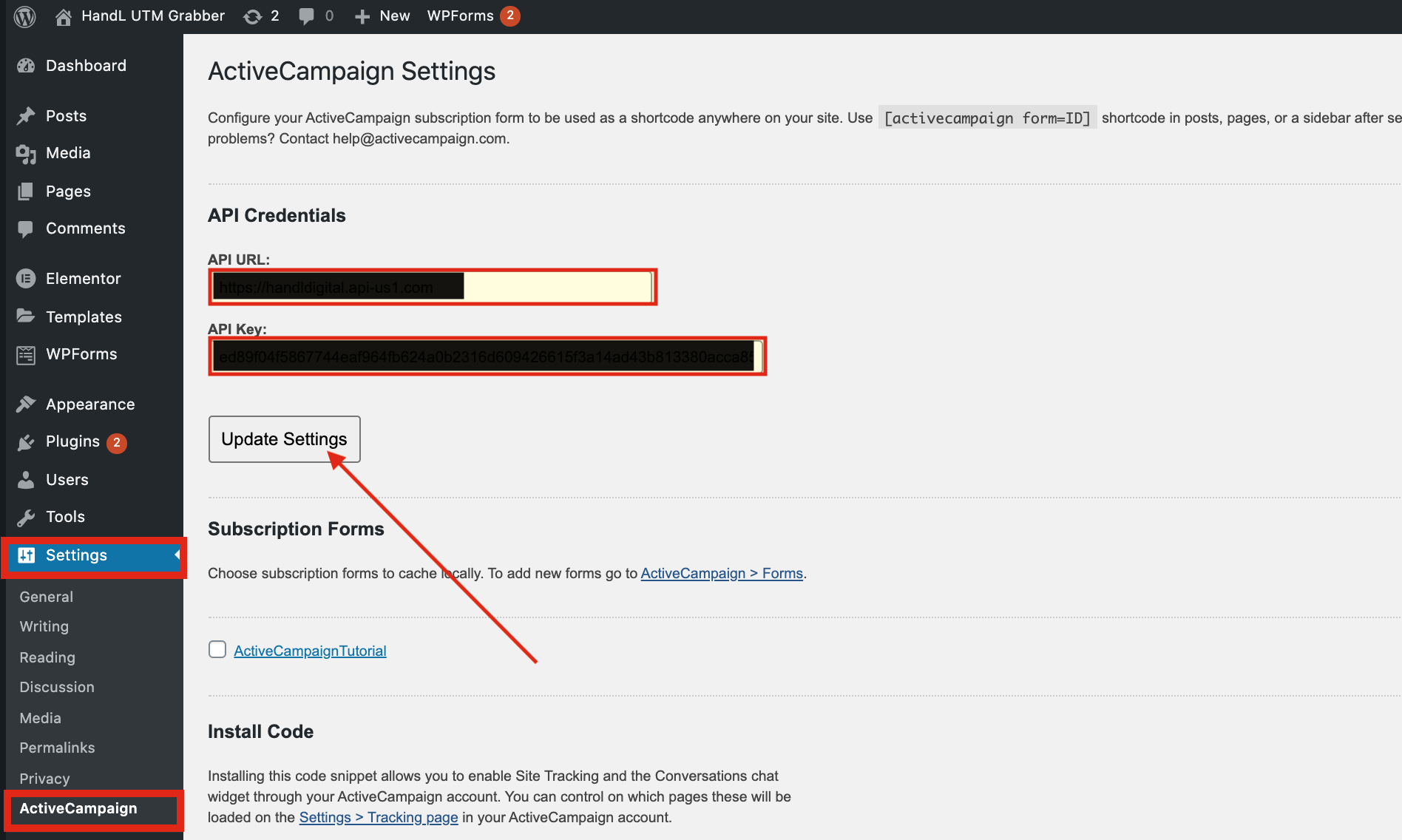
2-) Go To Active Campaign From Settings And Paste your URL And Key
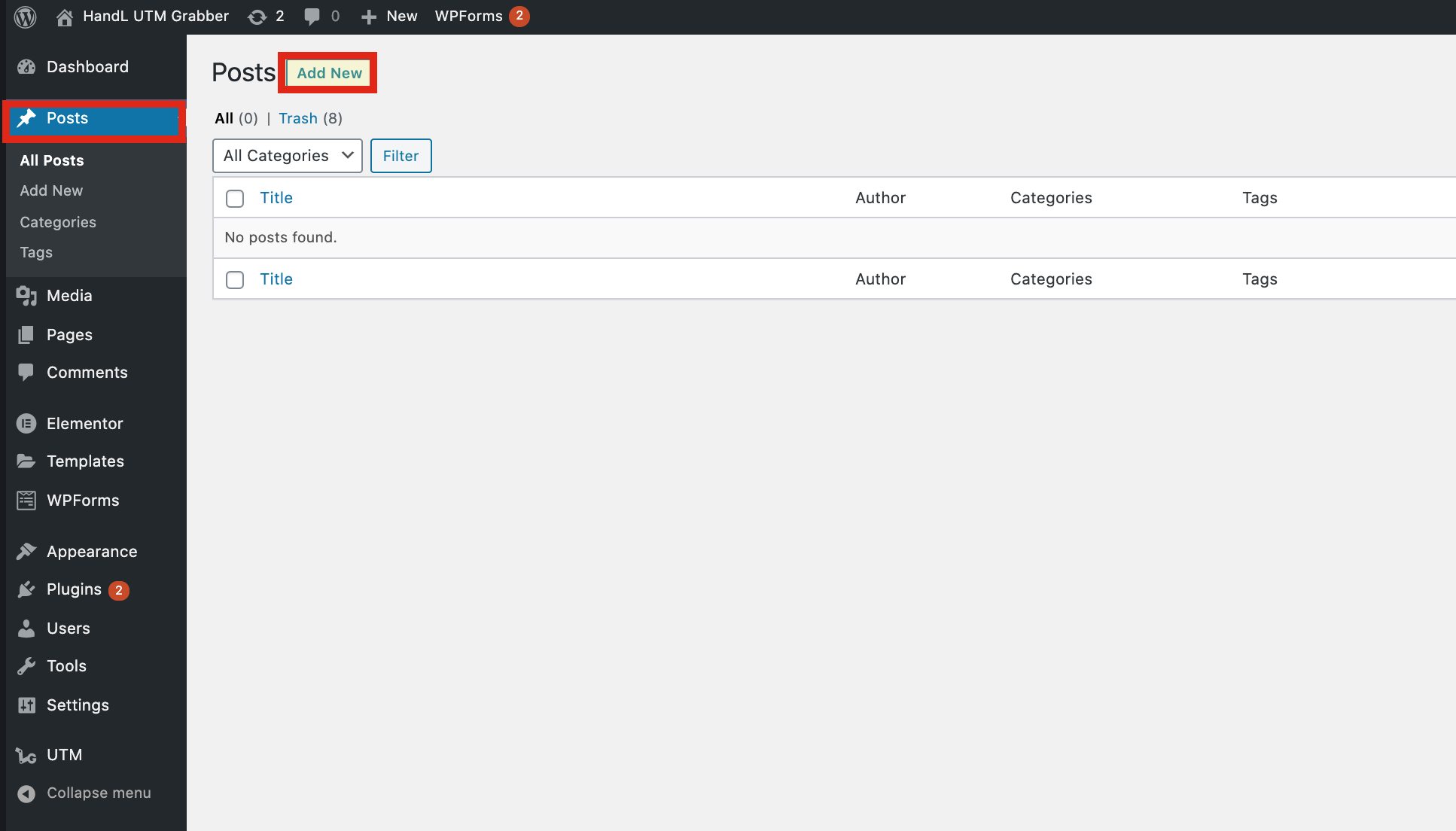
3-) Go To Posts And Add New One
4-) Click The Plus Button And Add An Active Campaign Form
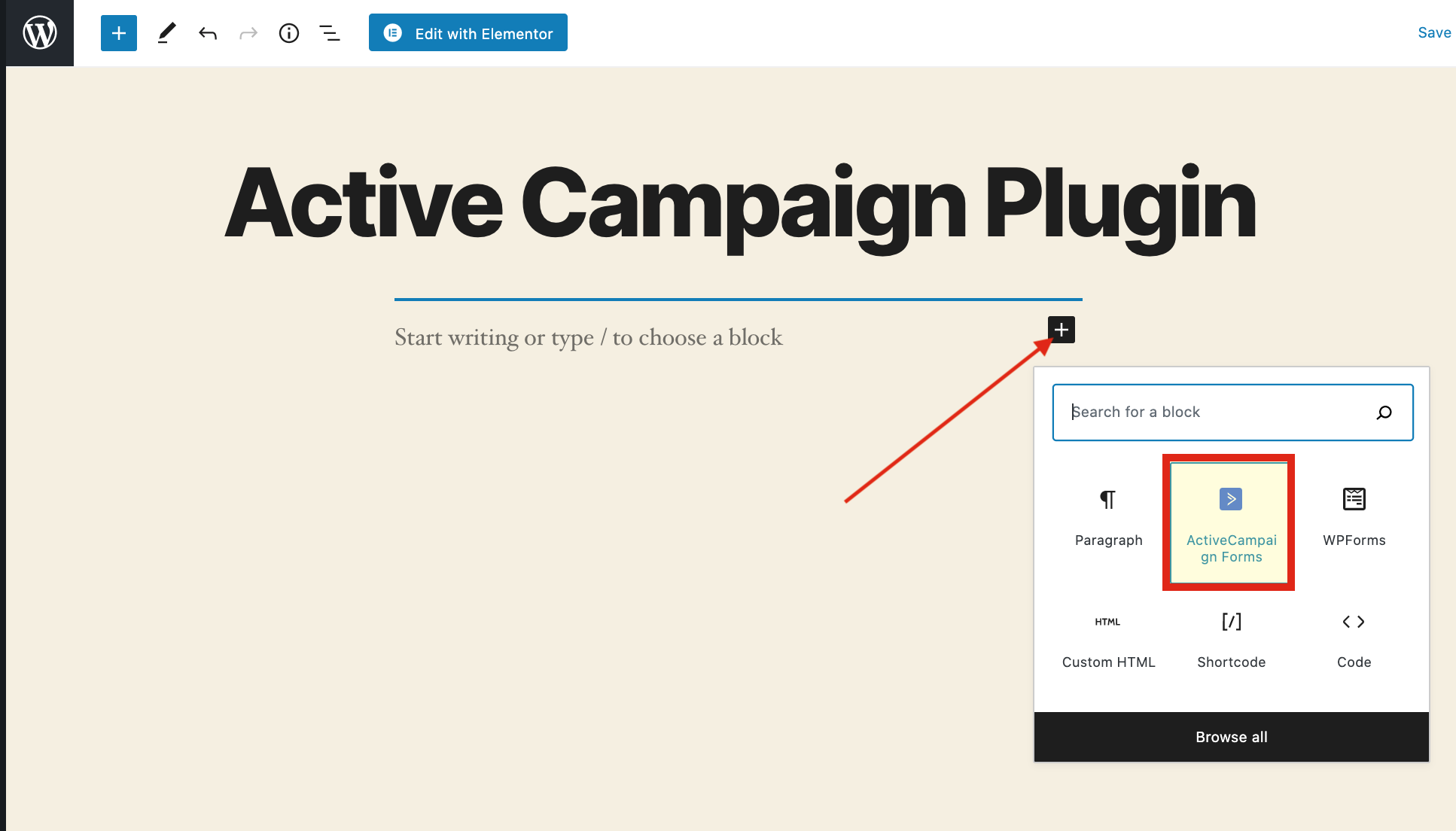
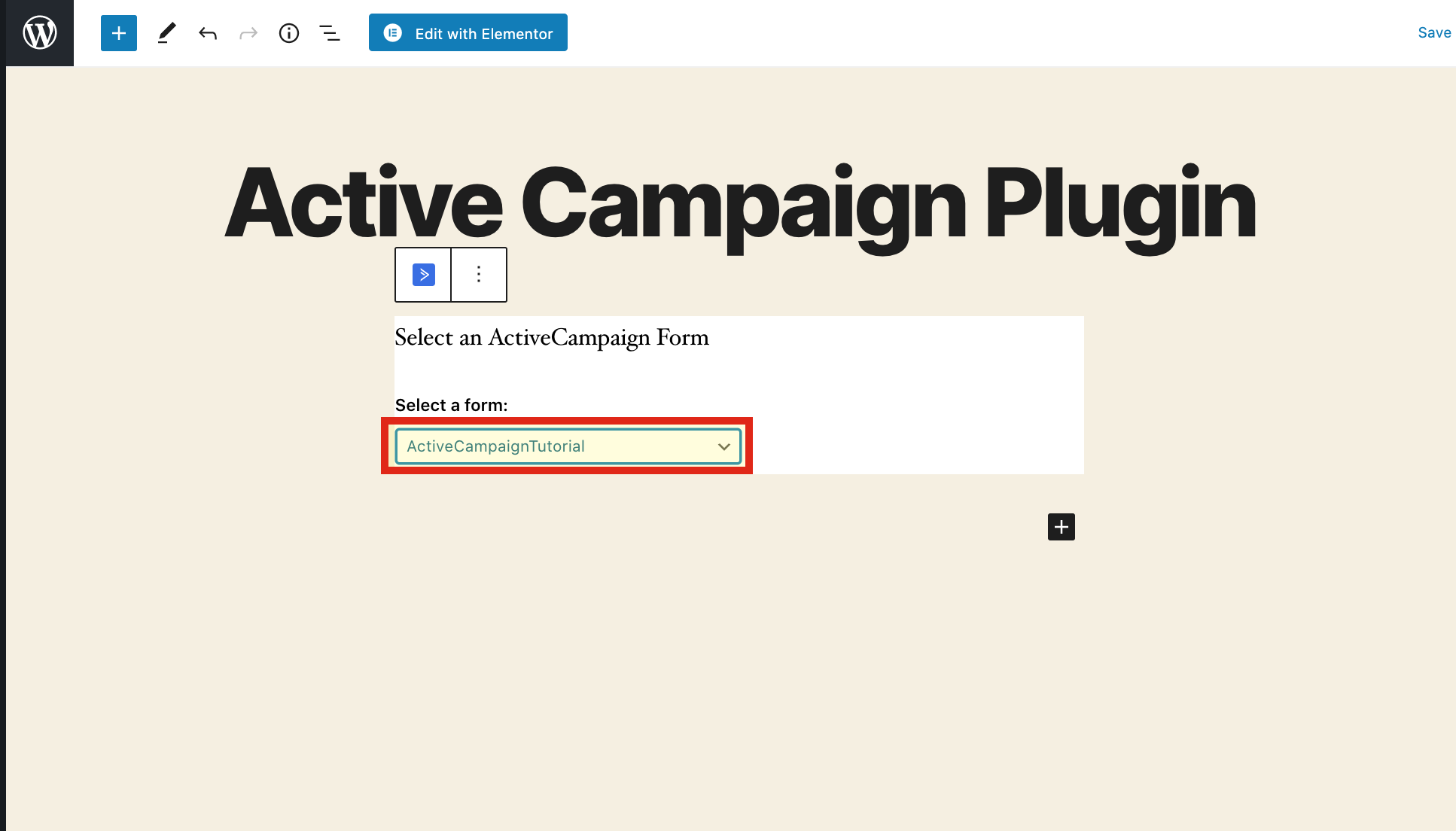
5-) Select Your Prepared Form
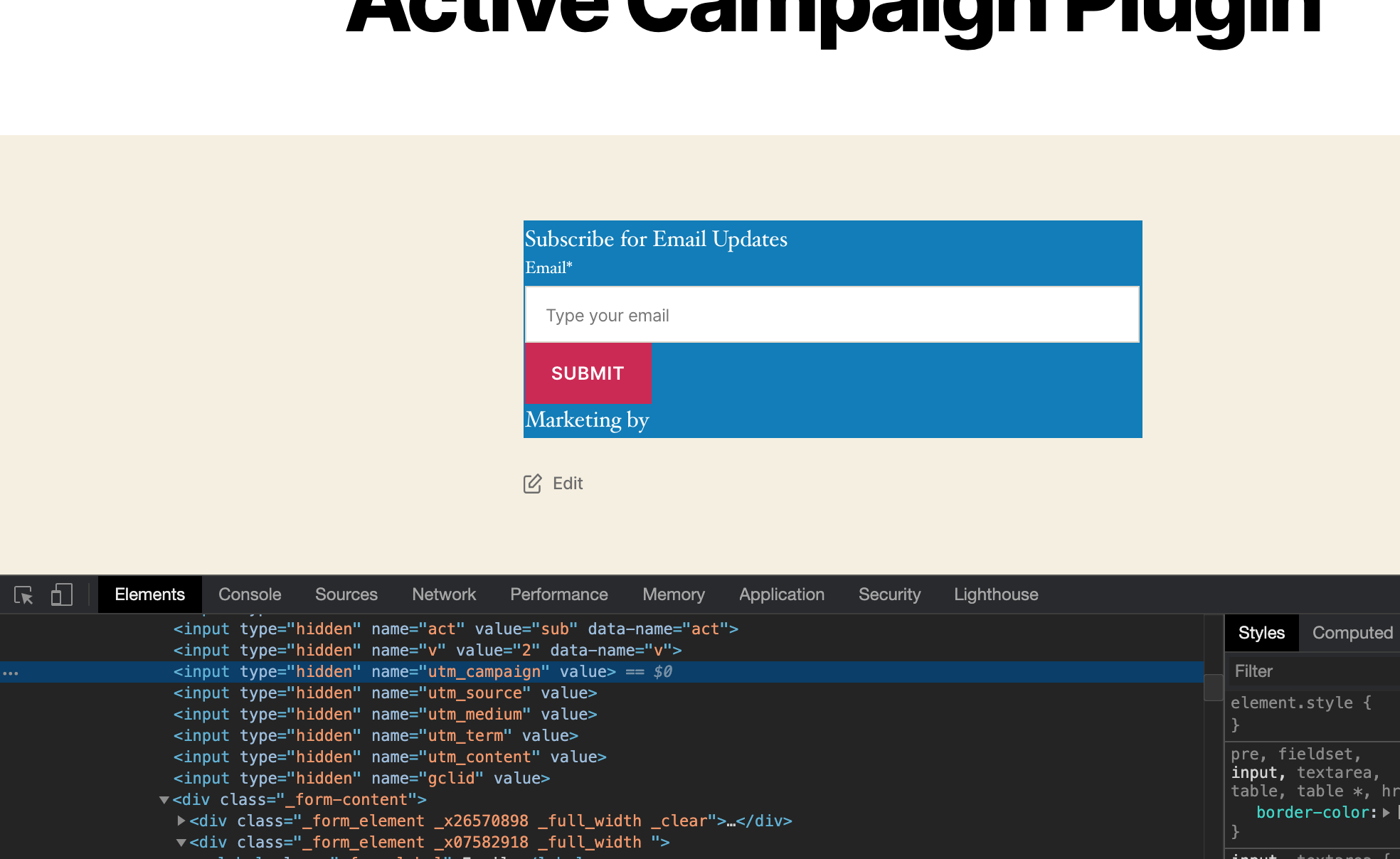
6-) You Can See Your Custom Fields
7-) Go To Campaing URL Builder to Fill your Custom Fields
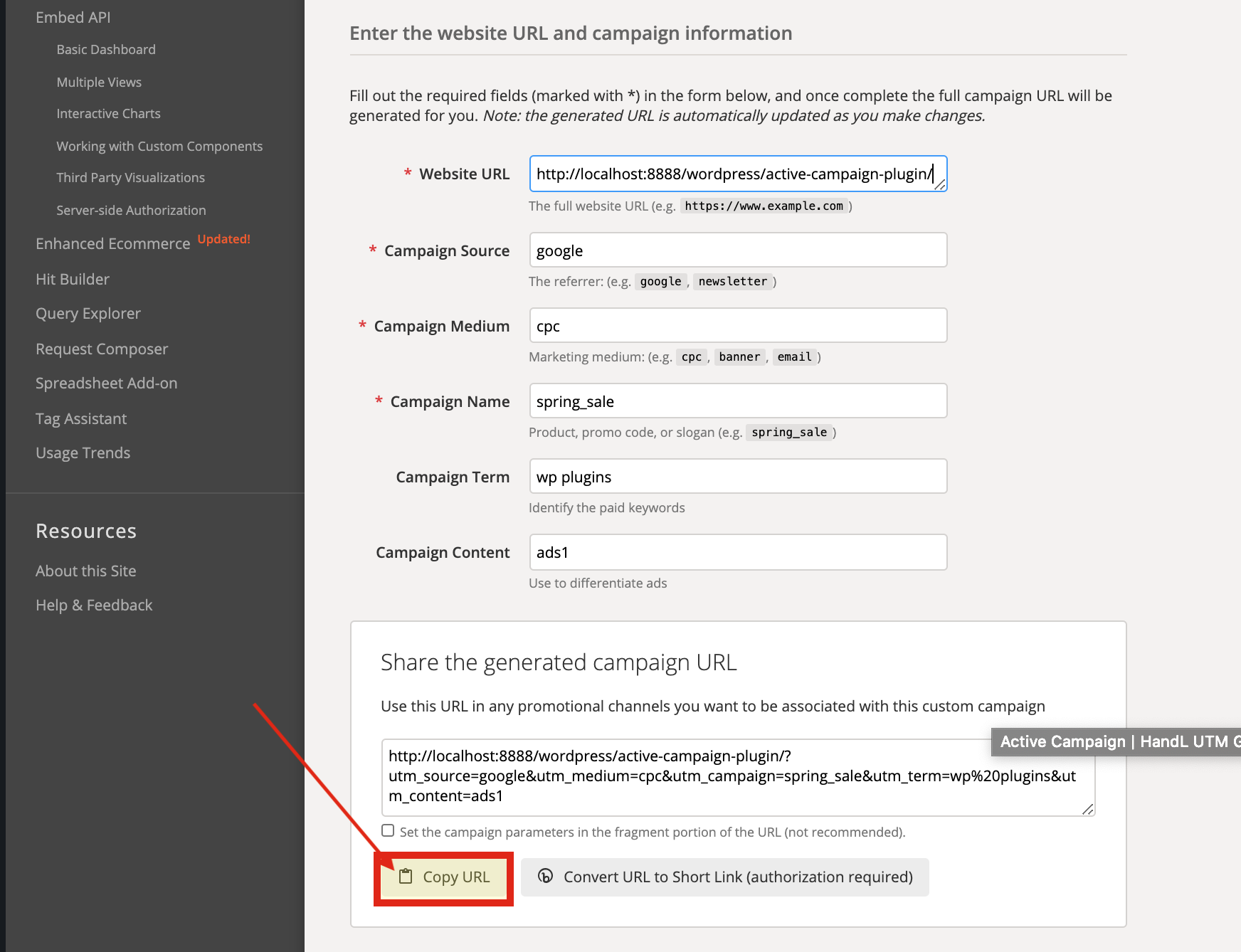
8-) Paste The URL That You Copied
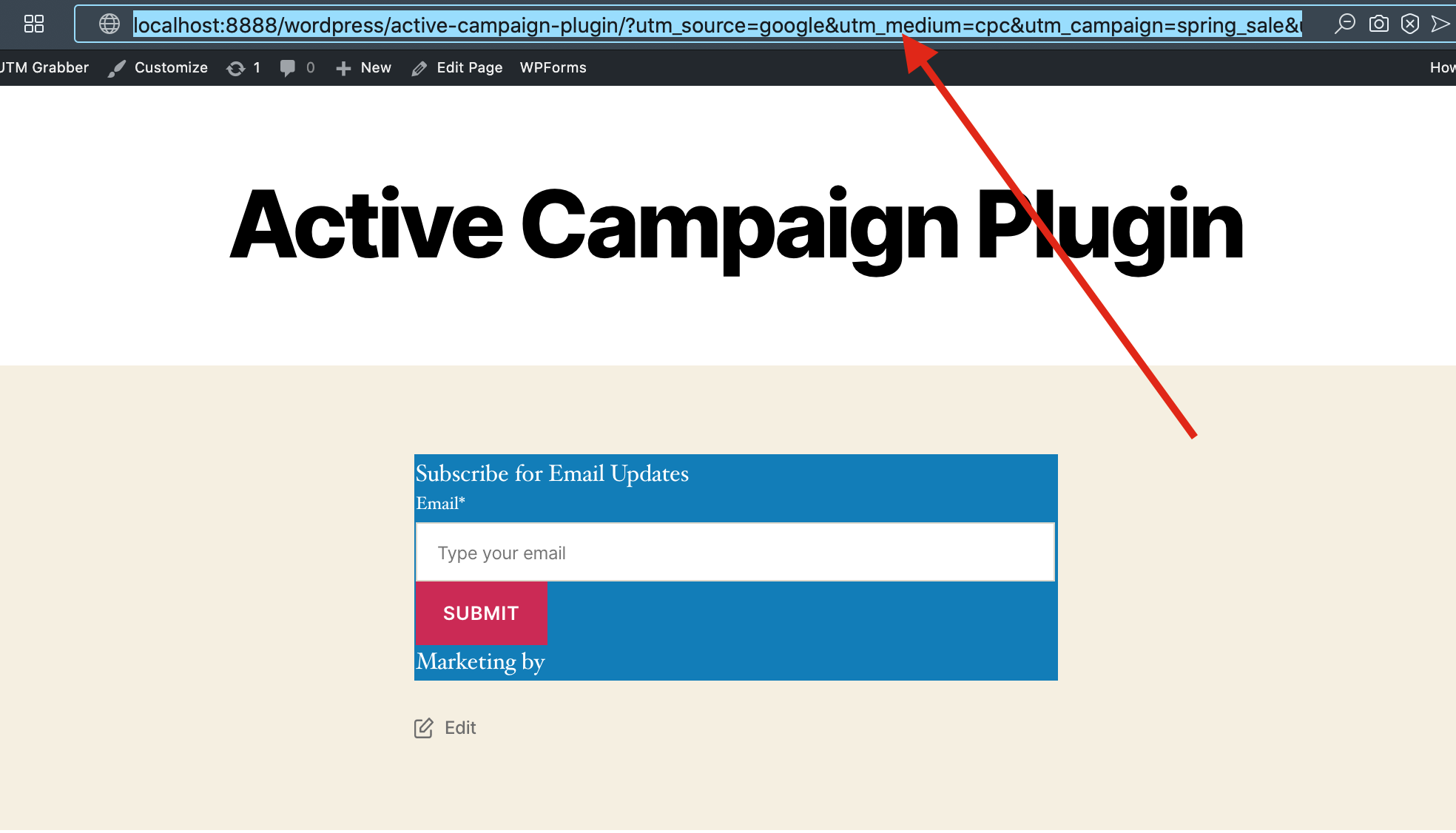
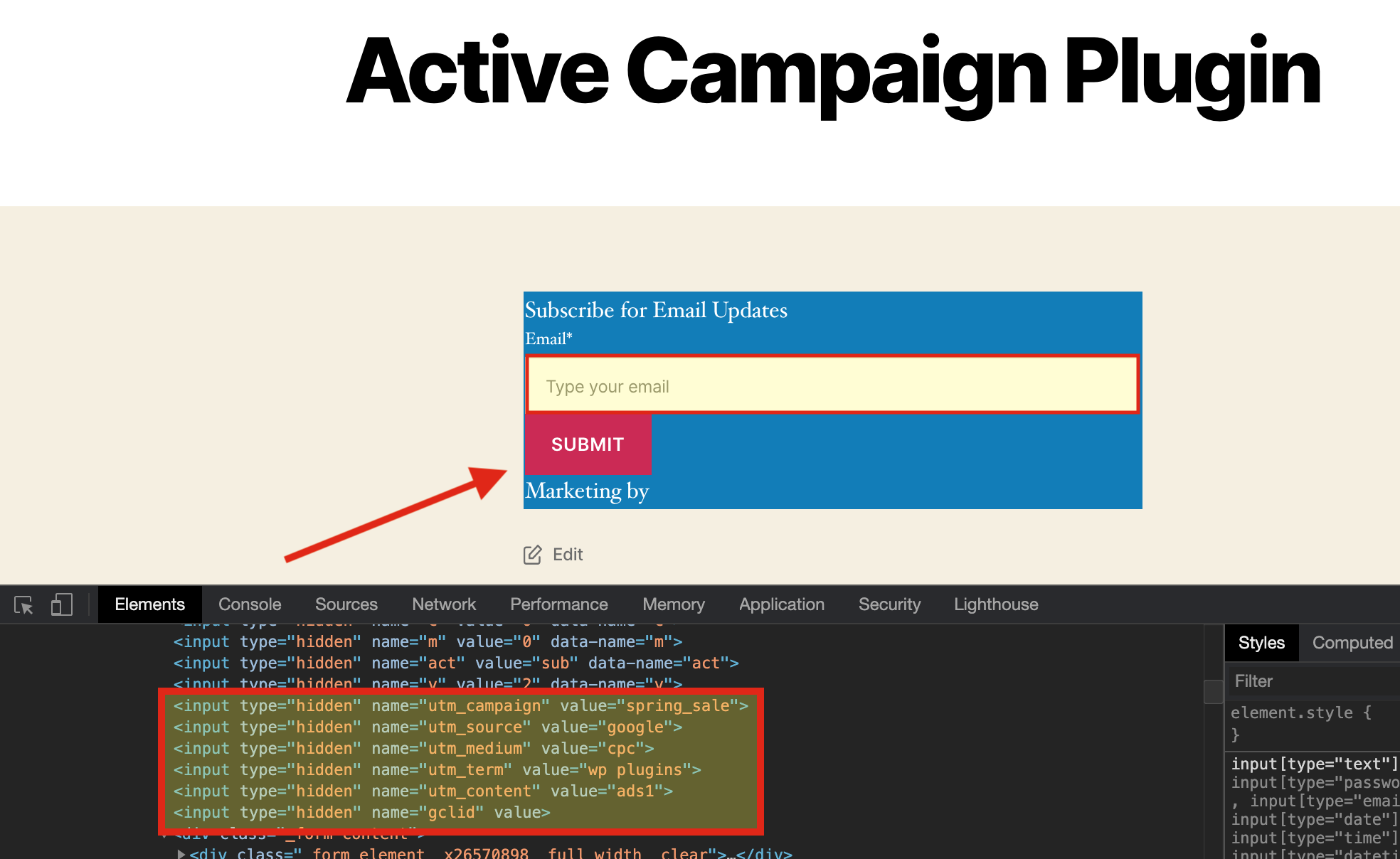
9-) You Can See The Tracked Variables Here, Fill The Form And Submit it
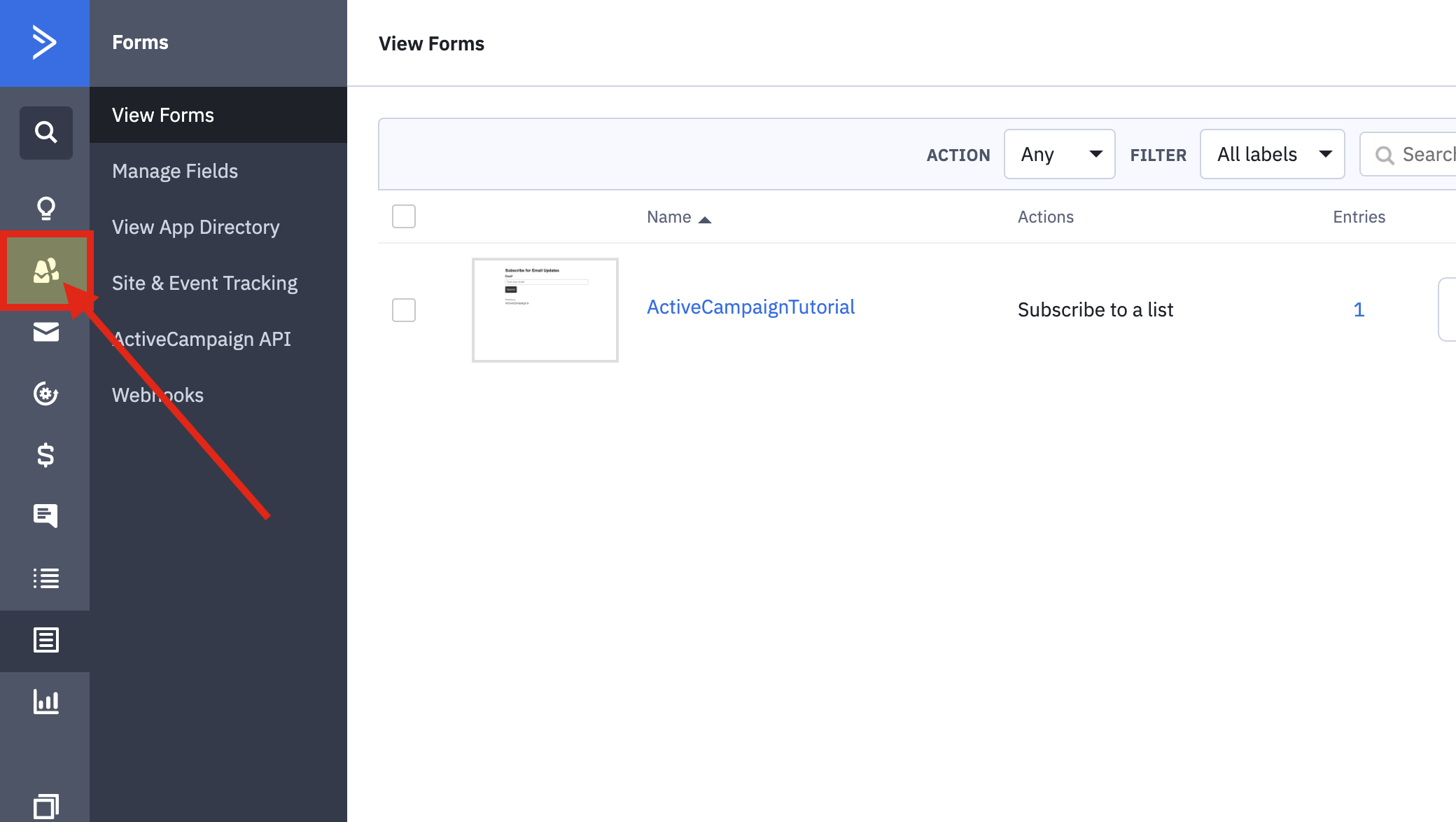
10-) Now Go To Contacts
11-) There Should Be A Contacted Member
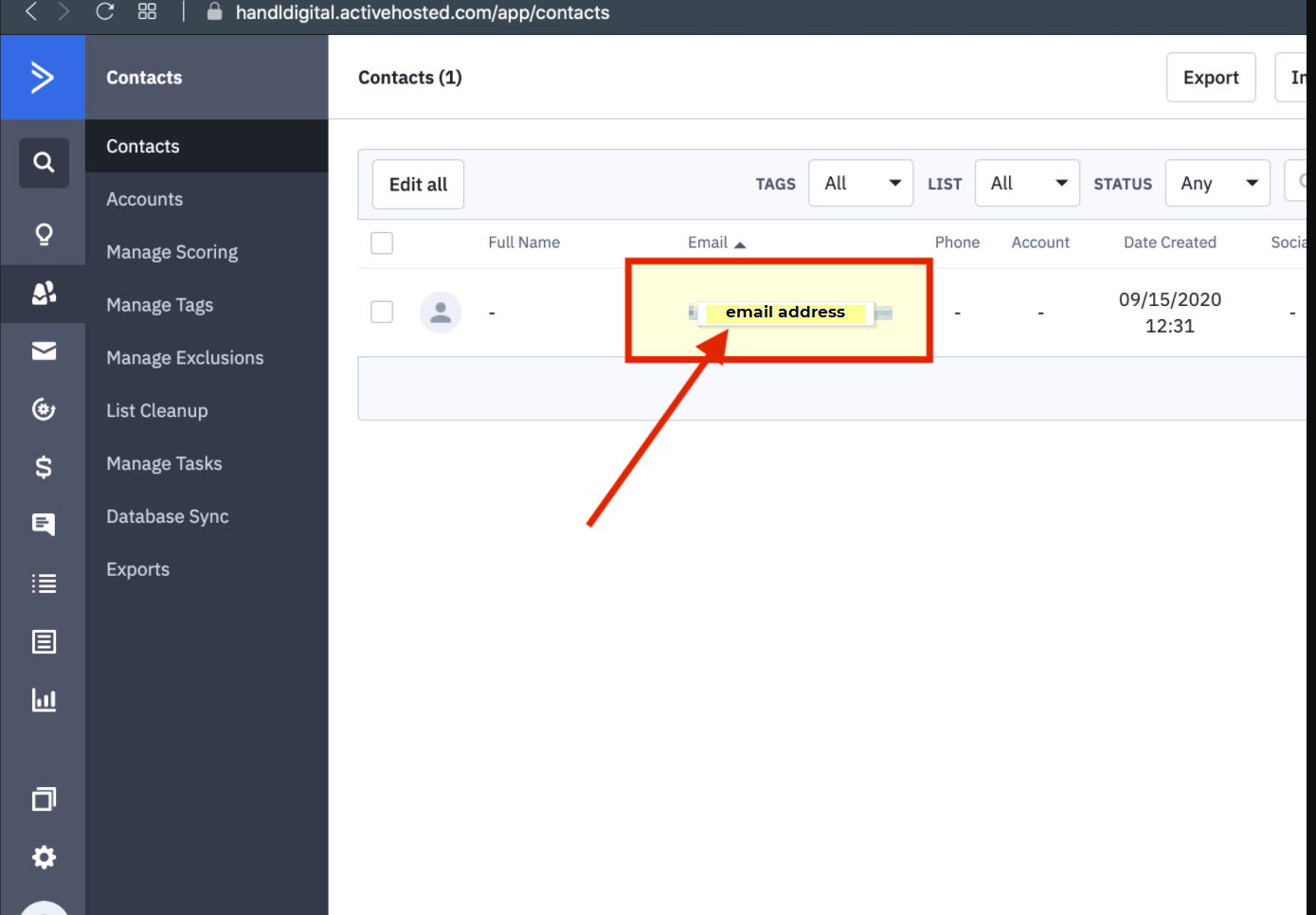
12-) There is The Result