
Using Thrive Automator with UTM Grabber
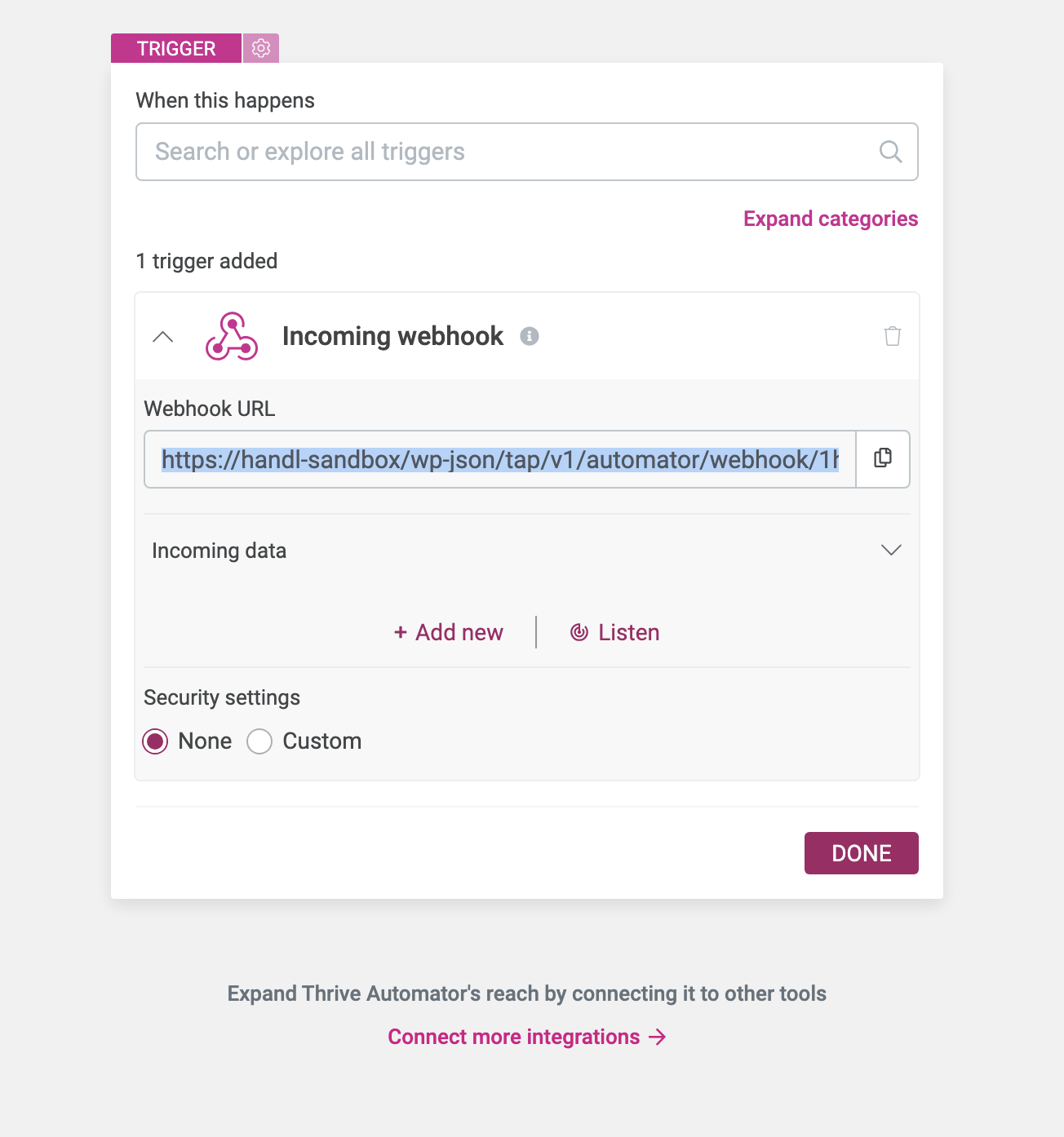
First, create a webhook in Automator
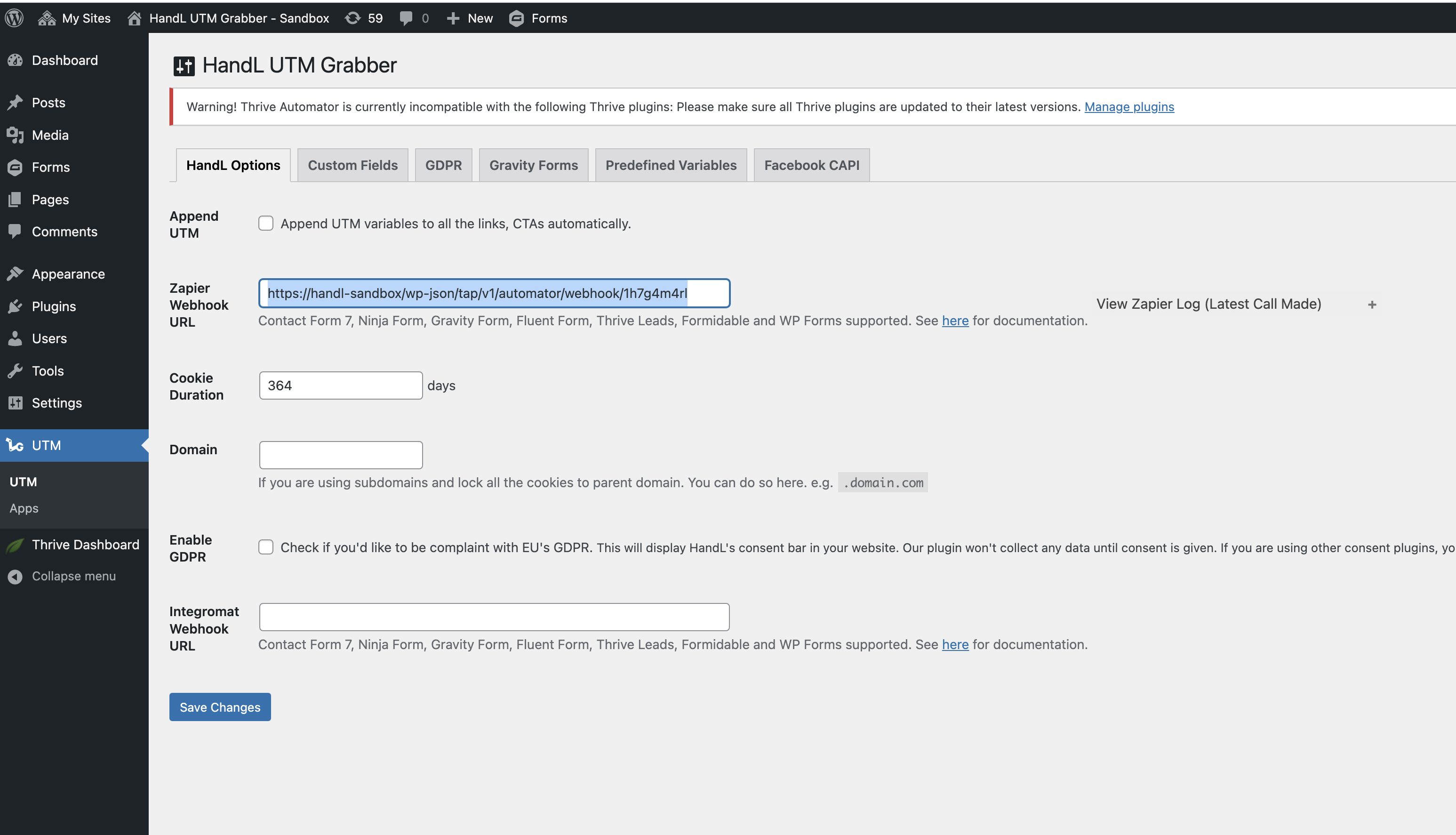
Set UTM Grabber Webhook URL
Copy the URL from the Webhook URL and paste it into the UTM > Zapier URL section. Then, save the form.
Upon completing these steps, the automation in Thrive Automator will be triggered whenever a new lead submits your lead form.