
Using Thrive Automator with UTM Grabber
UTM attribution overview
This guide explains Using Thrive Automator with UTM Grabber. It helps you capture UTM source, medium, campaign, term, content, click IDs, referrer, and landing page data and keep the marketing context needed for accurate reporting across forms, bookings, signups, and sales.
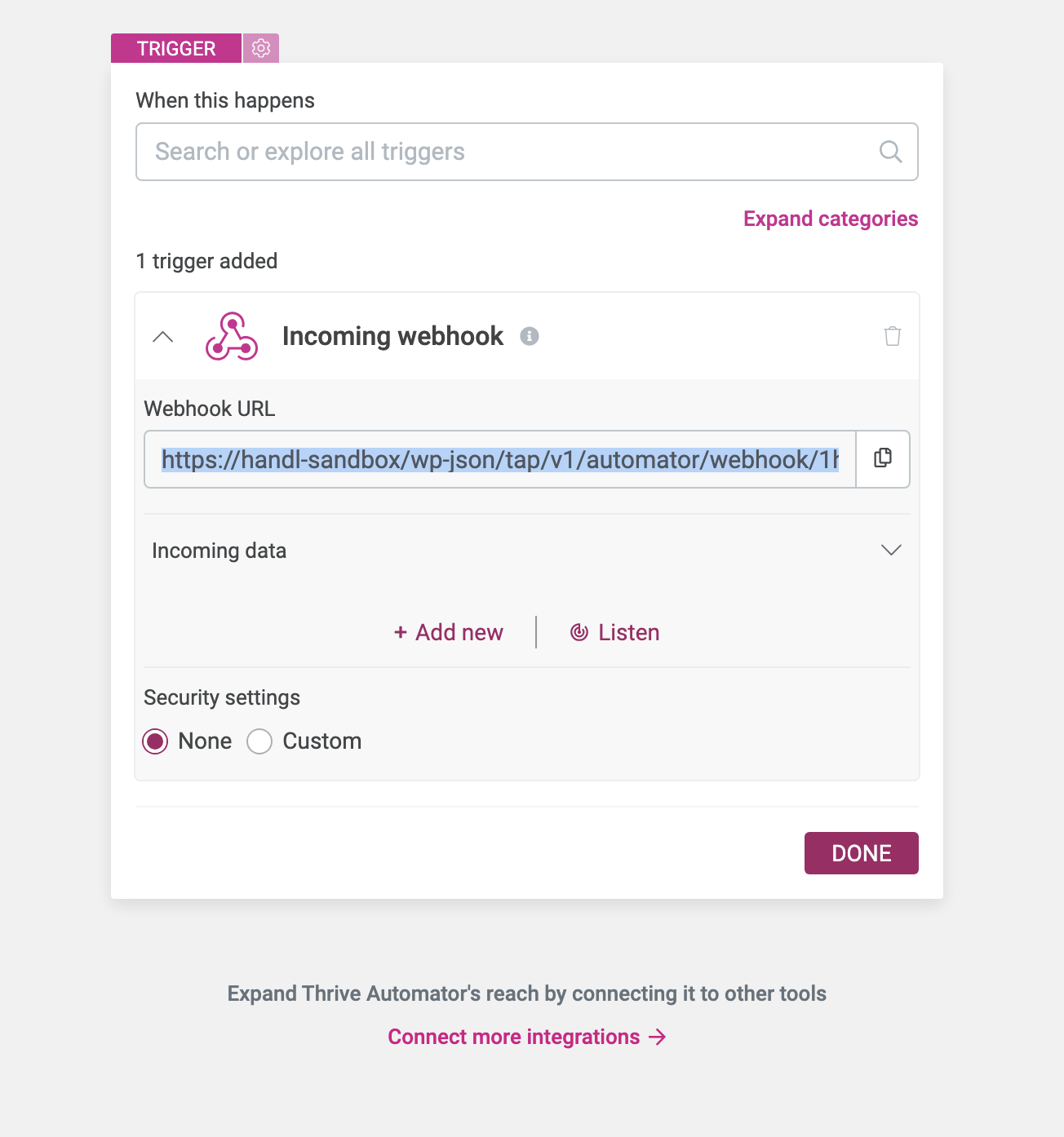
First, create a webhook in Automator
Set UTM Grabber Webhook URL
Copy the URL from the Webhook URL and paste it into the UTM > Zapier URL section. Then, save the form.
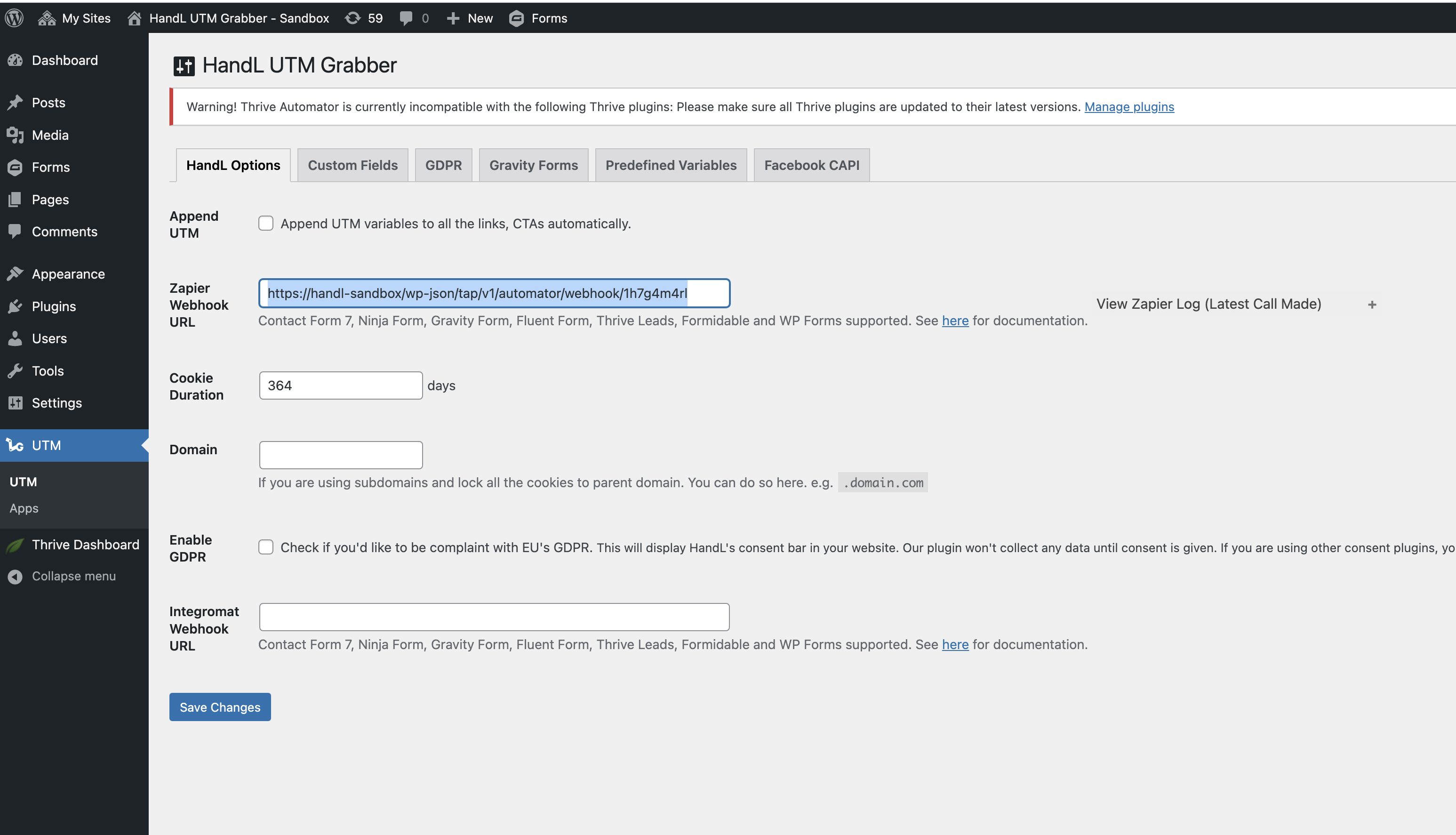
Upon completing these steps, the automation in Thrive Automator will be triggered whenever a new lead submits your lead form.