How to Install HandL UTM Grabber/Tracker V3
UTM attribution overview
This guide explains How to Install HandL UTM Grabber/Tracker V3. It helps you configure HandL UTM Grabber correctly so campaign attribution works reliably across WordPress and keep the marketing context needed for accurate reporting across forms, bookings, signups, and sales.
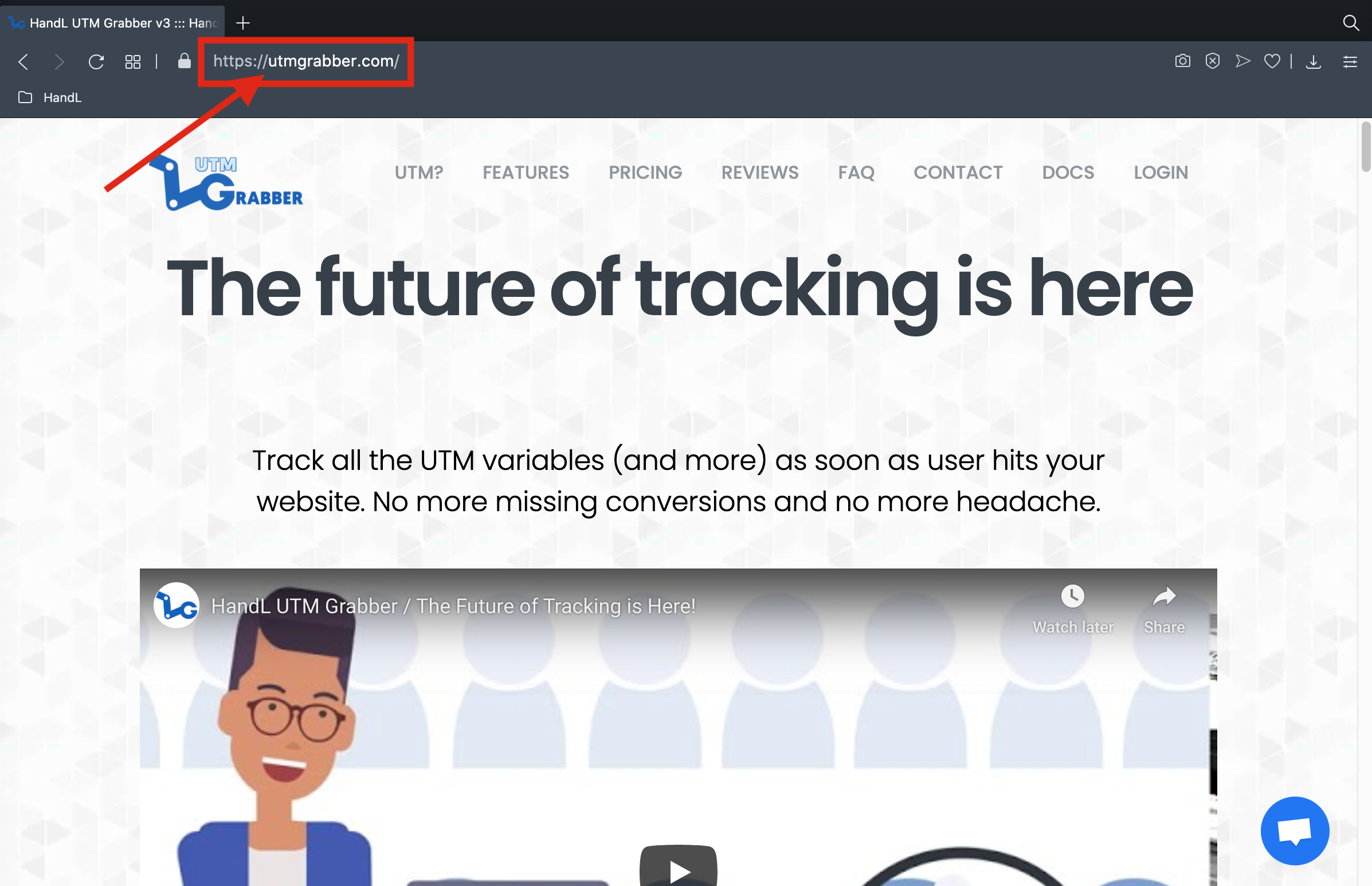
1. Open https://utmgrabber.com/ on your browser
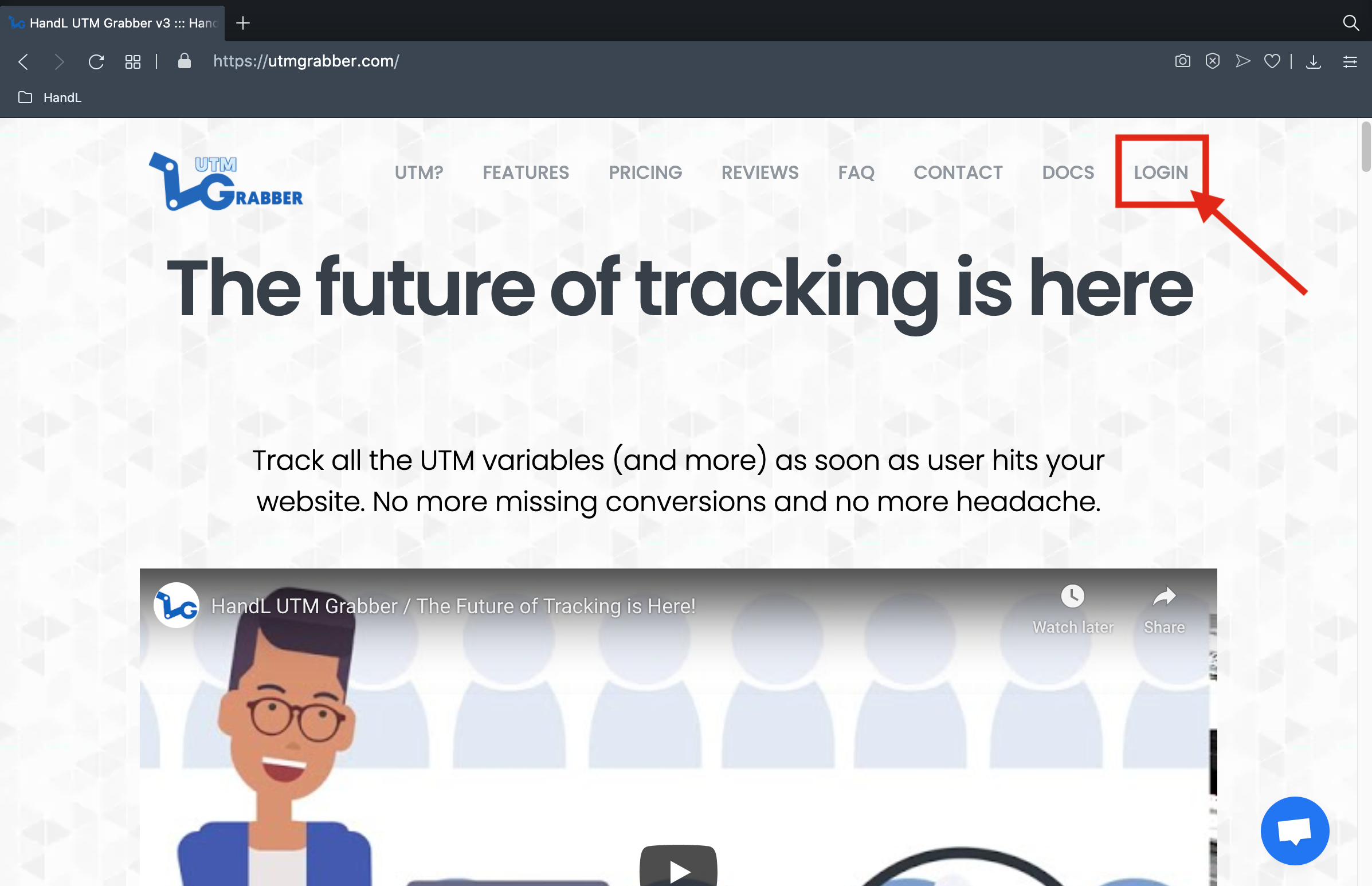
2. Click the 'LOGIN' Button
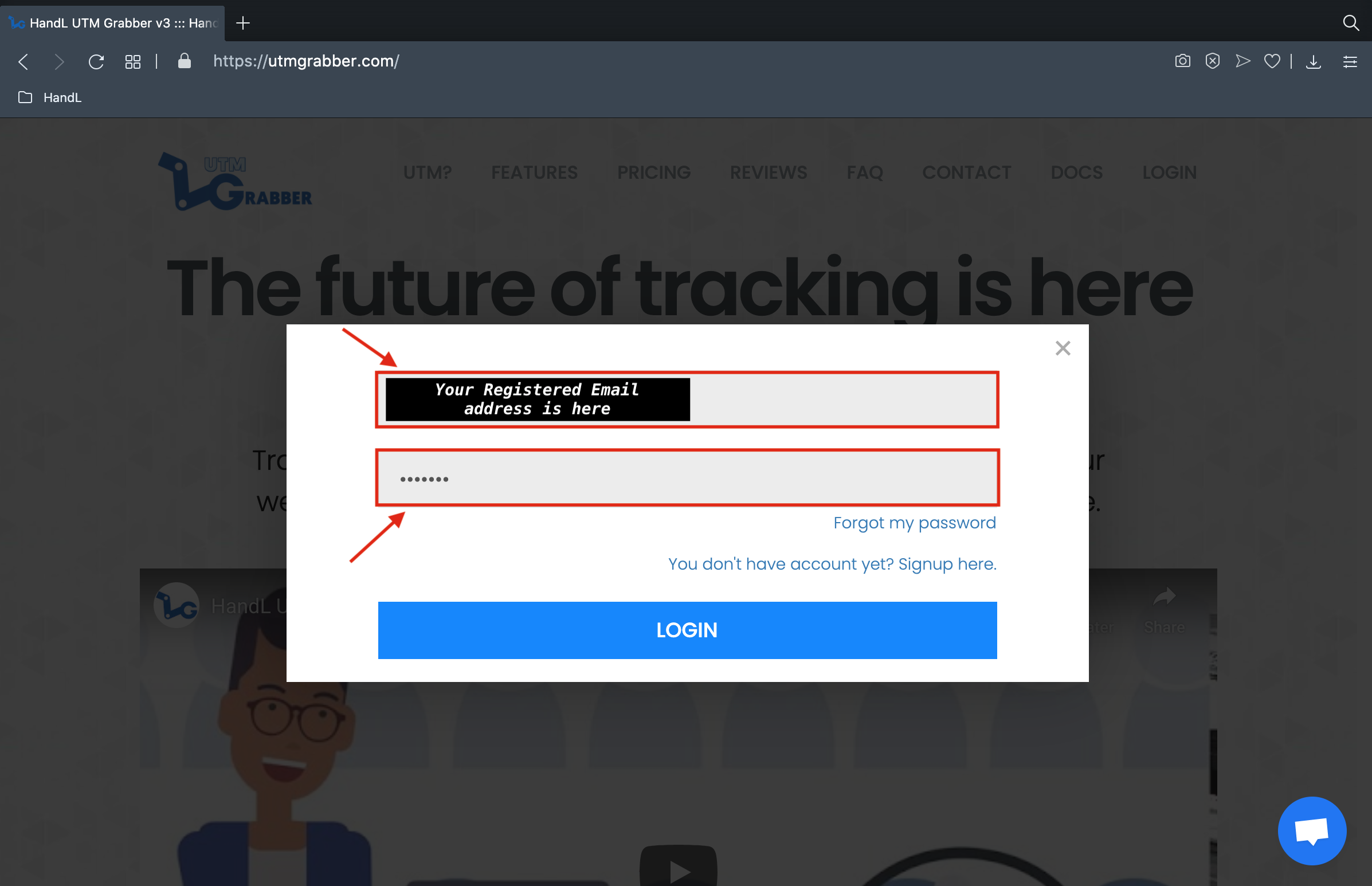
3. Login Your Registered Account
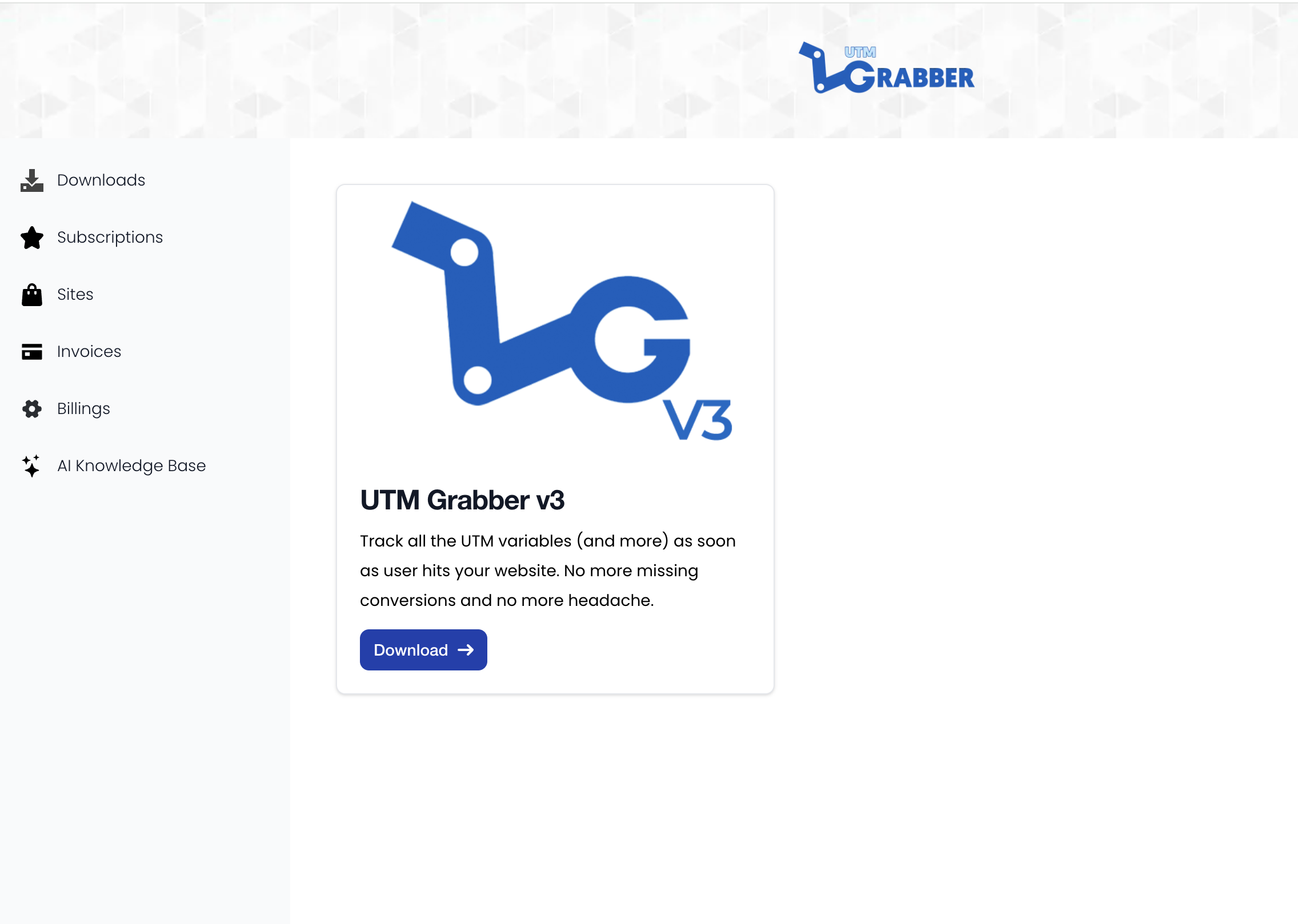
4. Click 'My Account' under your name section

5. Click to the download icon under the 'Download' section
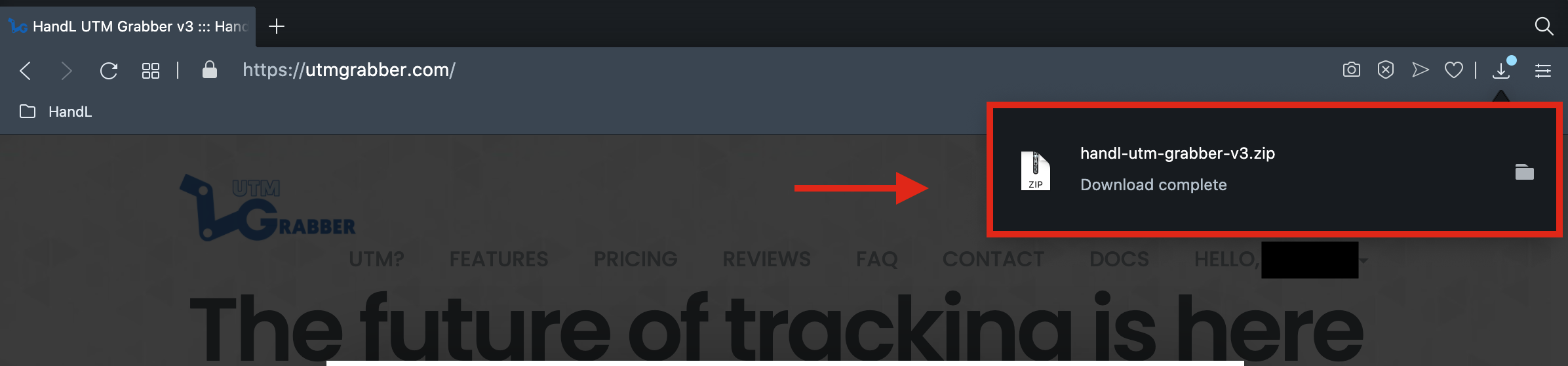
6. Now You Have just Downloaded HandL UTM Grabber/ Tracker V3 zipfile
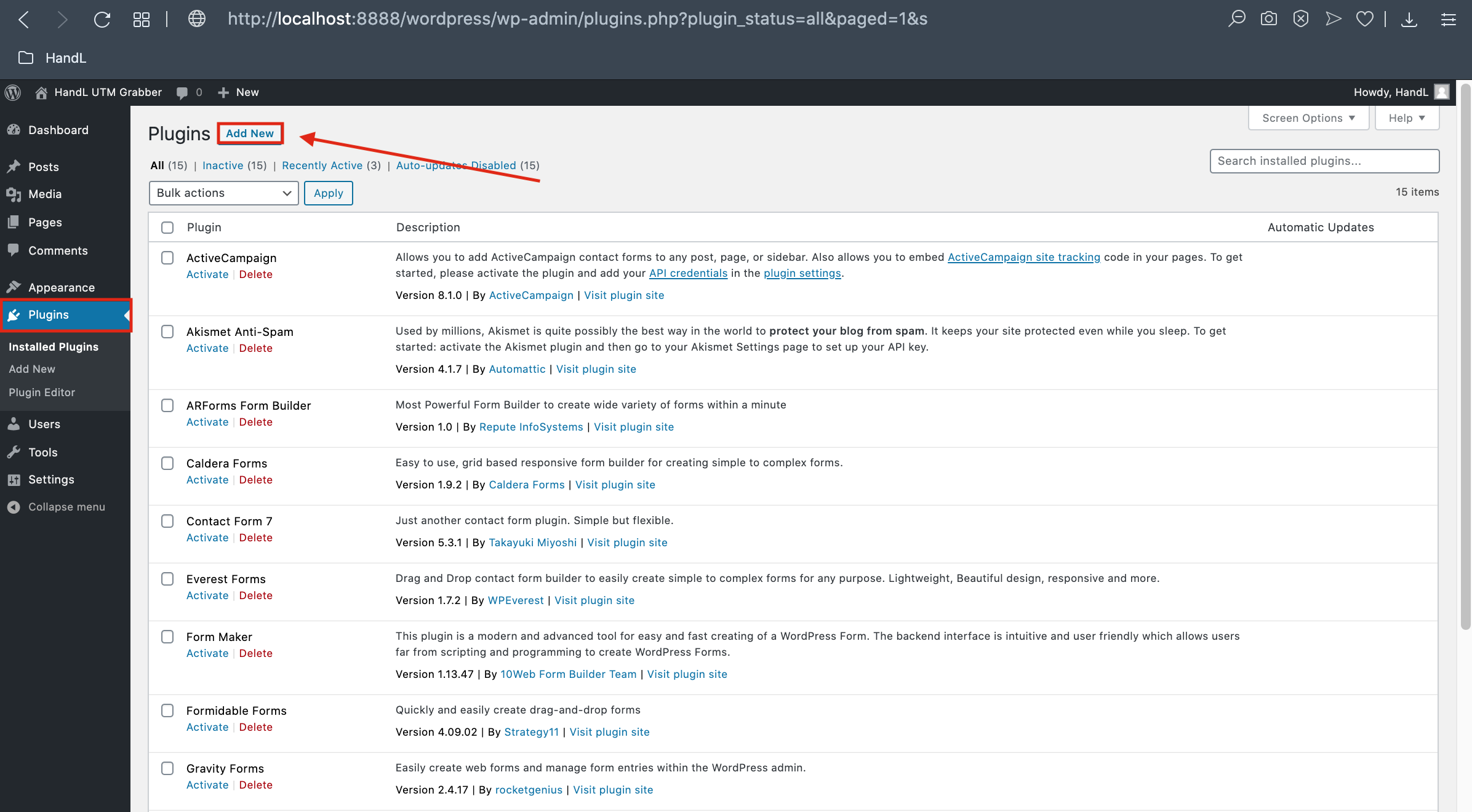
7. Go back your Wordpress Plugin page and click 'Add New' button
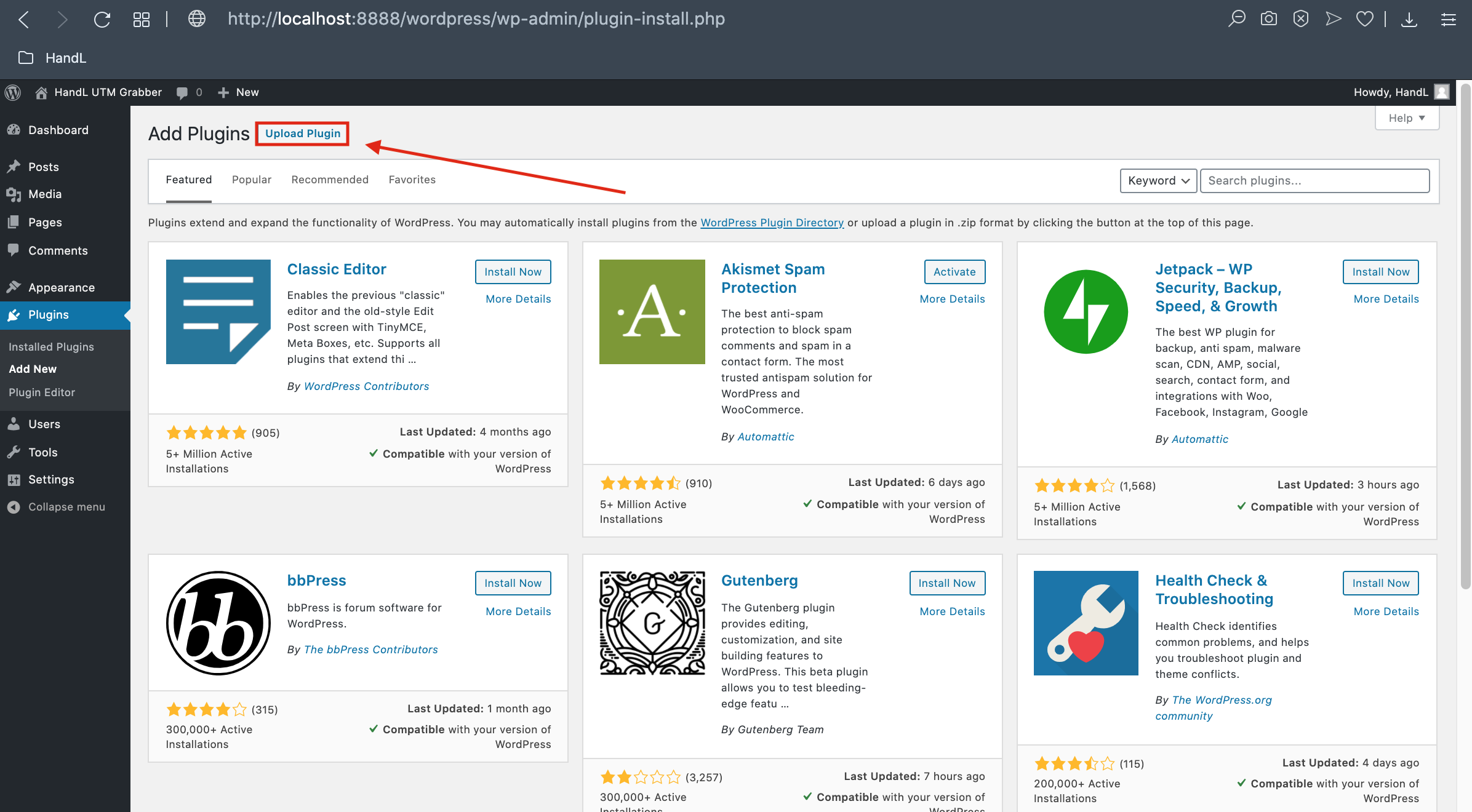
8. Click the 'Upload Plugin' Button
9. Click 'Choose File' Button and Select Your Downloaded ZIP file.
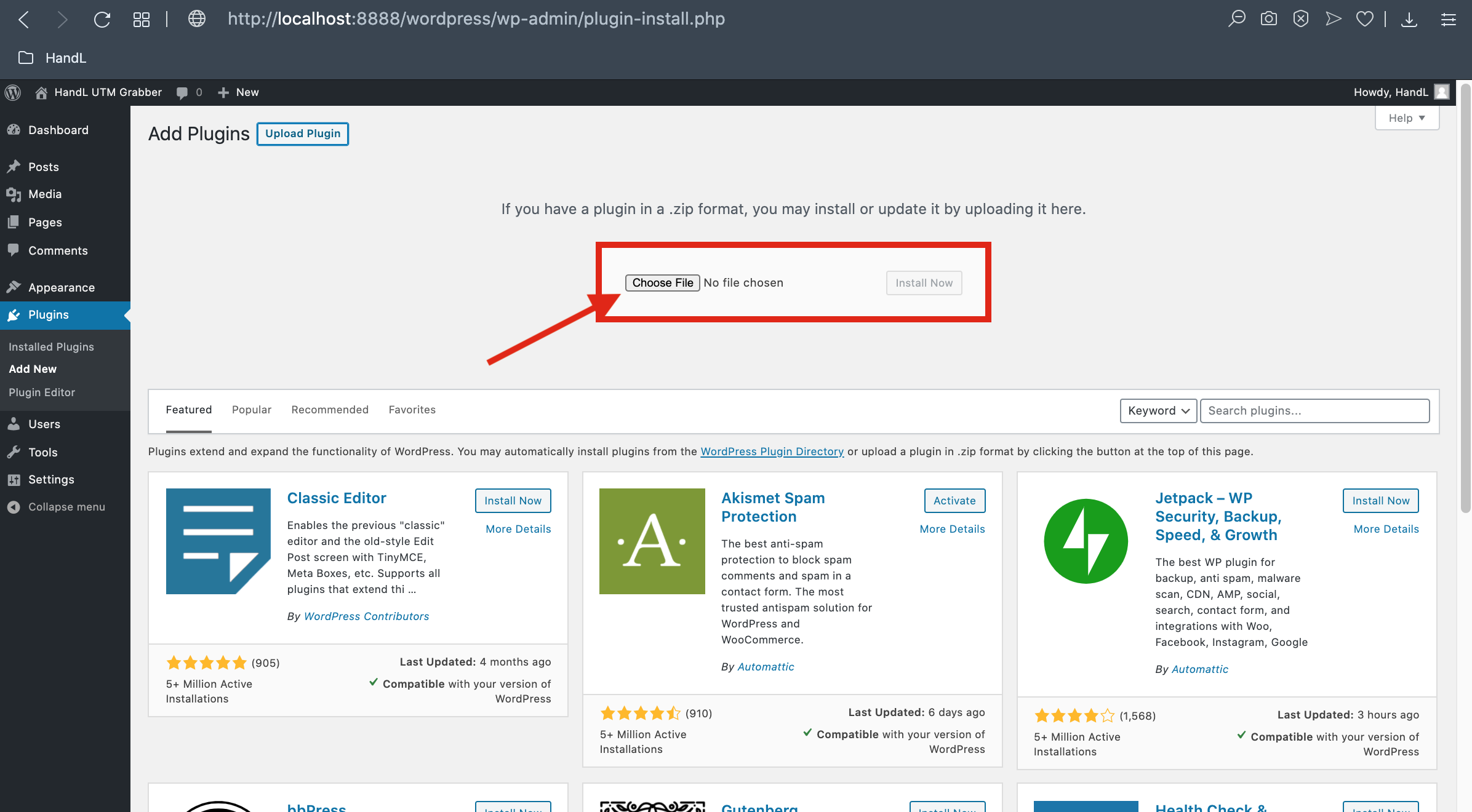
10. Click the 'Install' Button
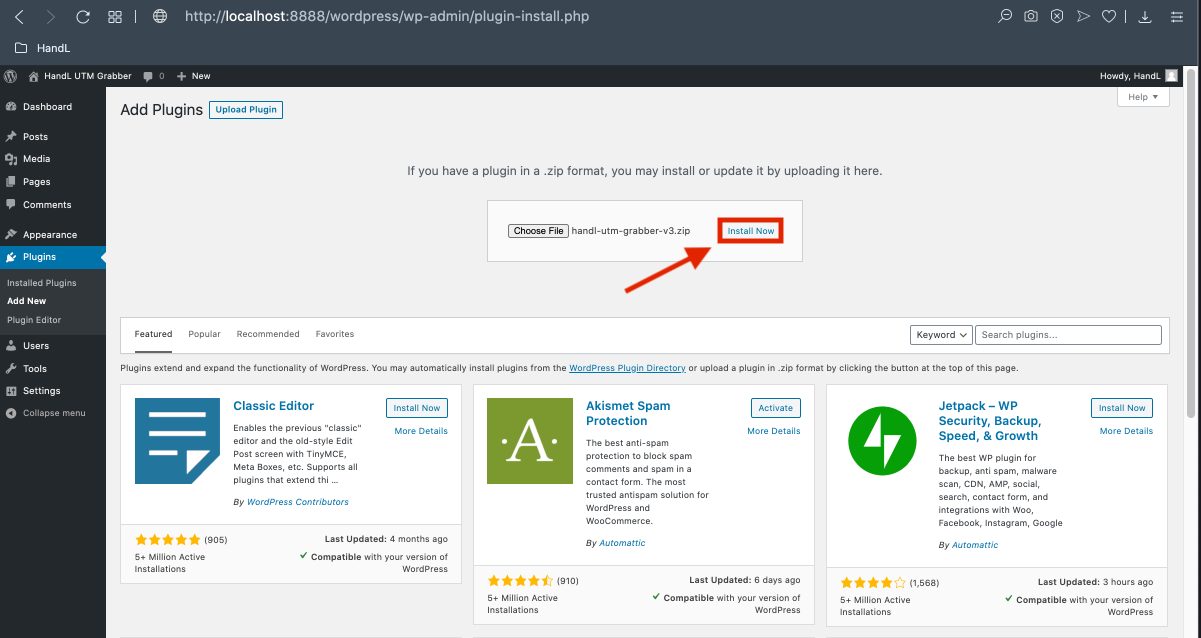
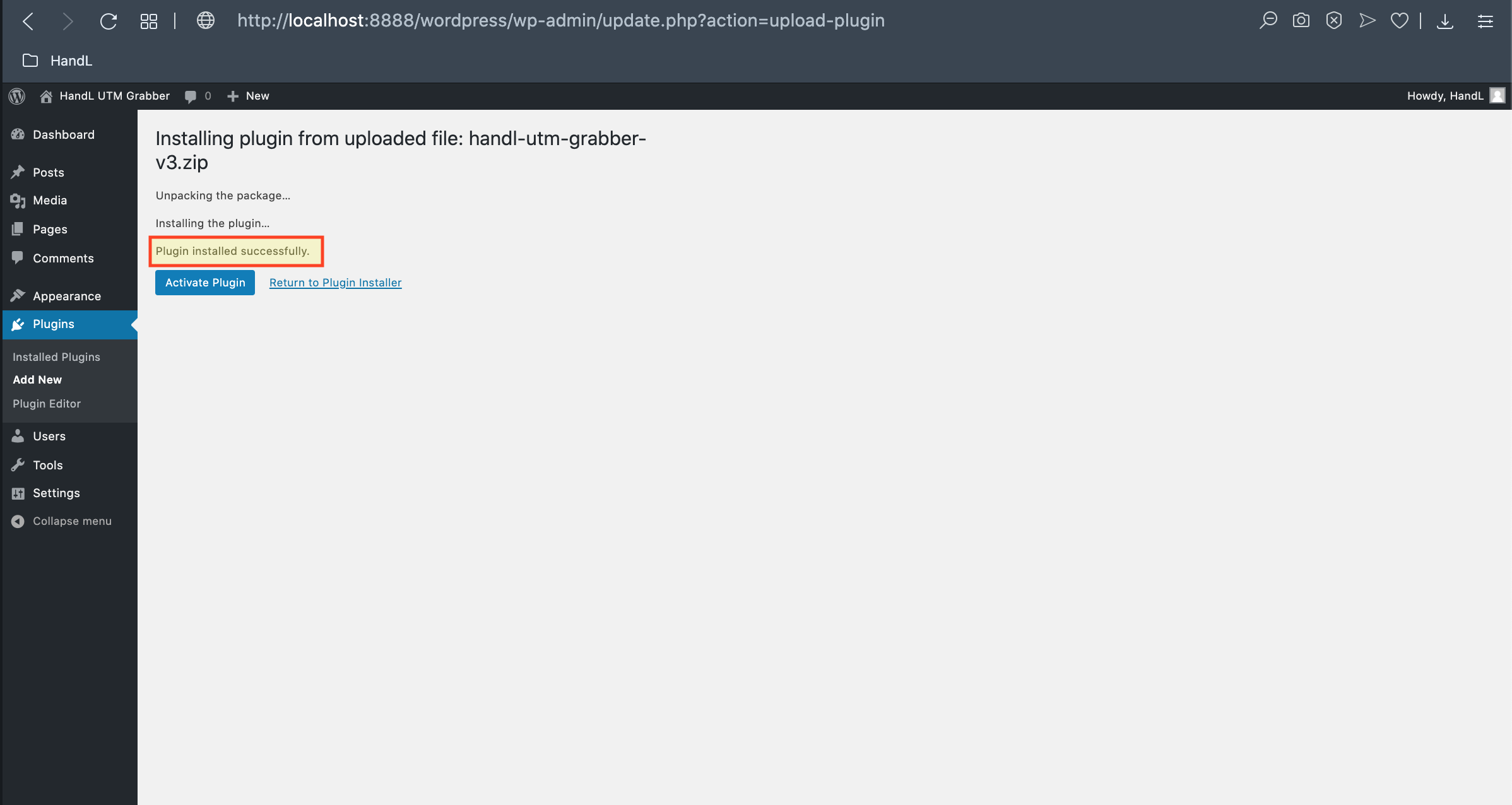
10. Congratulations! The plugin installed successfully