How To Install HandL UTM Grabber/Tracker V3
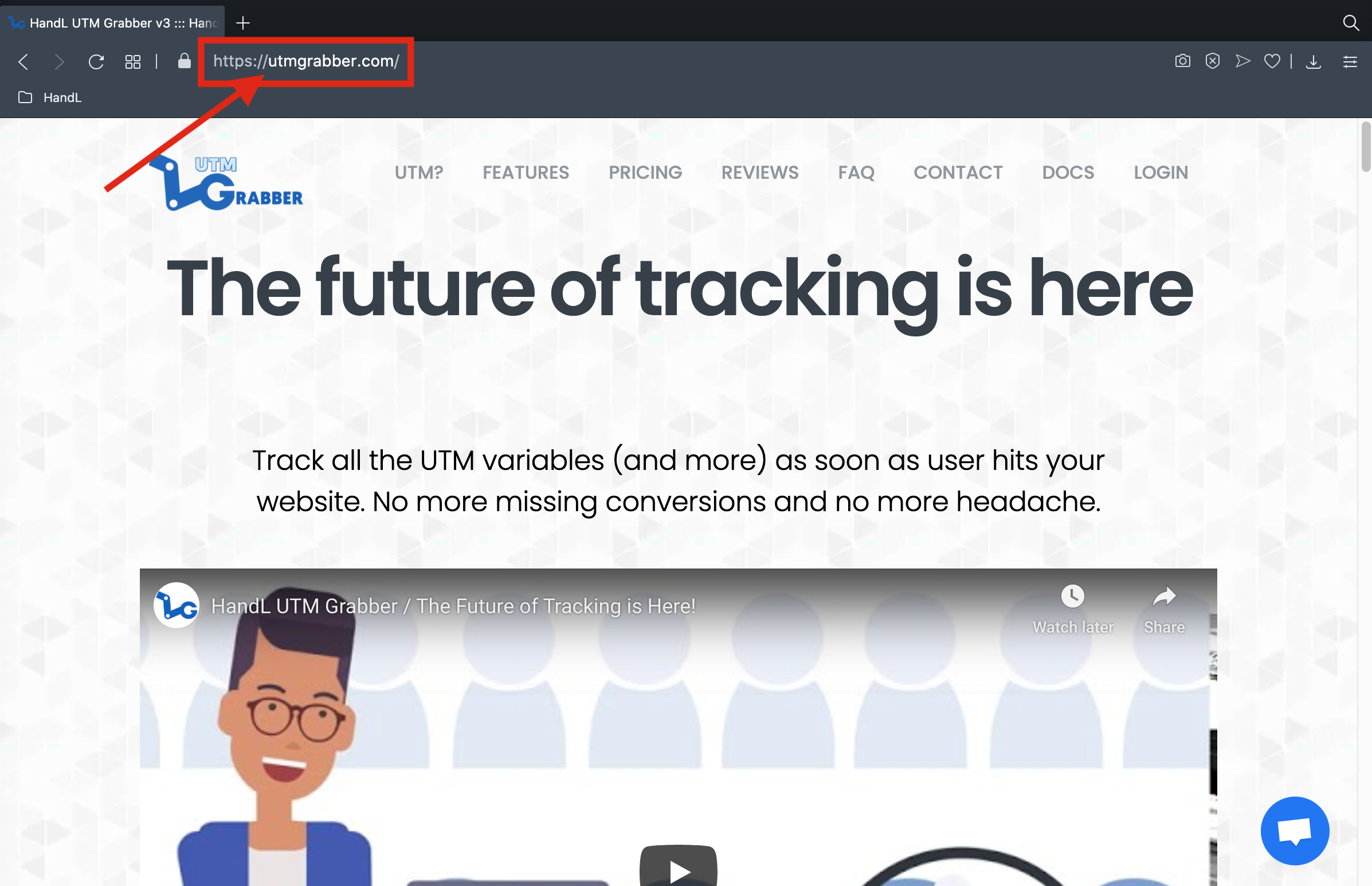
1. Open https://handldigital.utmgrabber.com/utm-grabber/ on your browser
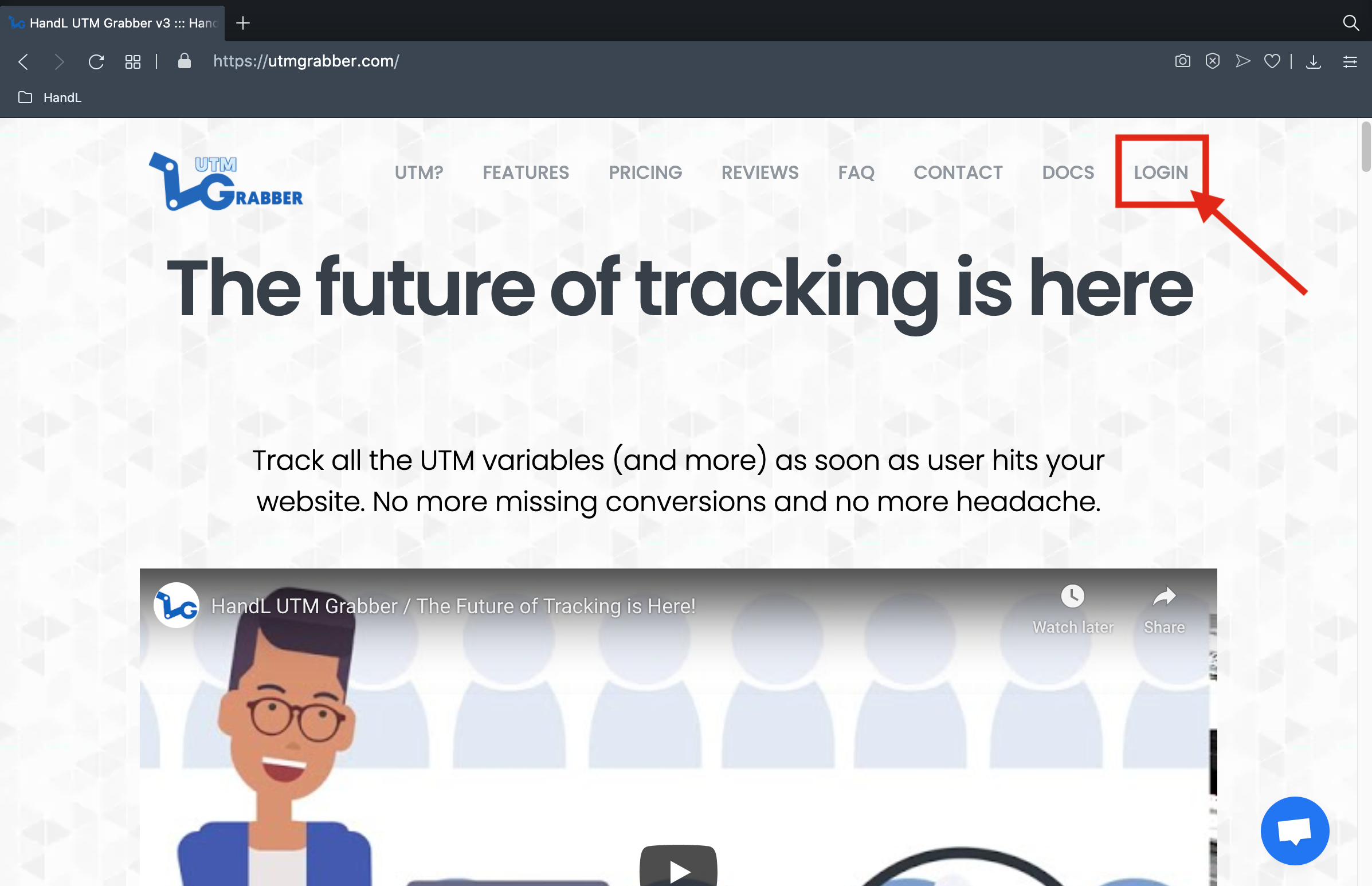
2. Click the 'LOGIN' Button
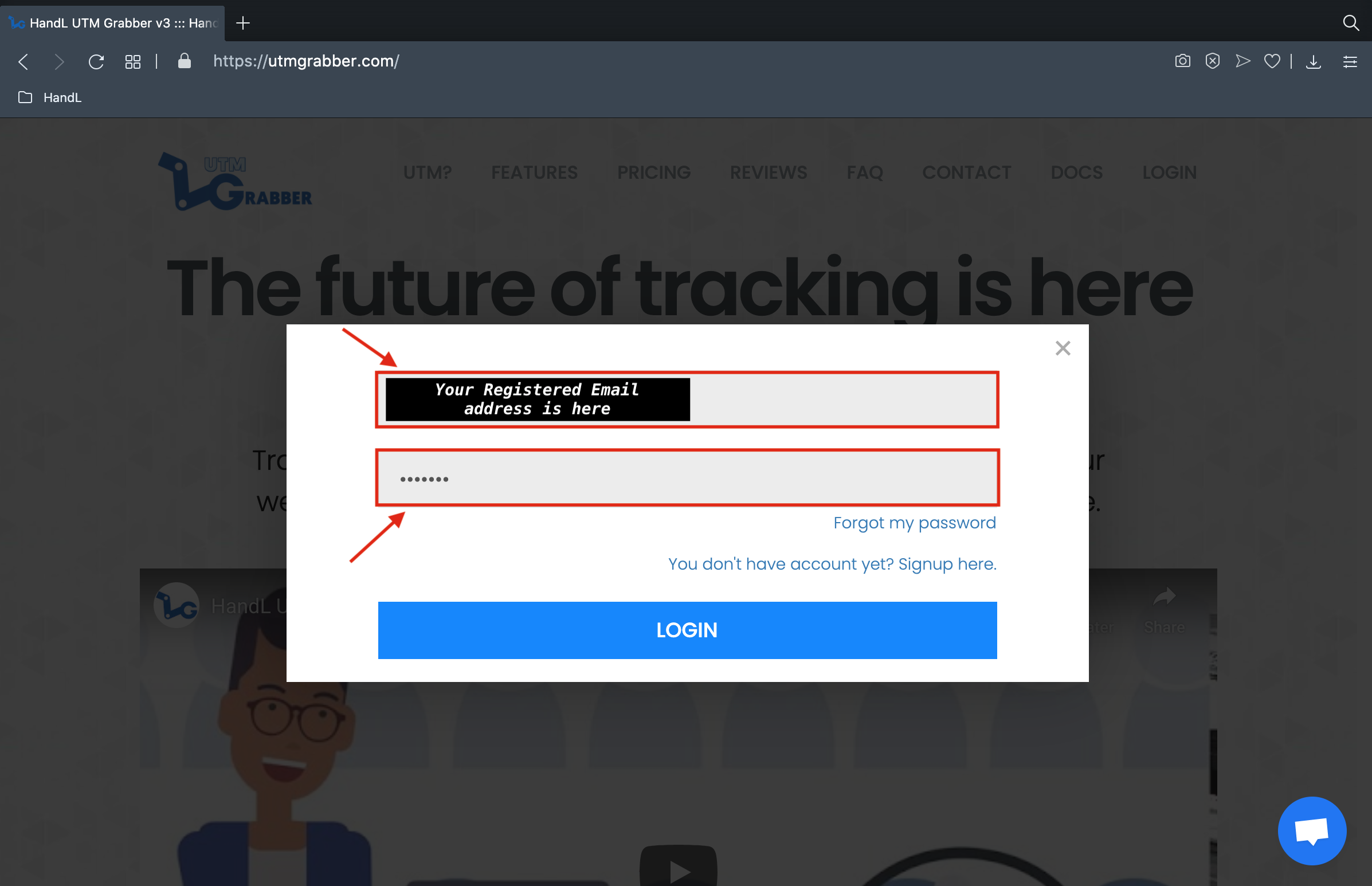
3. Login Your Registered Account
4. Click the'MY smallDOWNLOADS' arrow next toin your name section and download it
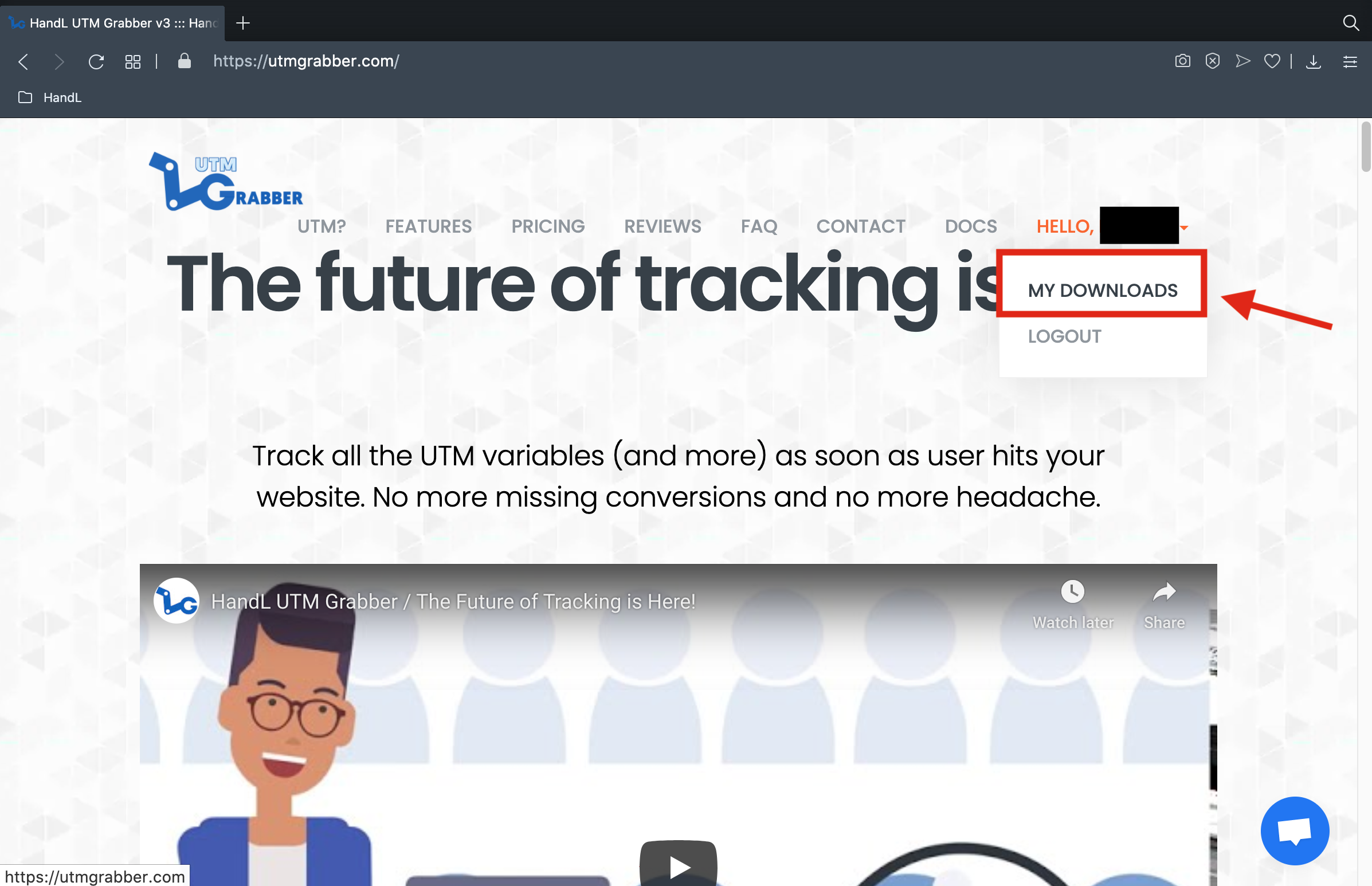
5. Click 'MY DOWNLOADS'

6. Downlod pop-up shows up
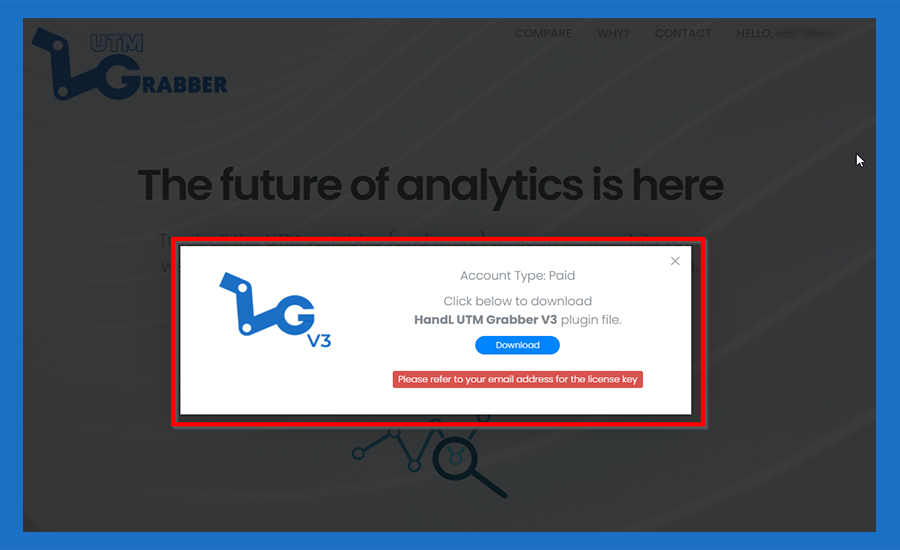
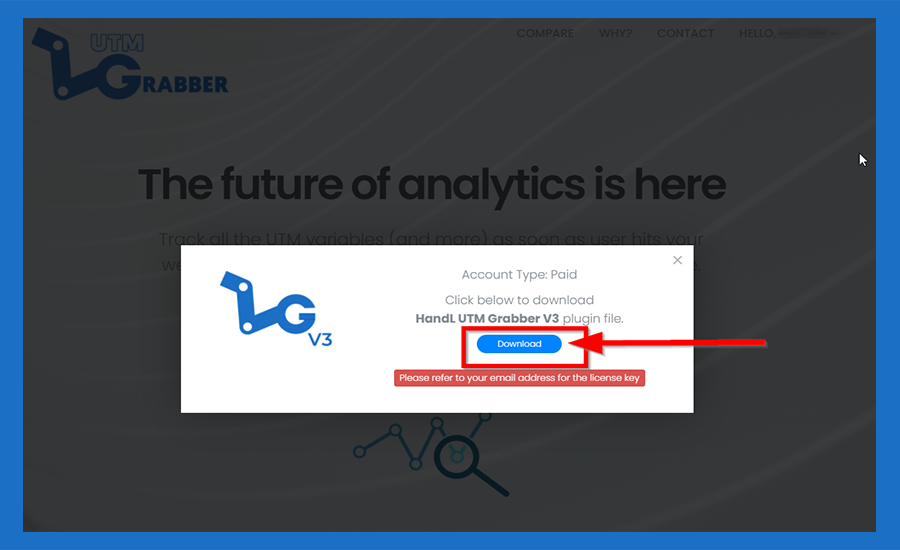
7. Click 'DOWNLOAD' Button
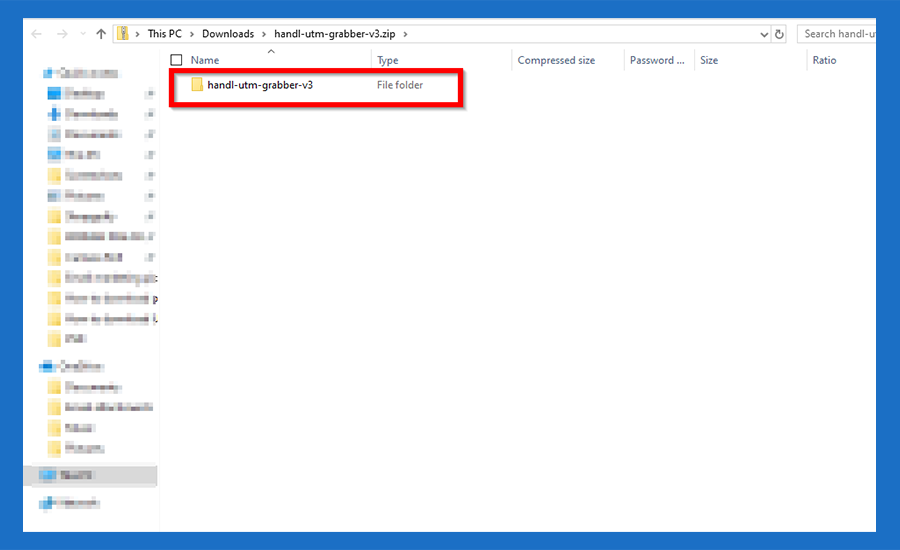
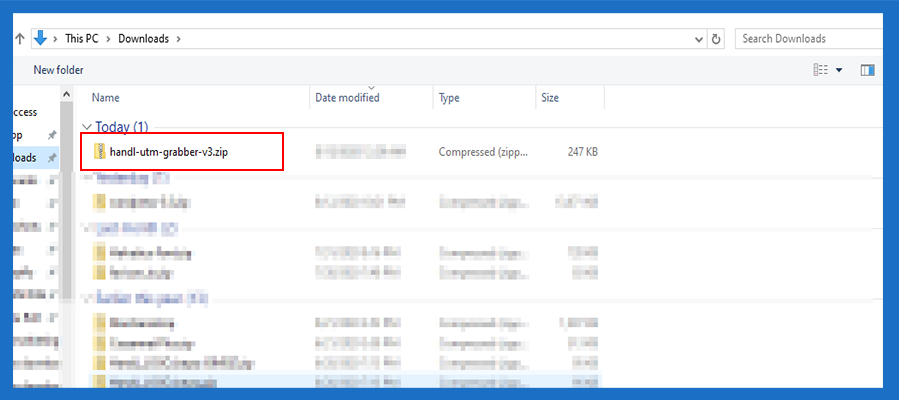
8. Now You Have just Downloaded HandL UTM Grabber/ Tracker V3 zipfile
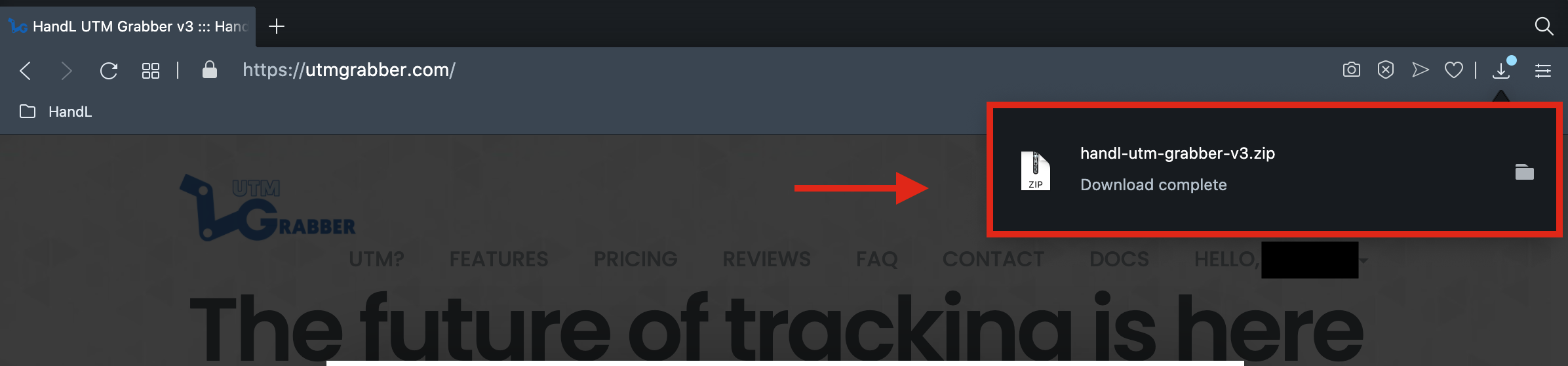
9.Ta daa... Now You have your HandL UTM Grabber/ Tracker V3 zipfile
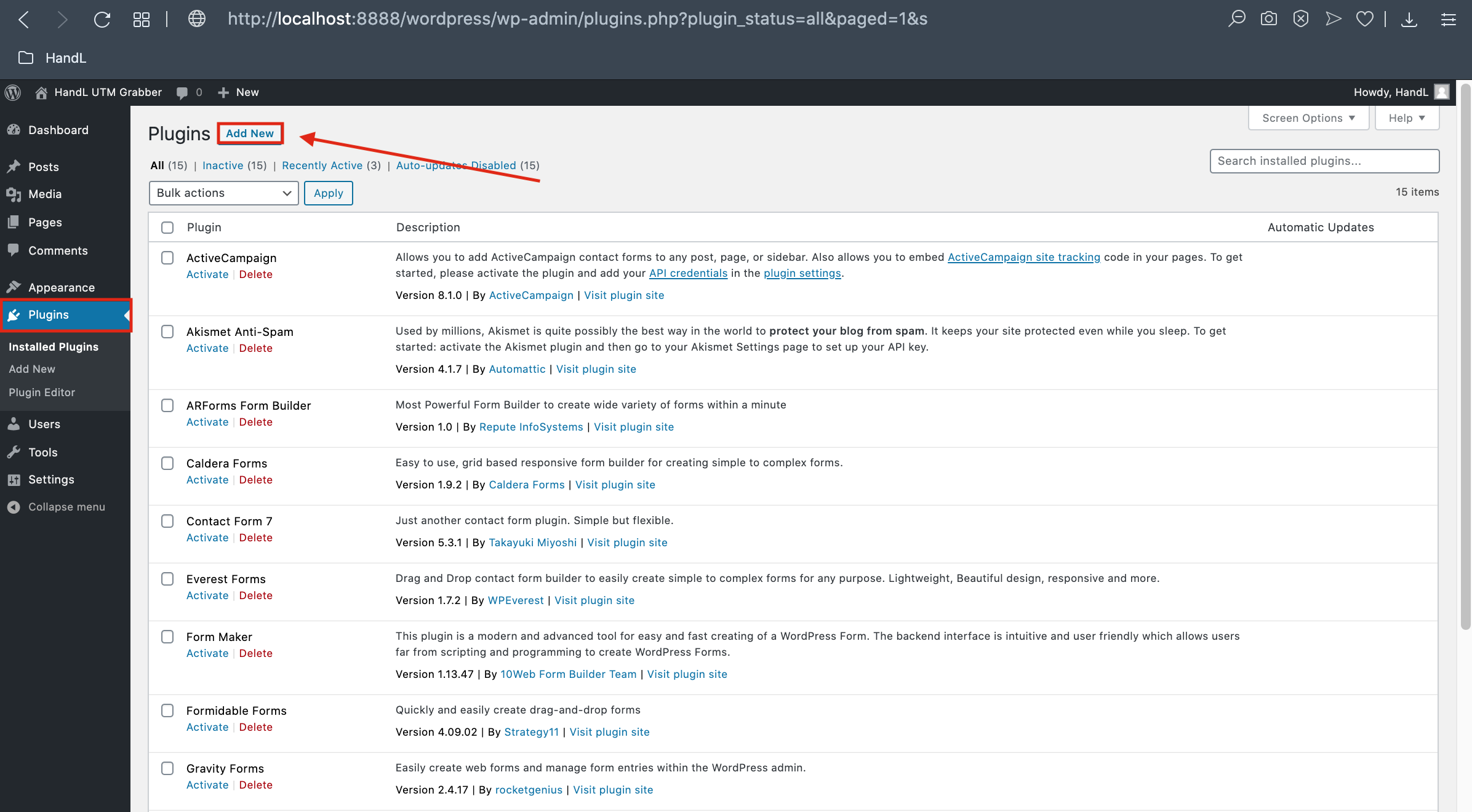
10.6. Go back your Wordpress Plugin page and click 'Add New' button
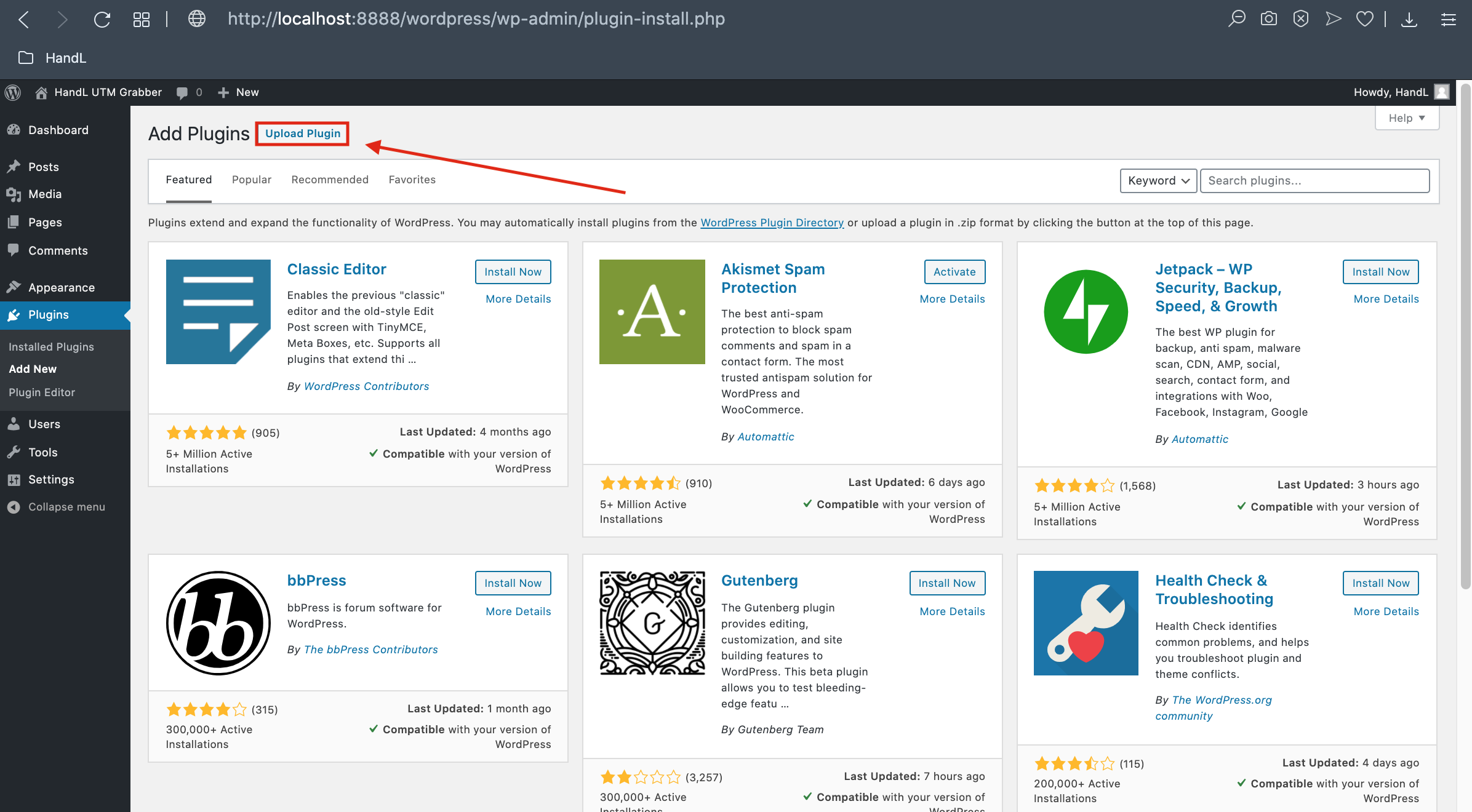
11.7. Click the 'Upload Plugin' Button
12.8. Click 'Choose File' Button
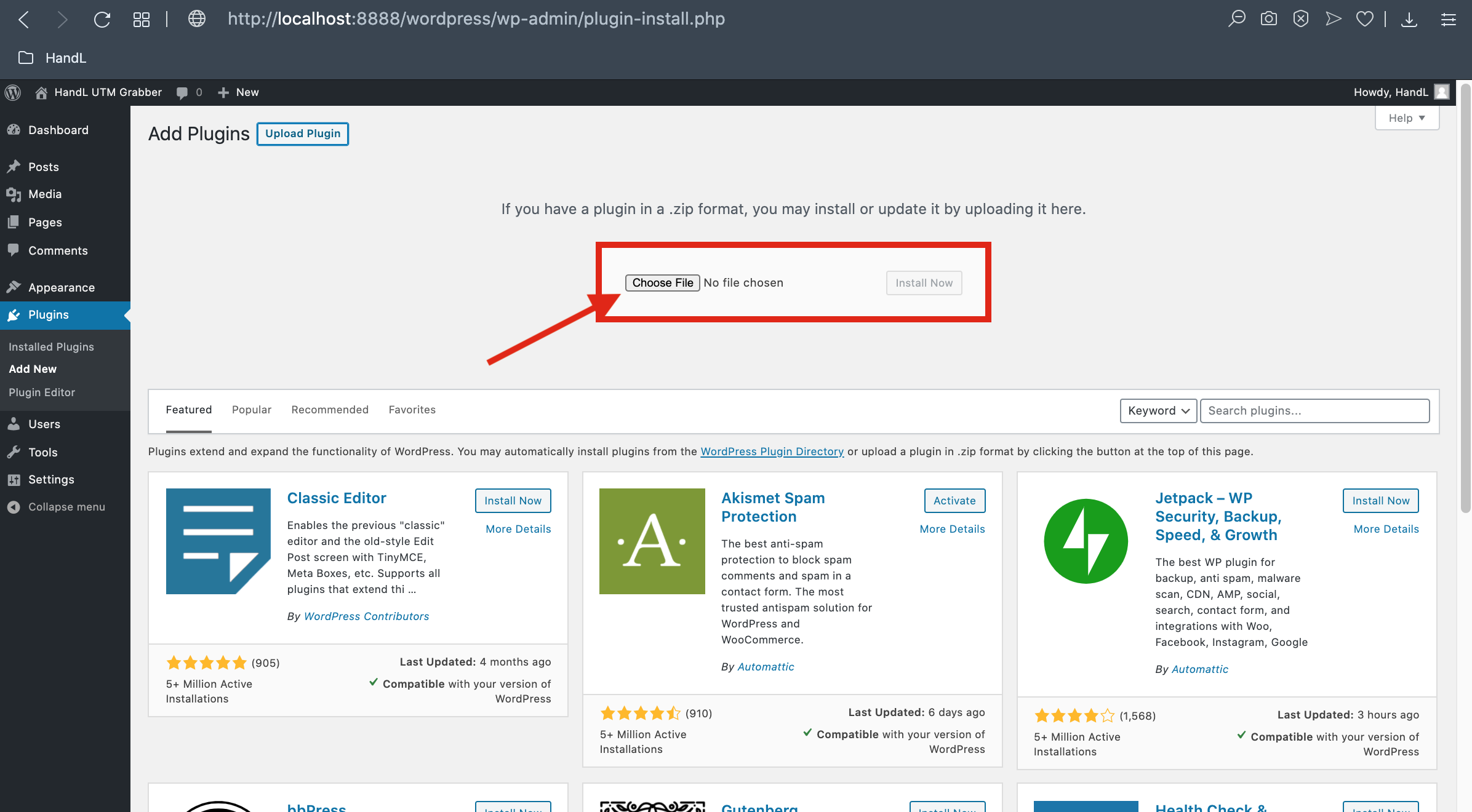
13. Choose Where Your HandL UTM Grabber zipfile is
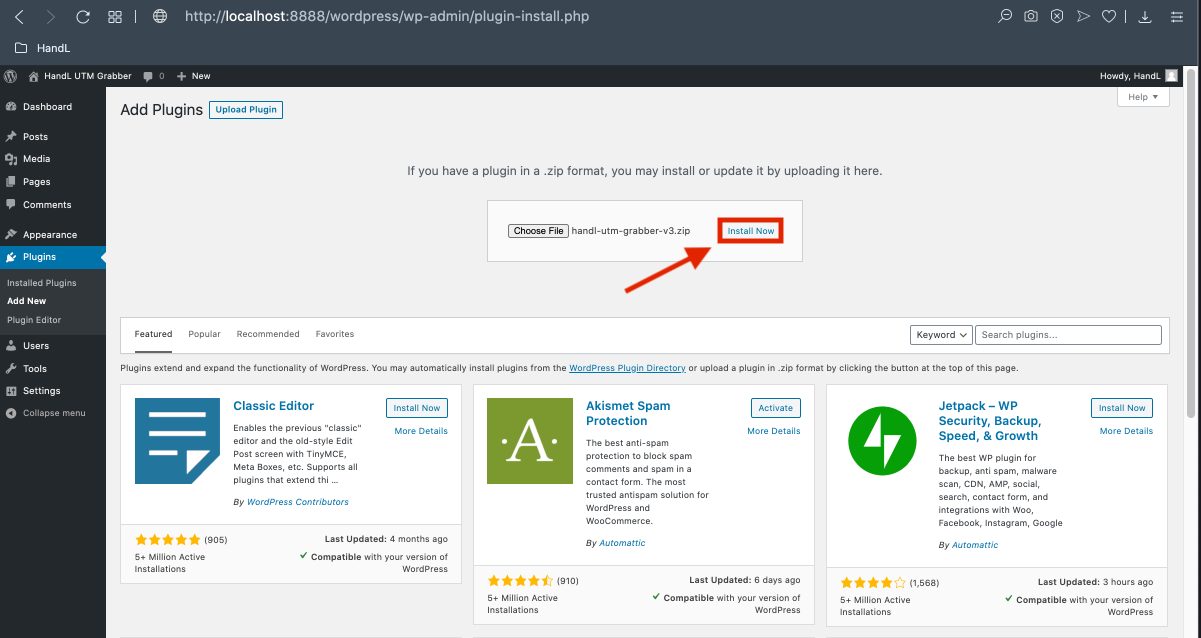
14.9. Click the 'Install' Button after choose the zip file.
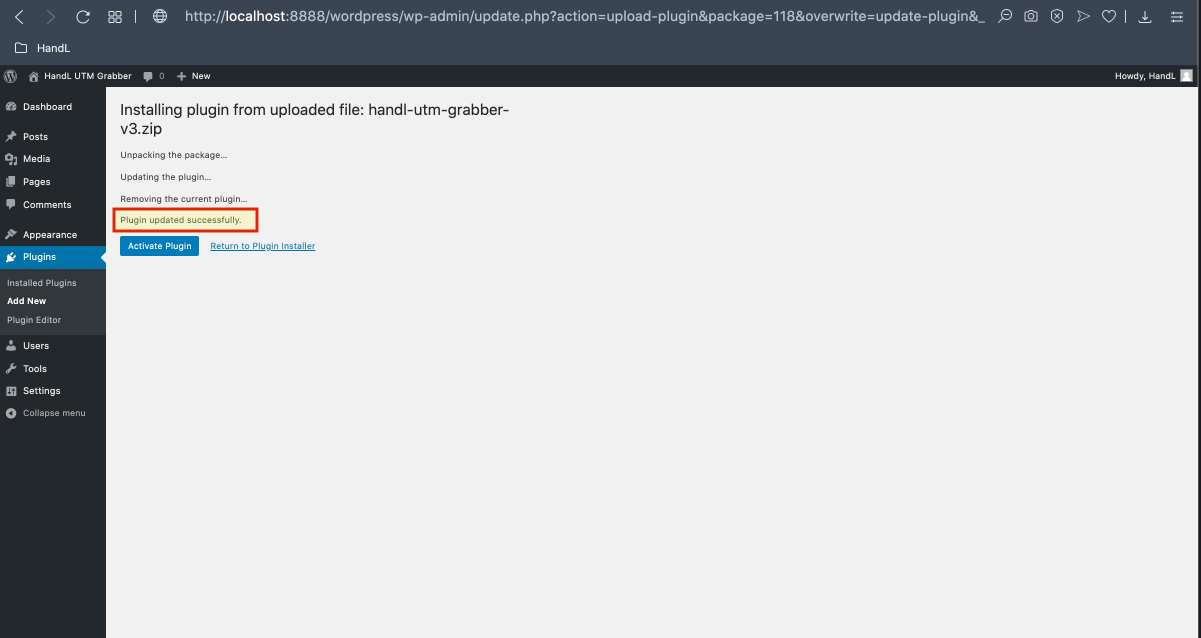
15.10. Congratulations! The plugin installed successfully