How to Reset Password for HandL UTM Grabber
UTM attribution overview
This guide explains How to Reset Password for HandL UTM Grabber. It helps you configure HandL UTM Grabber correctly so campaign attribution works reliably across WordPress and keep the marketing context needed for accurate reporting across forms, bookings, signups, and sales.
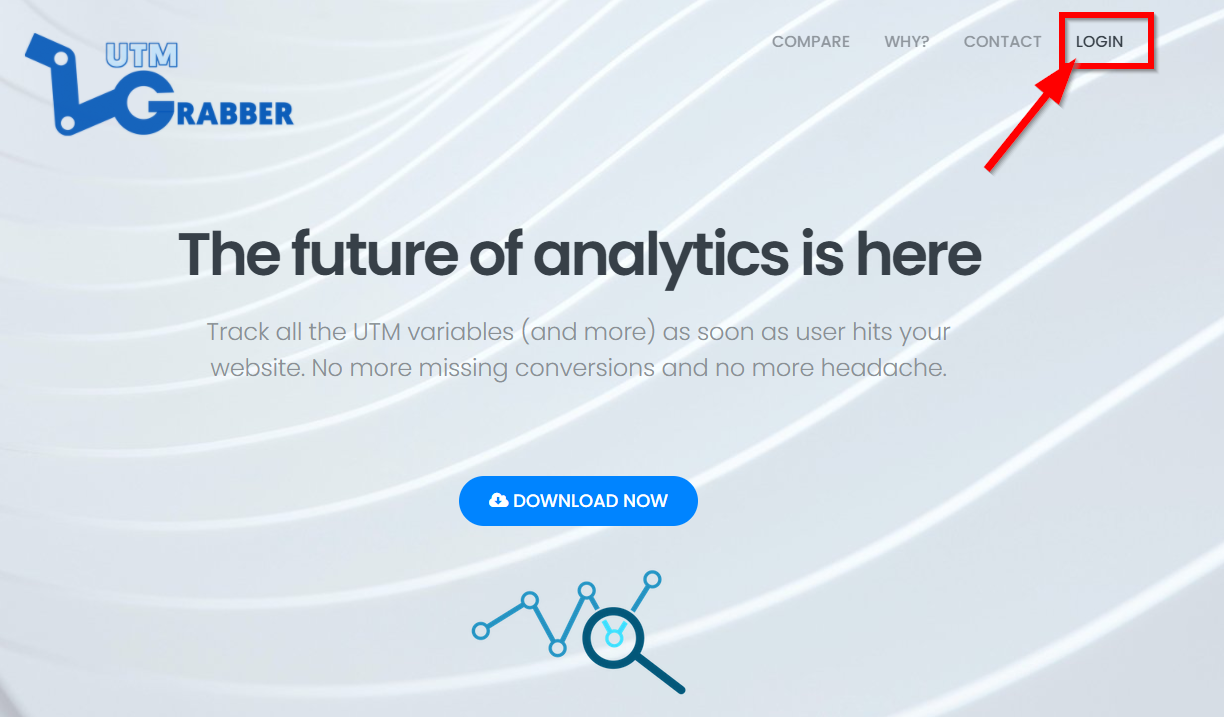
1. Click LOGIN
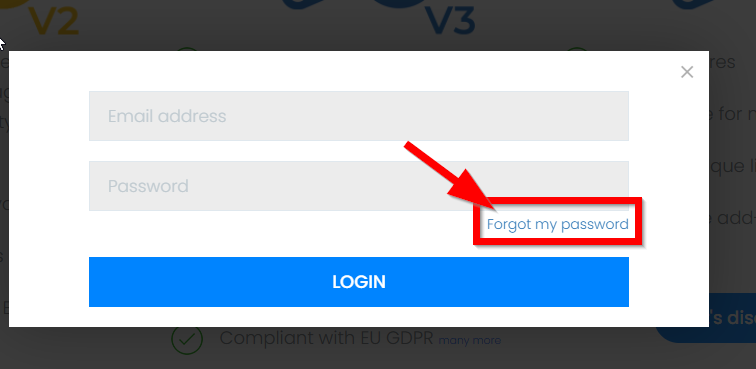
2.Click 'Forgot my password'
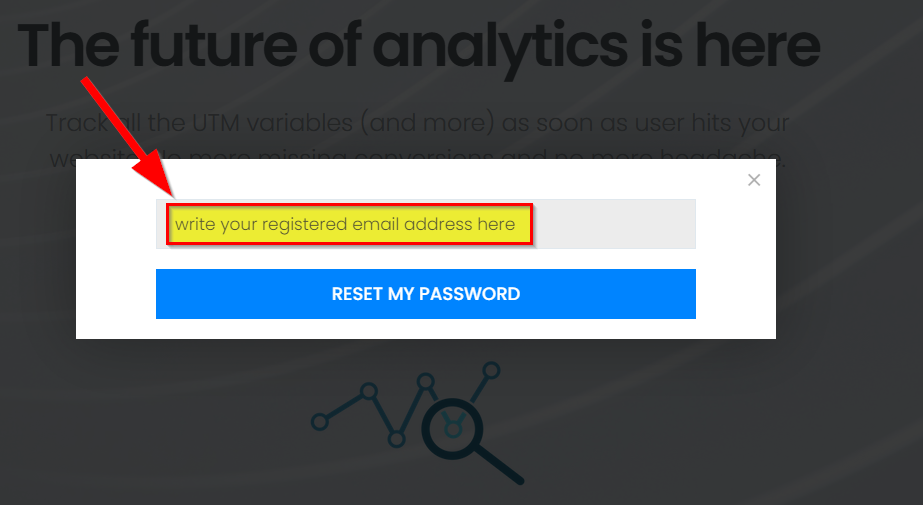
3. Write your registered email address and Click 'Reset my password' Button
4. Please Check your email address to have your verification code
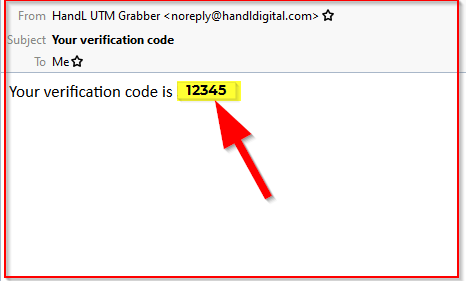
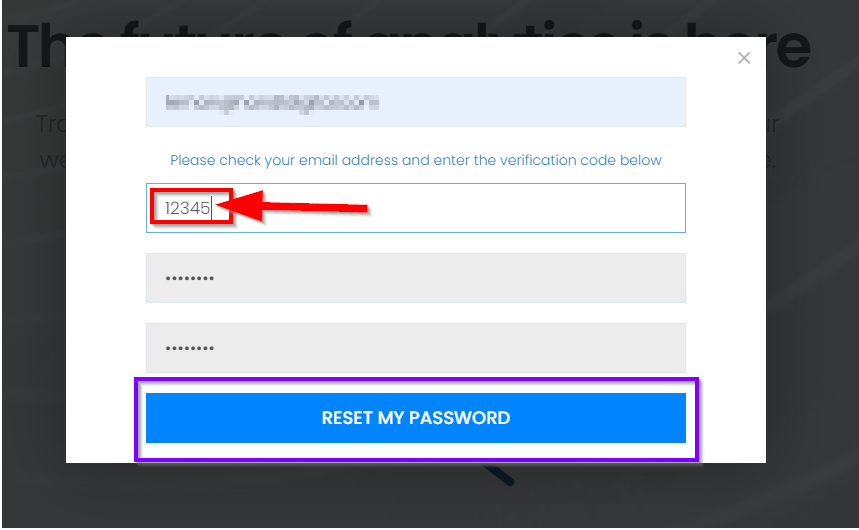
5.Write the verification code and set a newpassword then click the 'Reset My Password' button
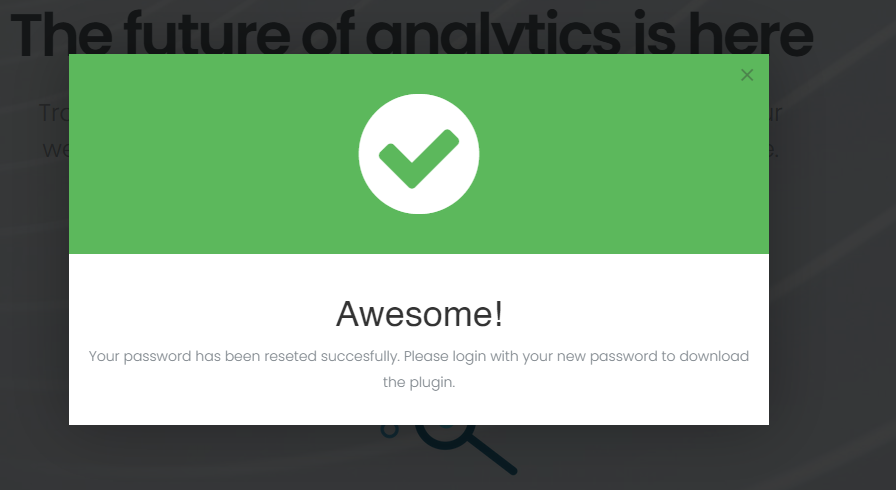
6. 🥳 Awesome! Your password has been reseted successfully.
Please login with your newpassword to download the plugin.