Forminator Form UTM Integration
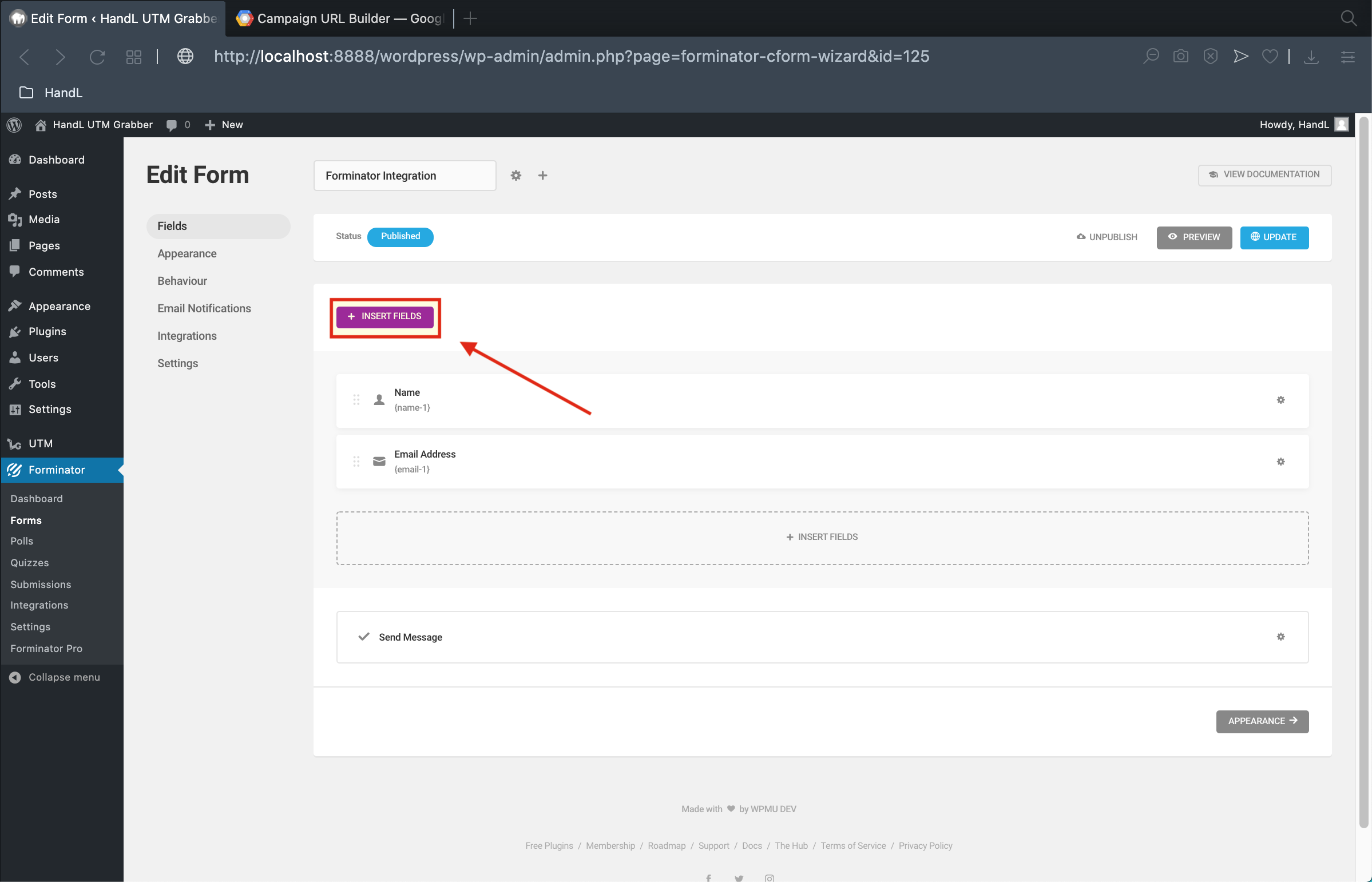
1-)Click to the insert fields
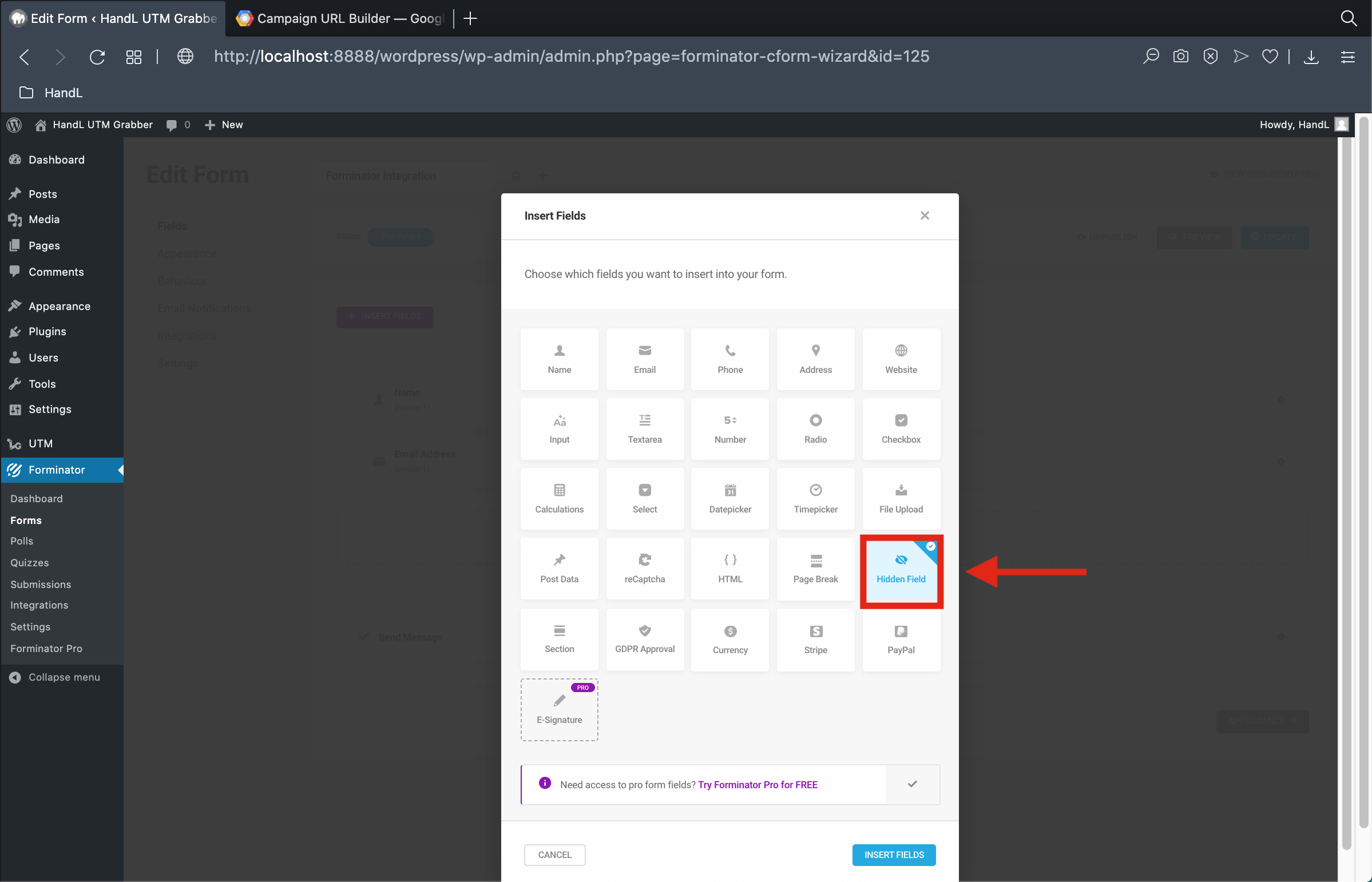
2-)Add a hidden field
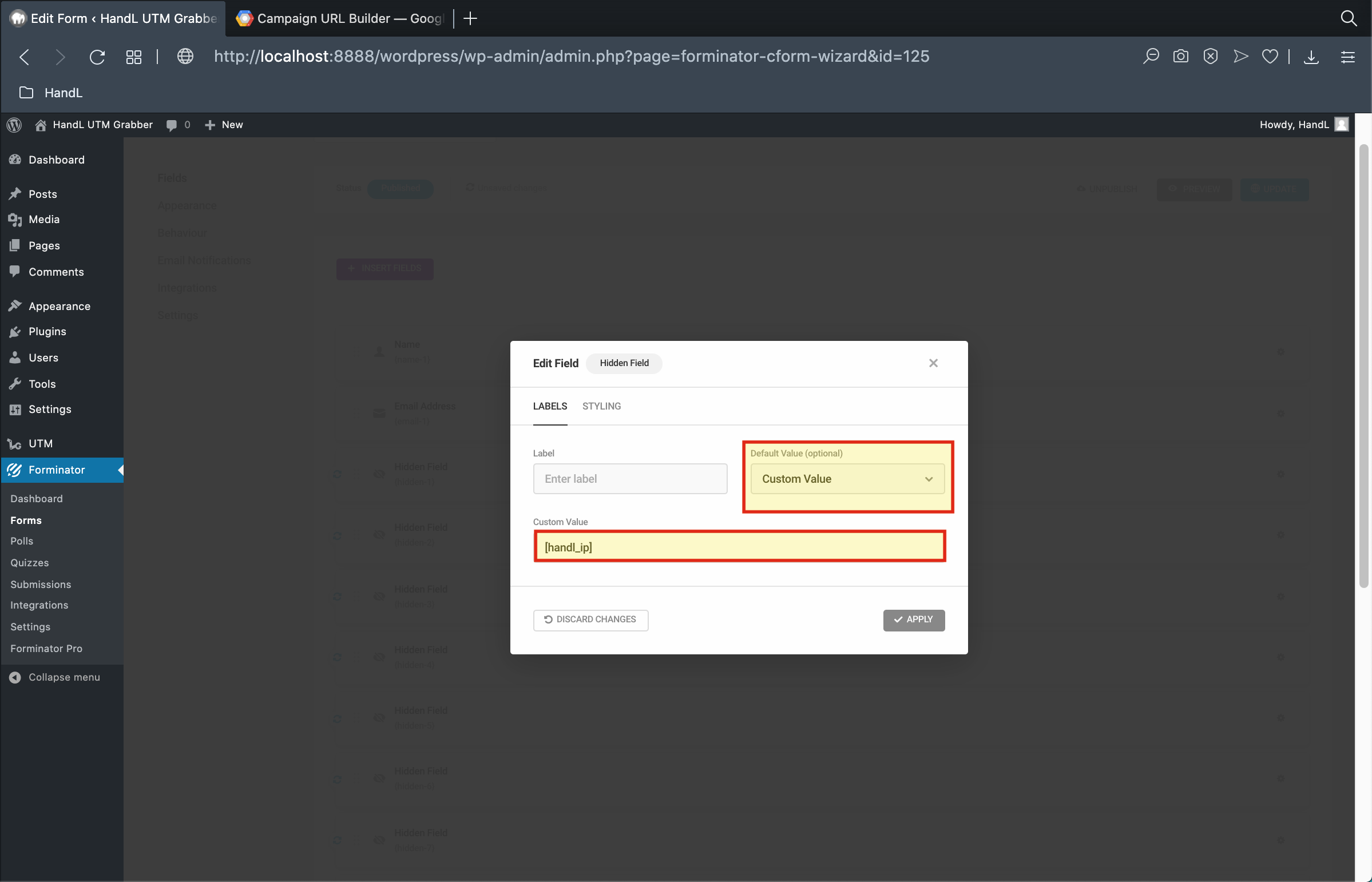
3-)Select Default Value as "Custom Value" and use the shortcode equivelent of the field
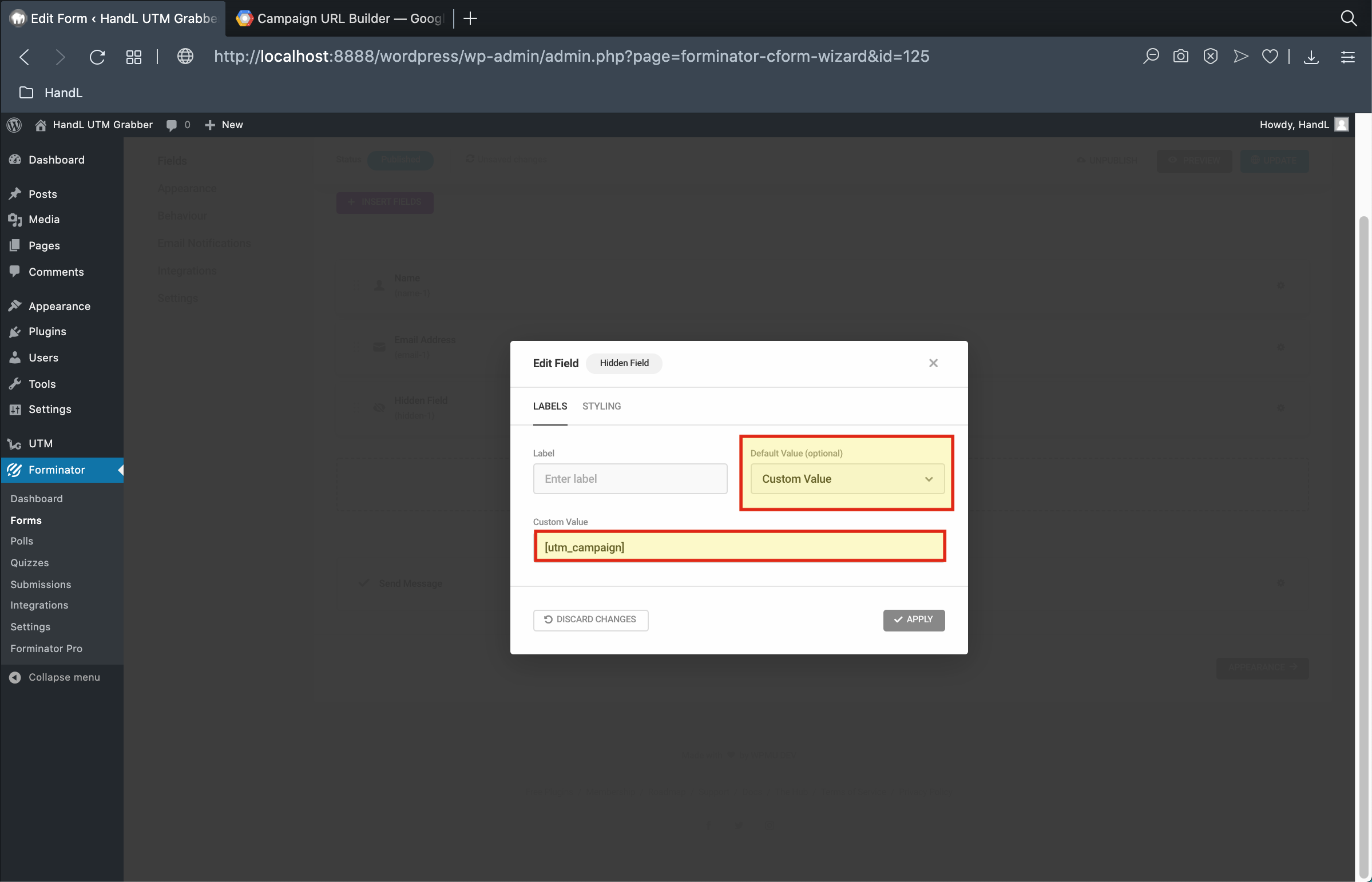
4-)Select Default Value as "Custom Value" and use the shortcode equivelent of the field
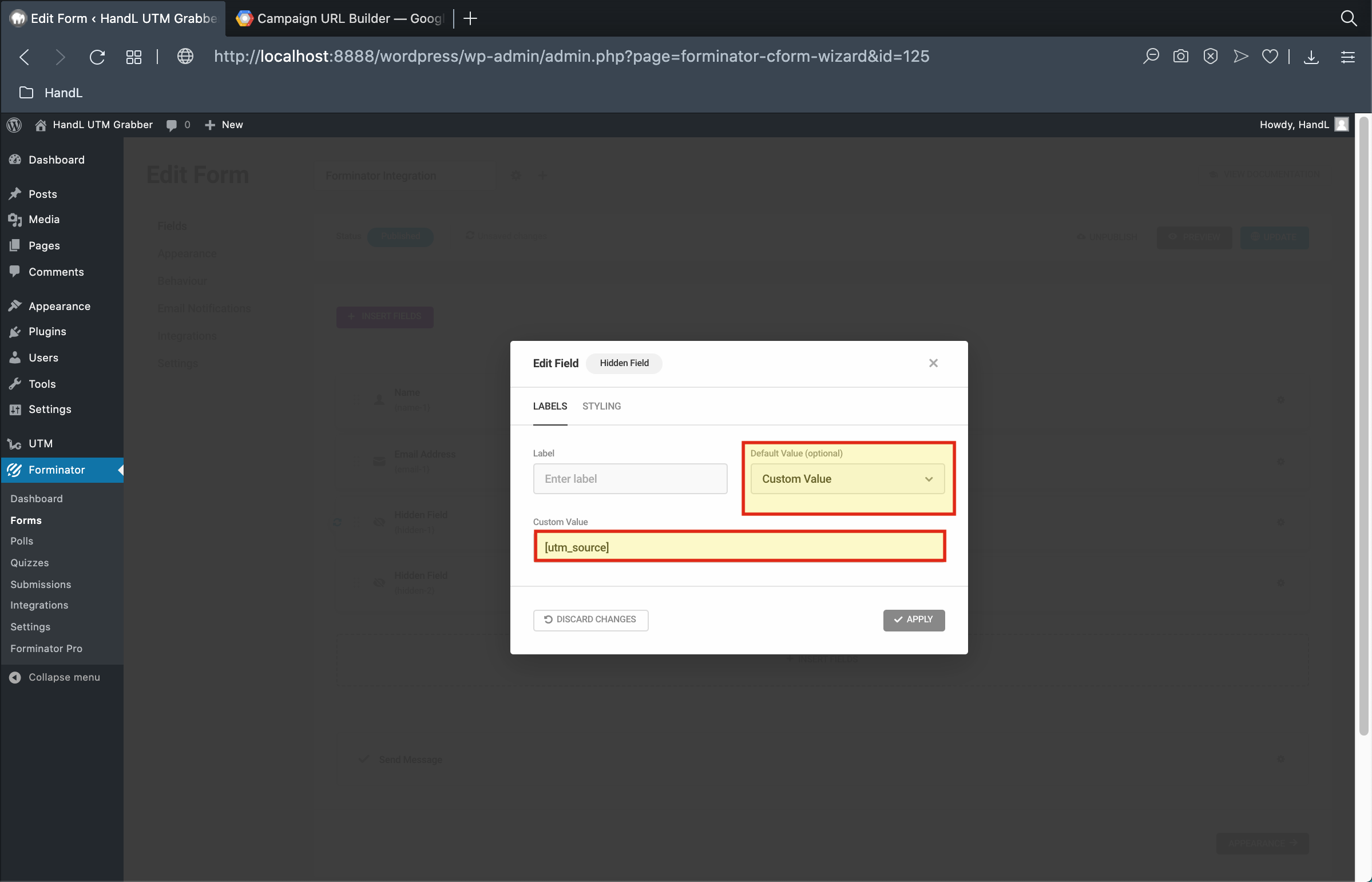
5-)Select Default Value as "Custom Value" and use the shortcode equivelent of the field
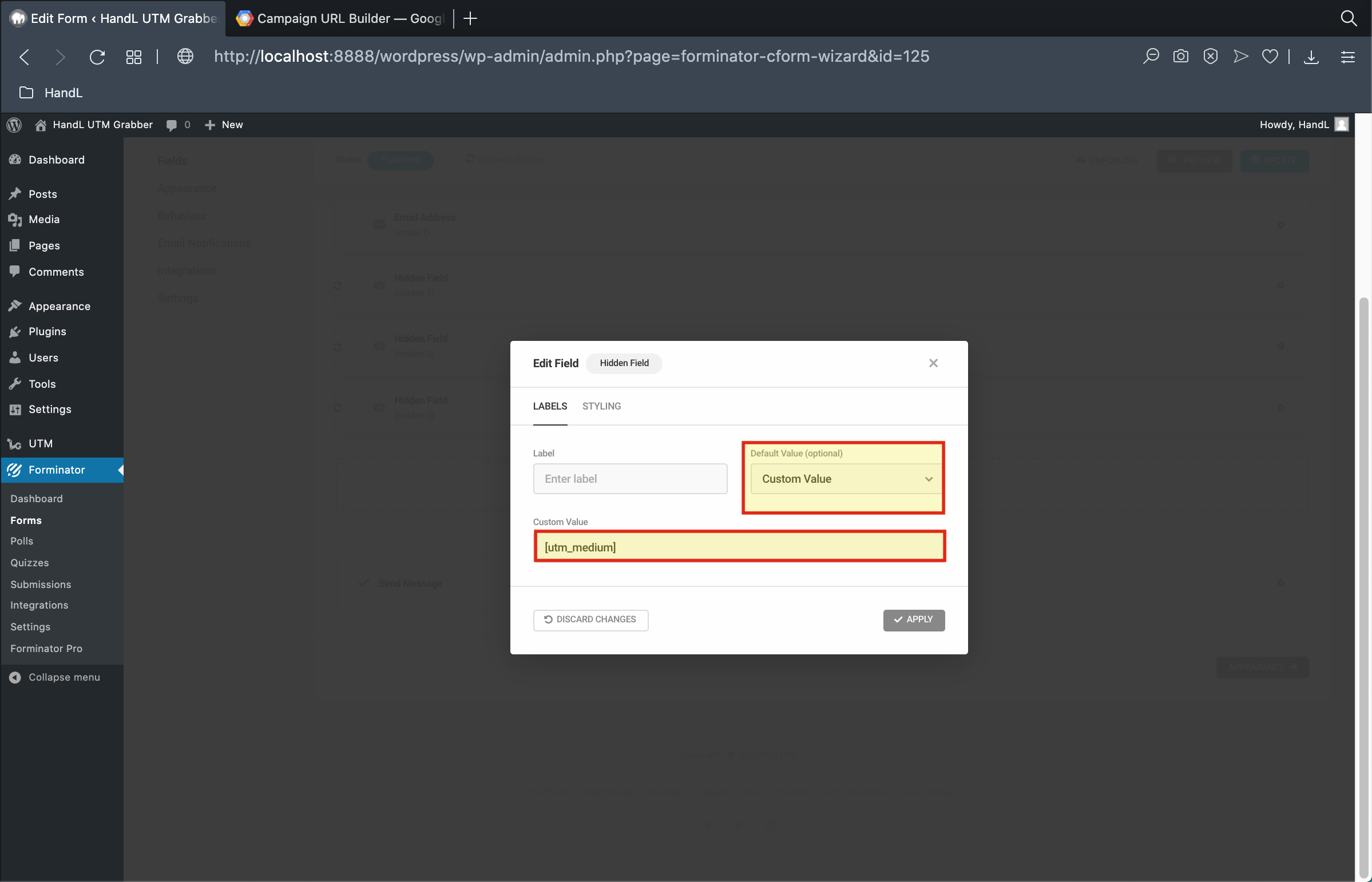
6-)Select Default Value as "Custom Value" and use the shortcode equivelent of the field
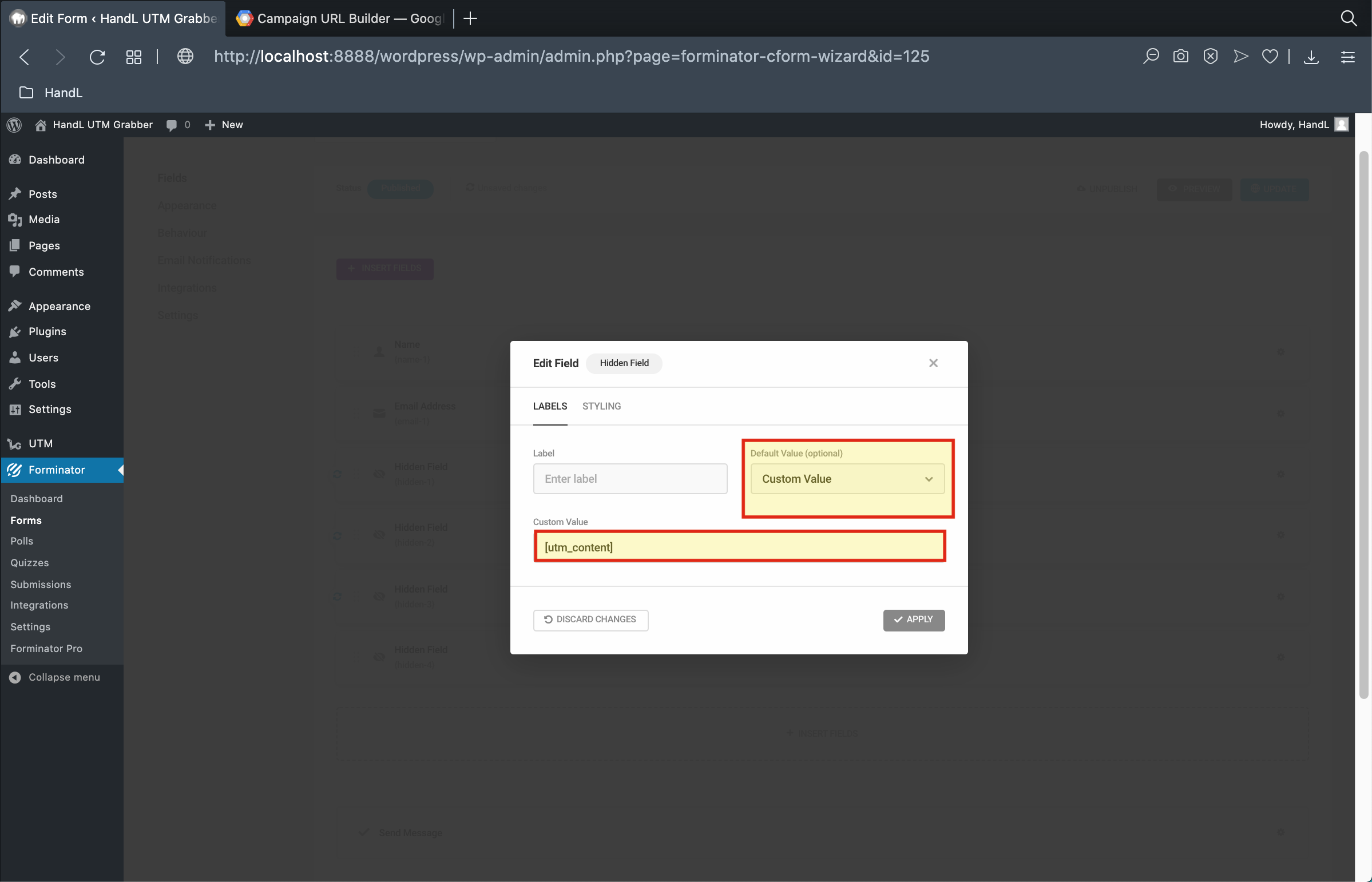
7-)Select Default Value as "Custom Value" and use the shortcode equivelent of the field
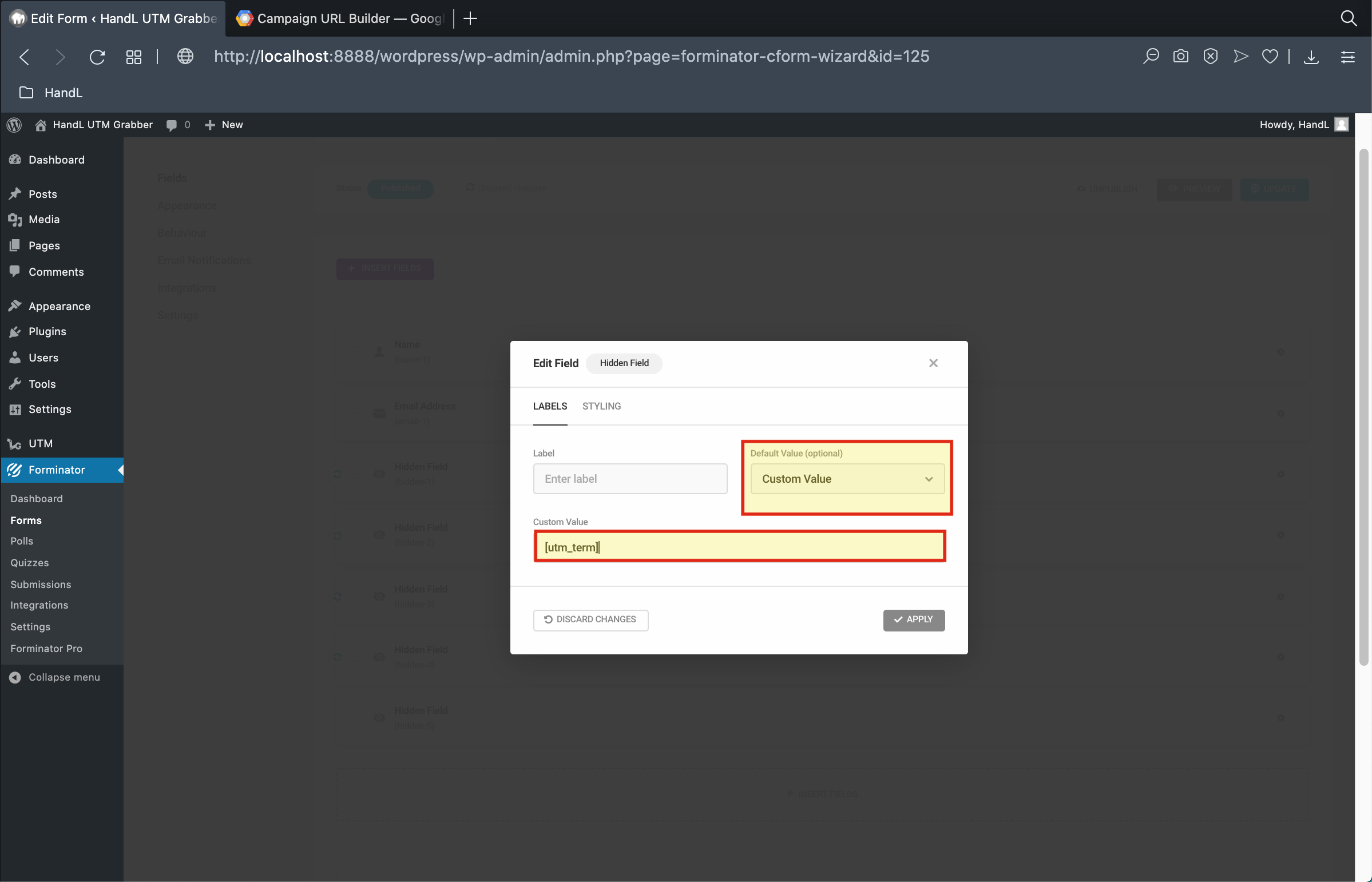
8-)Select Default Value as "Custom Value" and use the shortcode equivelent of the field
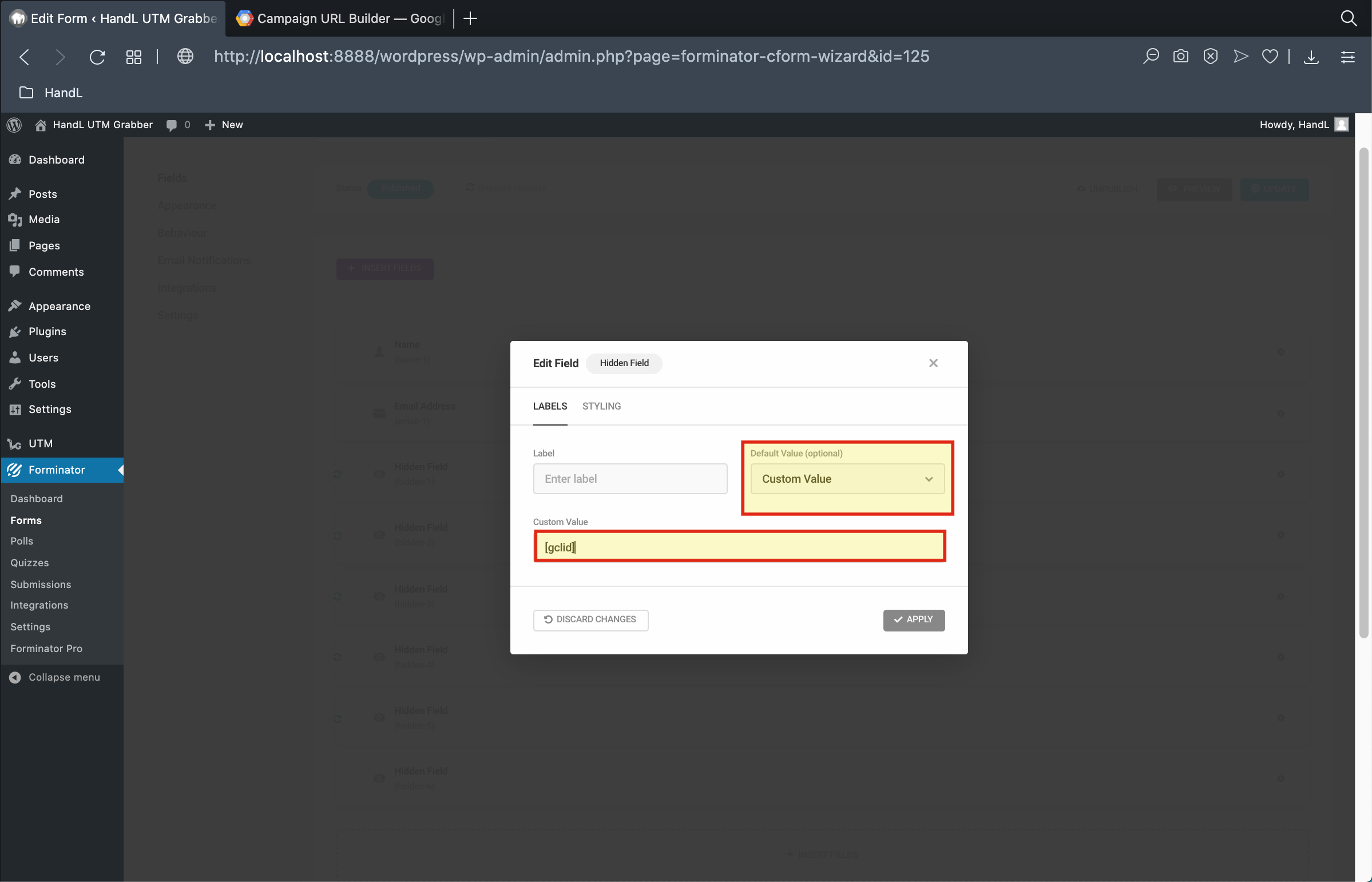
9-)Select Default Value as "Custom Value" and use the shortcode equivelent of the field
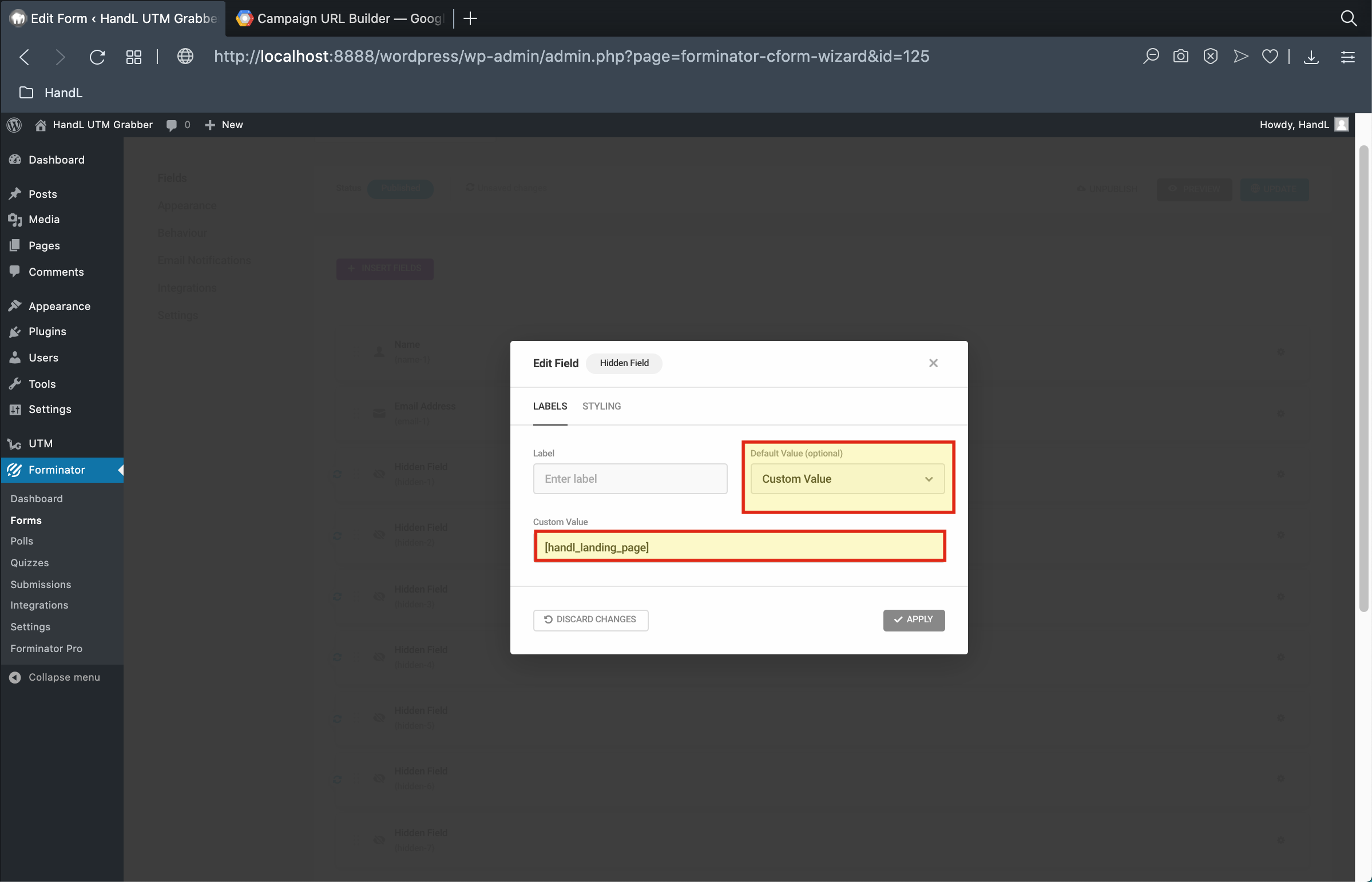
10-)Select Default Value as "Custom Value" and use the shortcode equivelent of the field
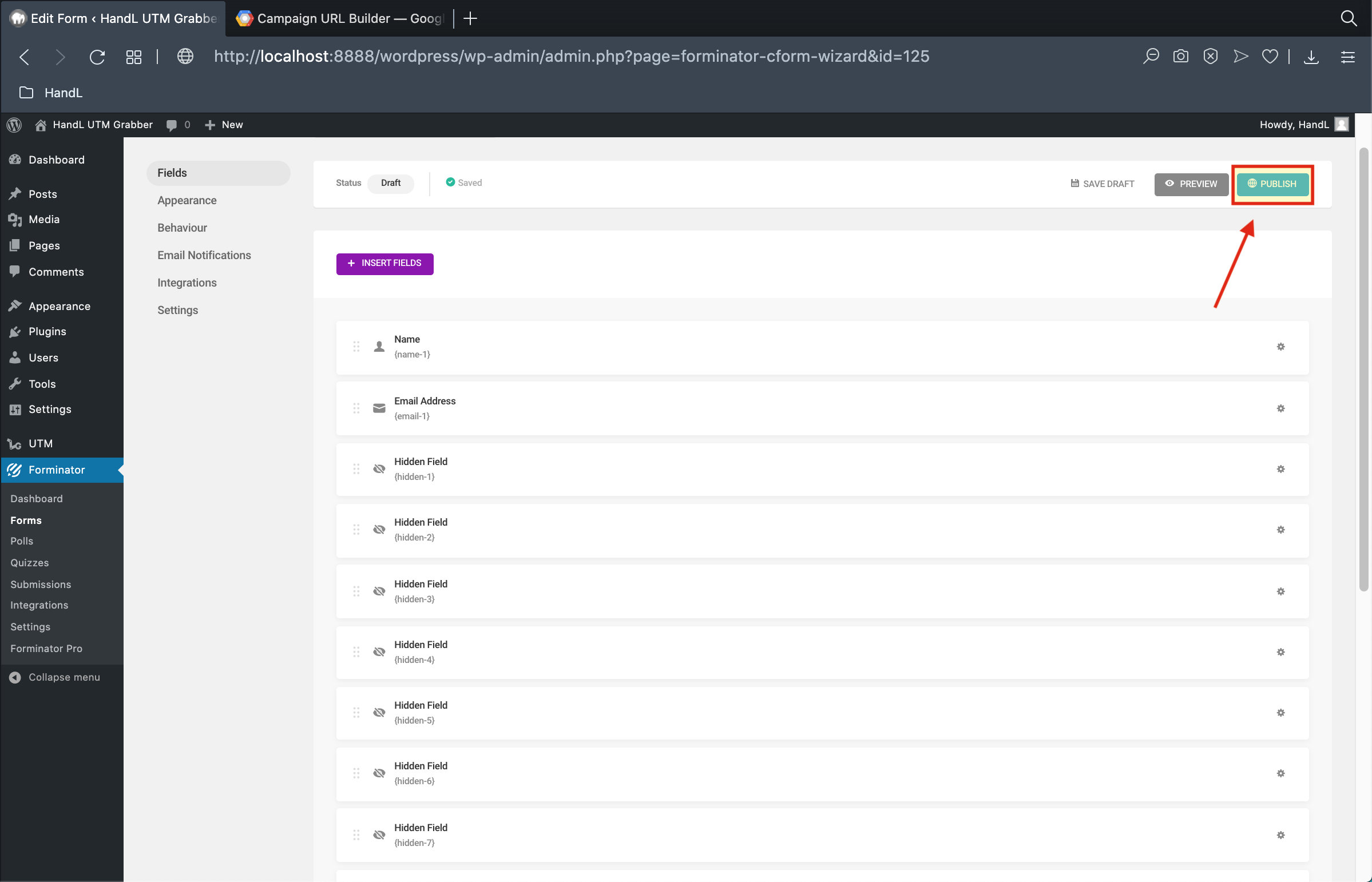
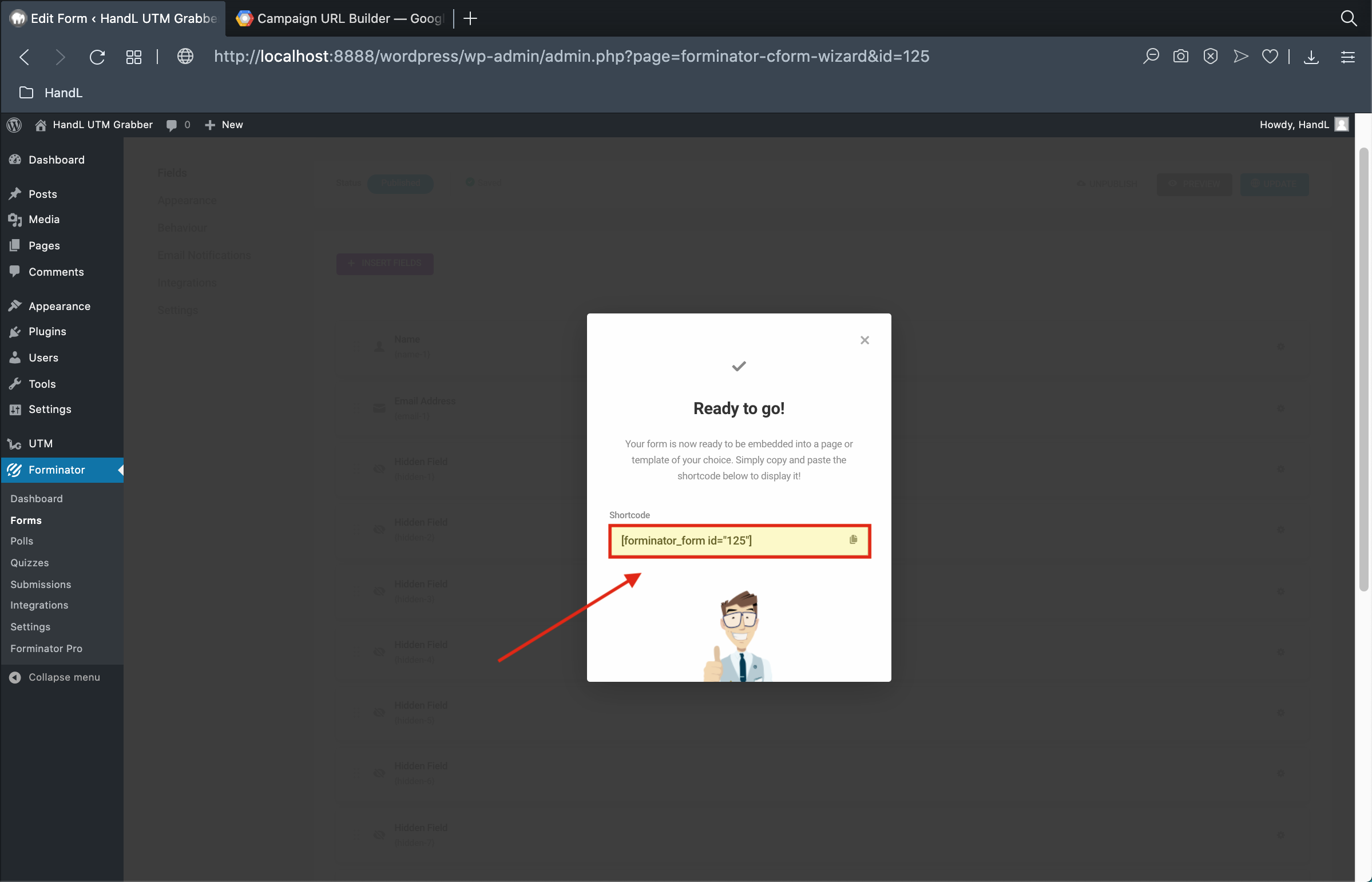
11-)Click to the publish
12-)Copy the shortcode that it generated
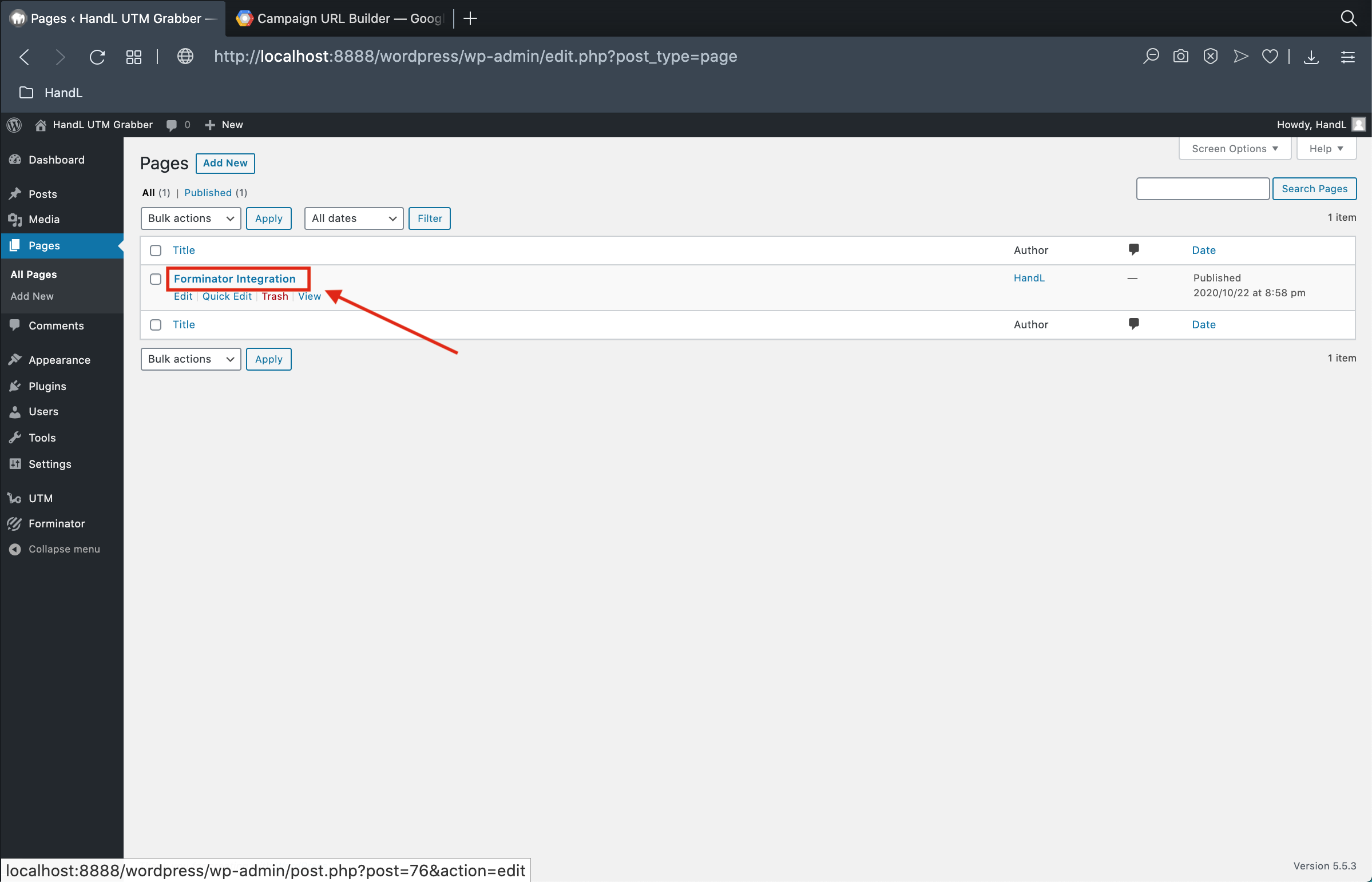
13-)Go to Pages and open your page
14-)Click the small plus button and select the forminator shortcut

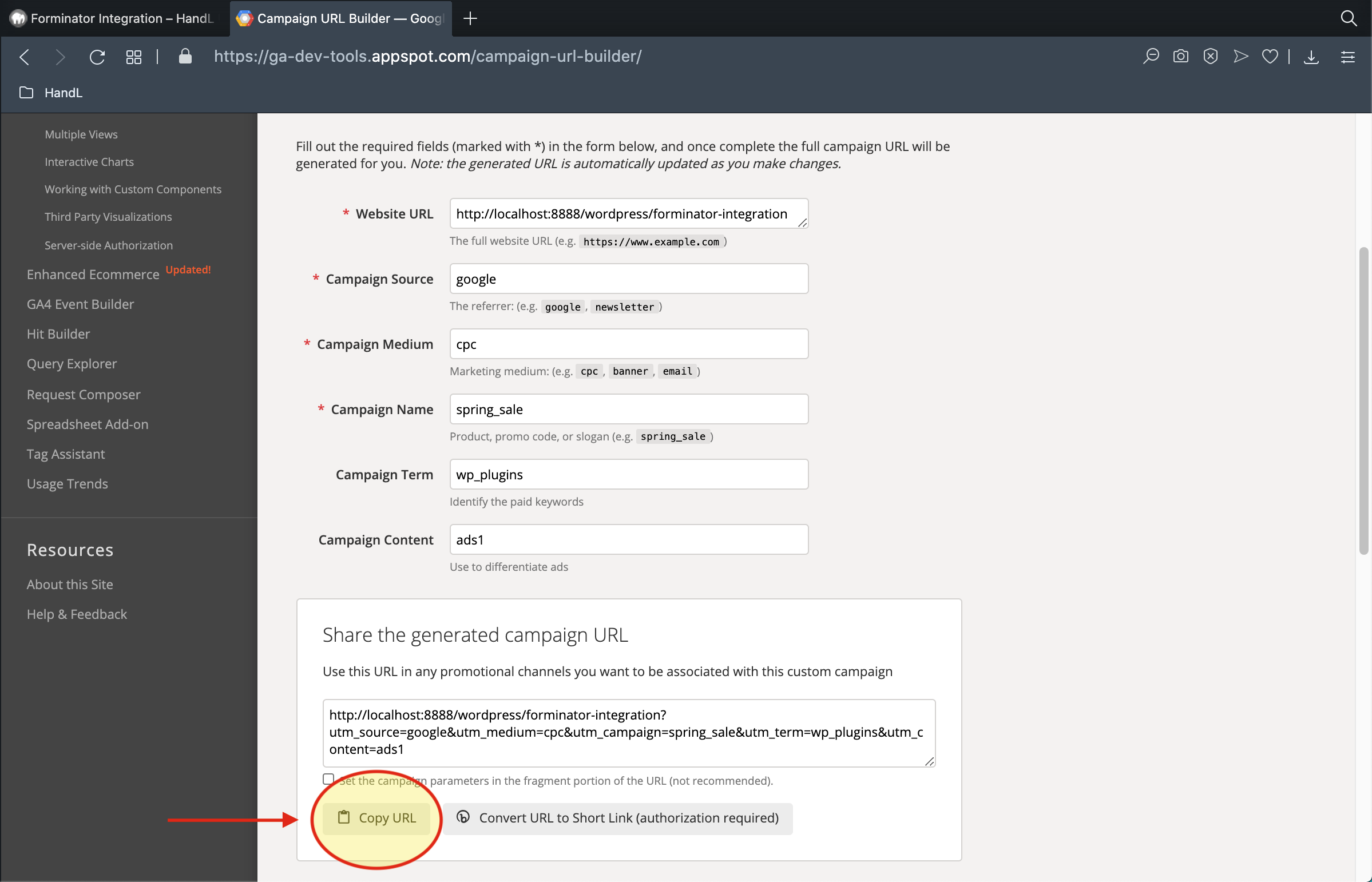
15-)Go to campaign URL Builder and copy the URL
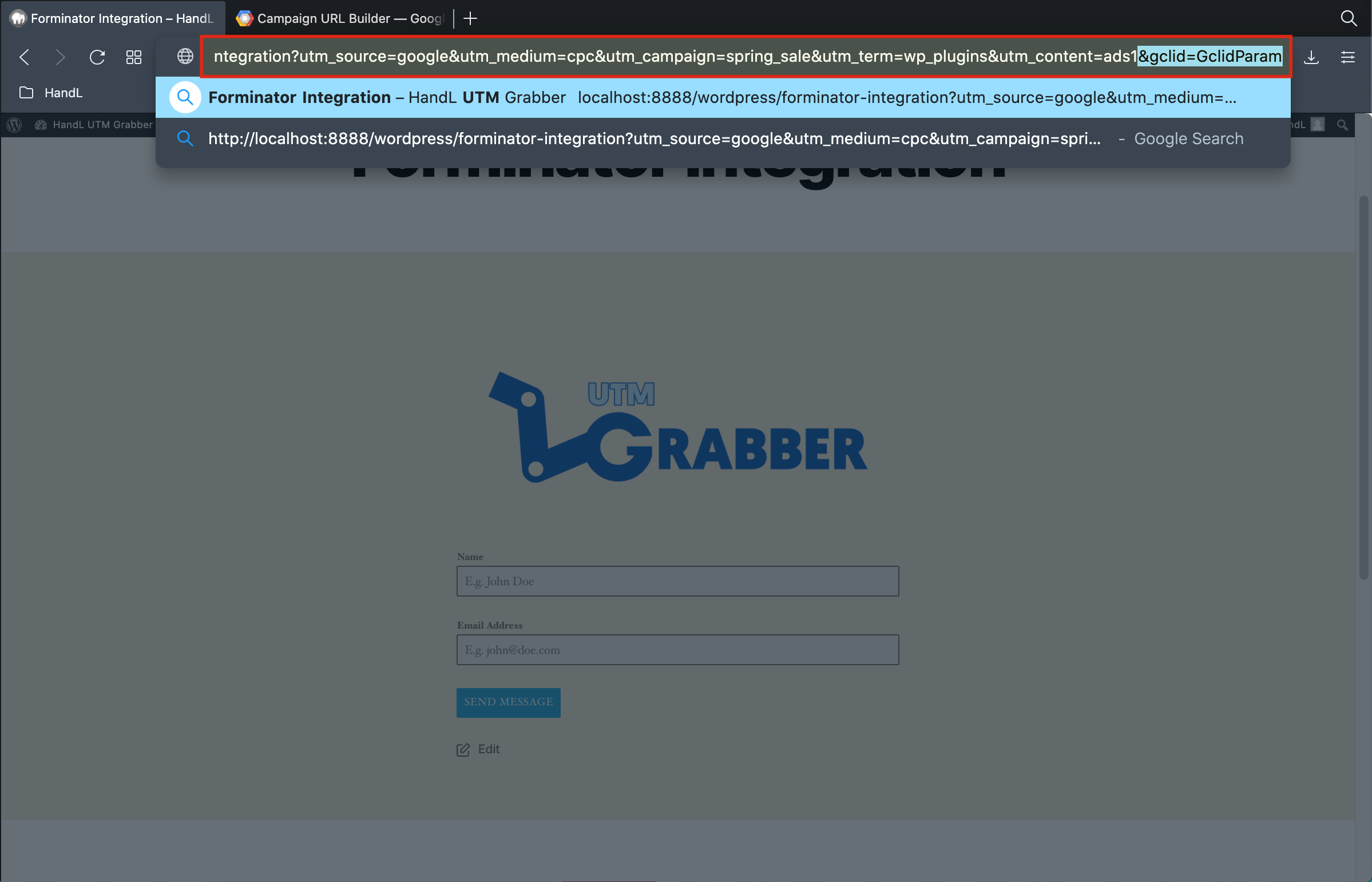
16-)Paste the URL and write for gclid parameter too then send your form
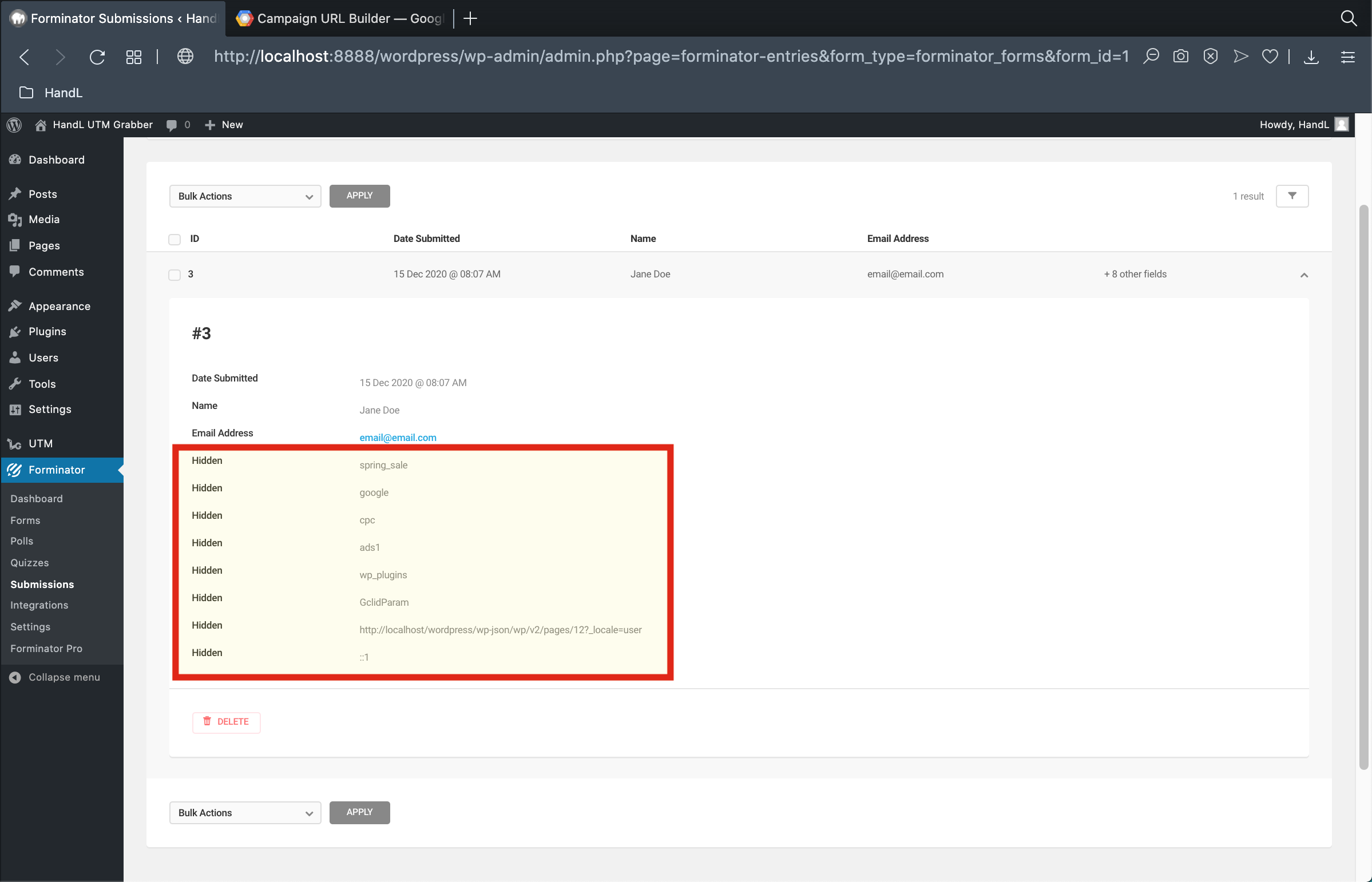
17-)Here is your result