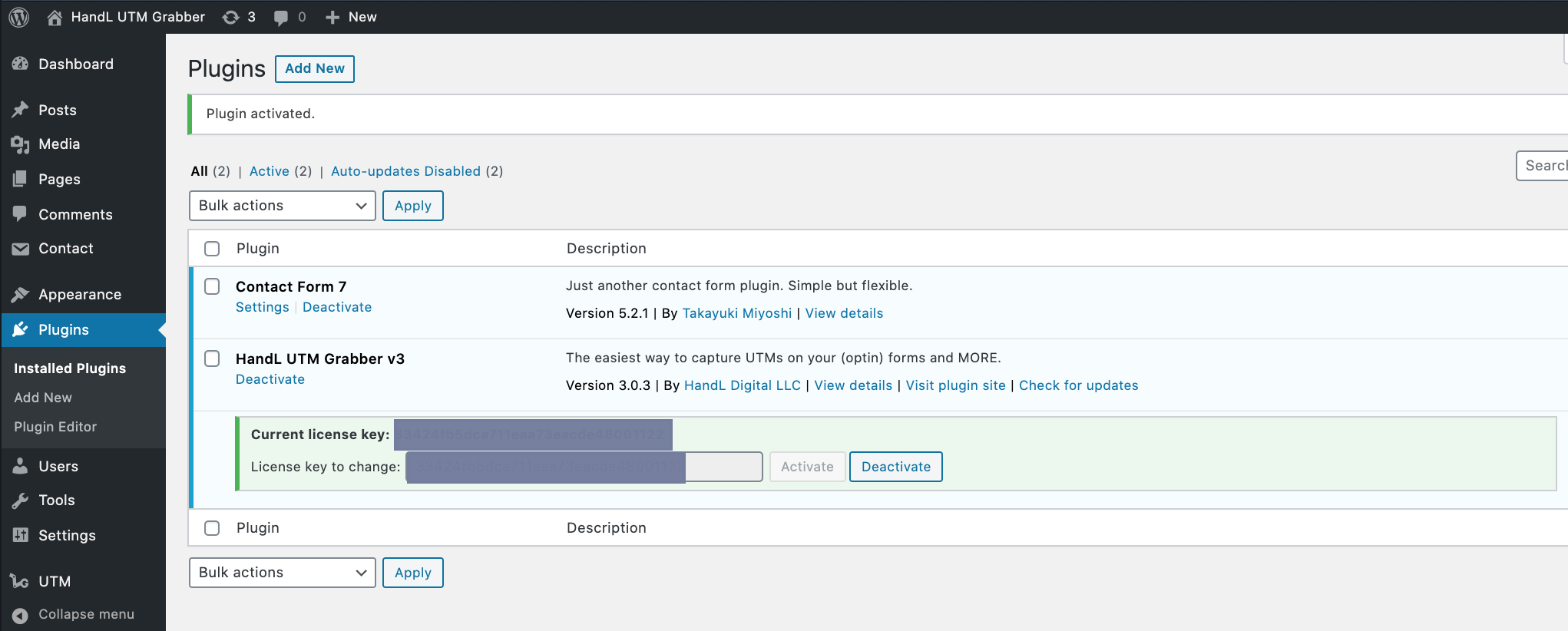
De-Activating And Re-Activating The License for HandL UTM Grabber
UTM attribution overview
This guide explains De-Activating And Re-Activating The License for HandL UTM Grabber. It helps you configure HandL UTM Grabber correctly so campaign attribution works reliably across WordPress and keep the marketing context needed for accurate reporting across forms, bookings, signups, and sales.
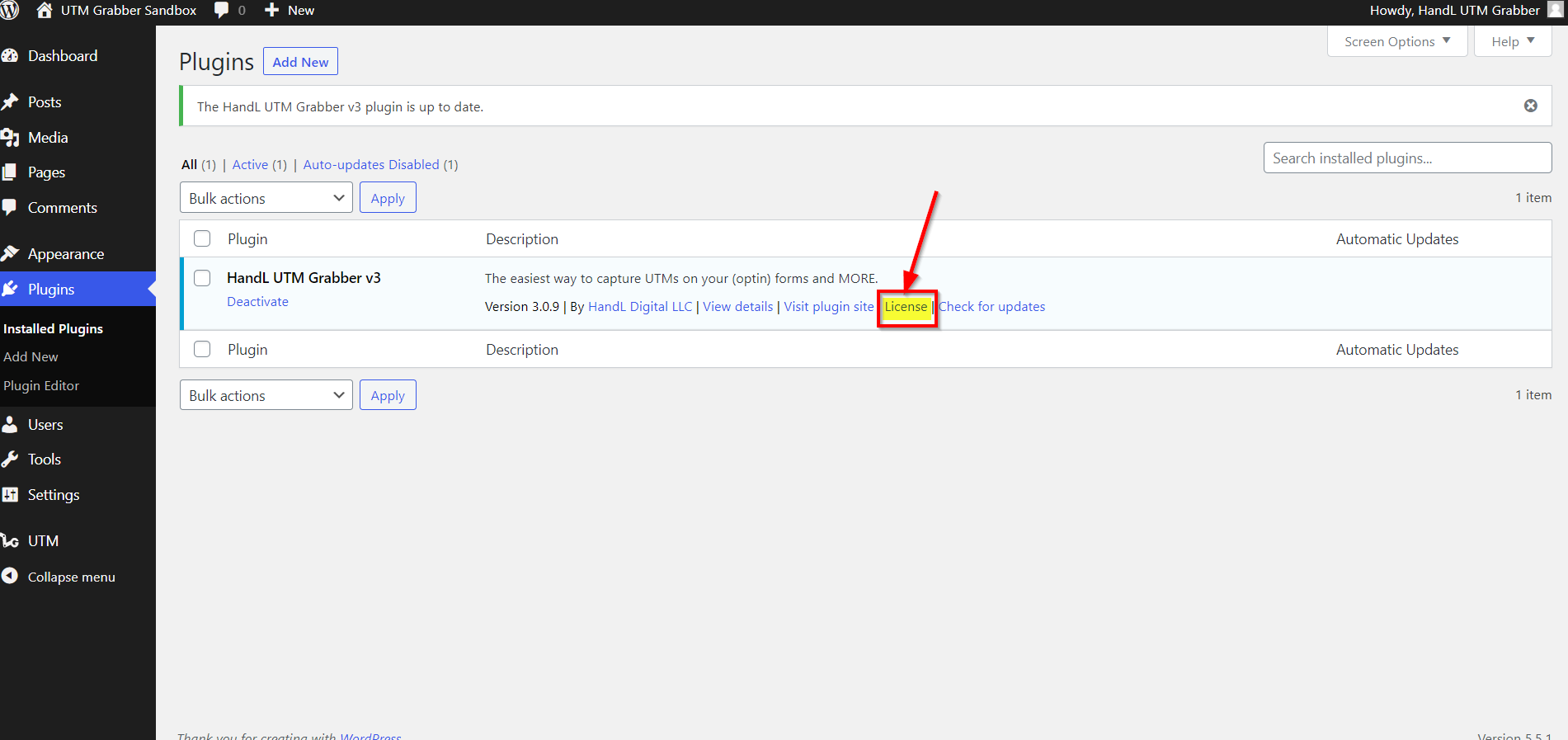
Click the license link as shown below
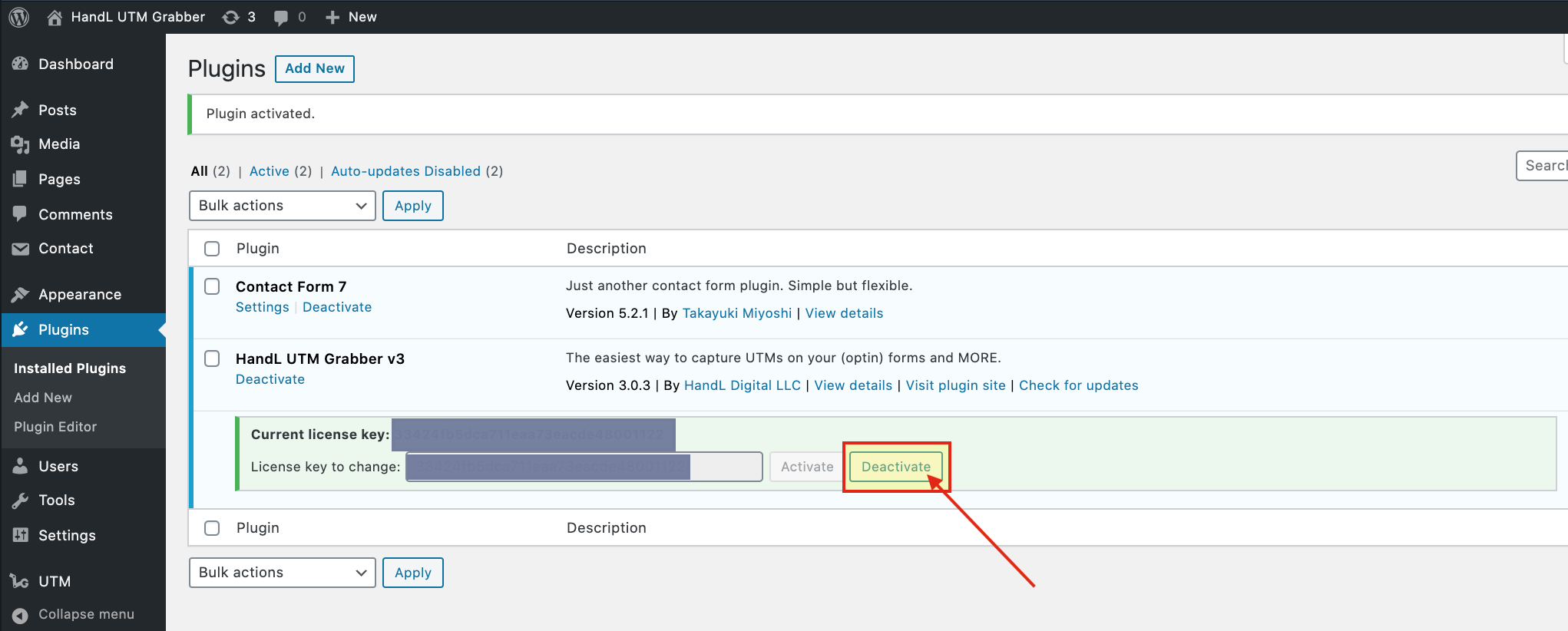
1.Click 'Deactivate' Button on your Active Licence
2.It is Deactivated so If you want to Reactivate it paste your Licence Key to the blank
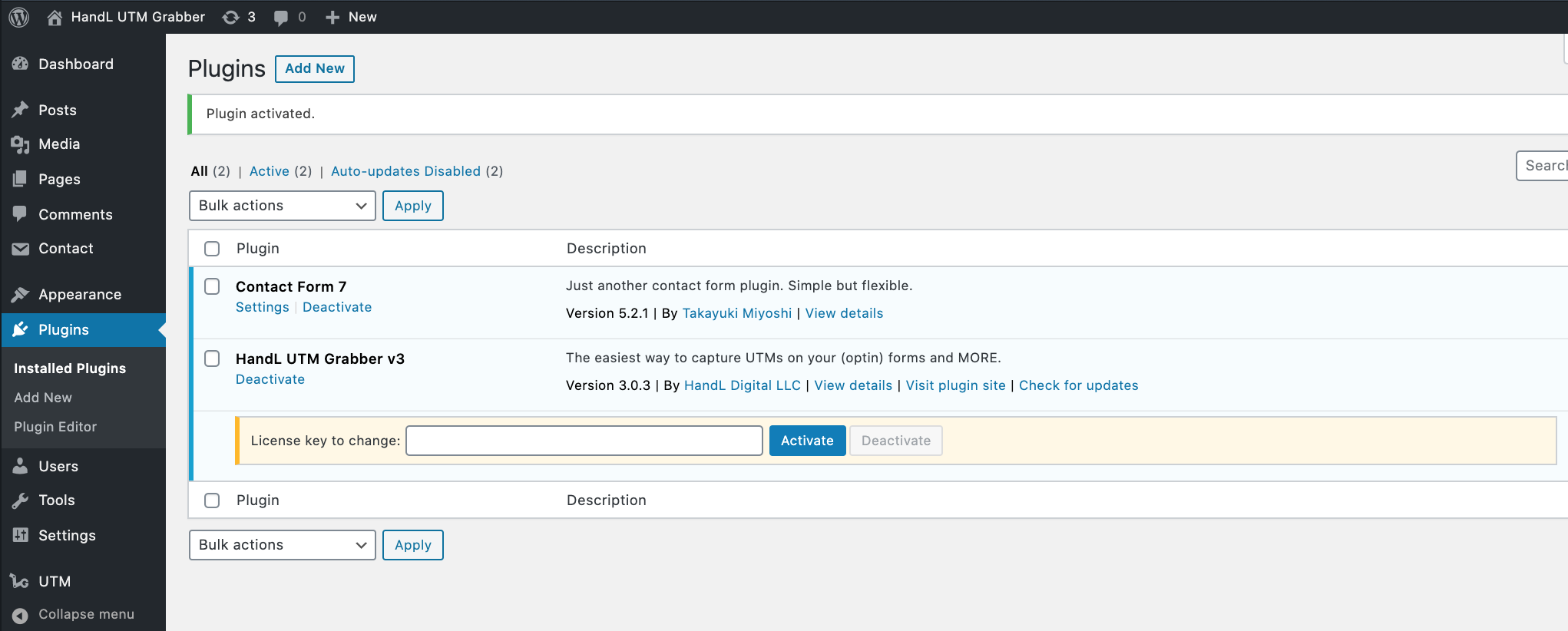
3.After Paste your Licence Key Click 'Activate' Button
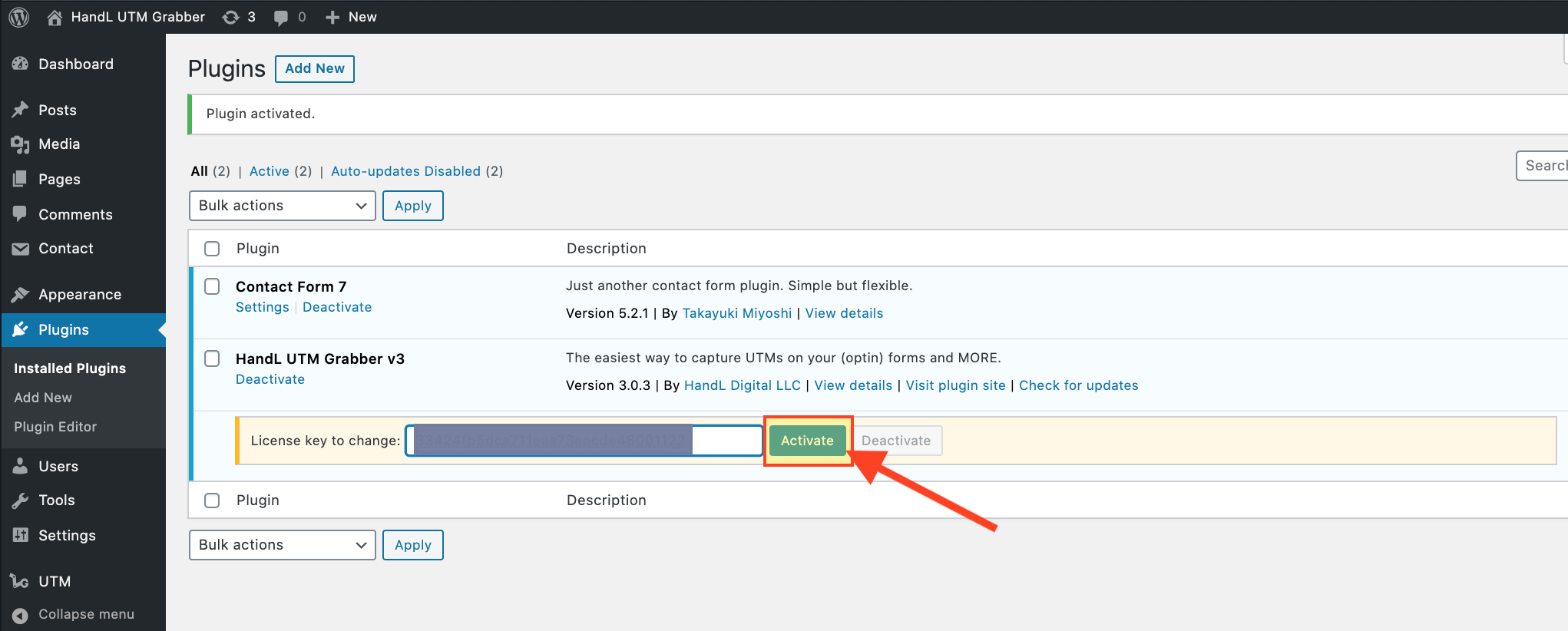
4.Great! You Reactivated Your Licence.