Capture UTMs using Formstack forms (V4) with HandL UTM Grabber
UTM attribution overview
This guide explains Capture UTMs using Formstack forms (V4) with HandL UTM Grabber. It helps you capture UTM source, medium, campaign, term, content, click IDs, referrer, and landing page data and keep the marketing context needed for accurate reporting across forms, bookings, signups, and sales.
This form is only compatible with HandL UTM Grabber V3.
Please add the hidden fields as outlined below. Ensure that the hidden field name (either the field label or placeholder) exactly matches our naming convention detailed here: Native WP Shortcodes.
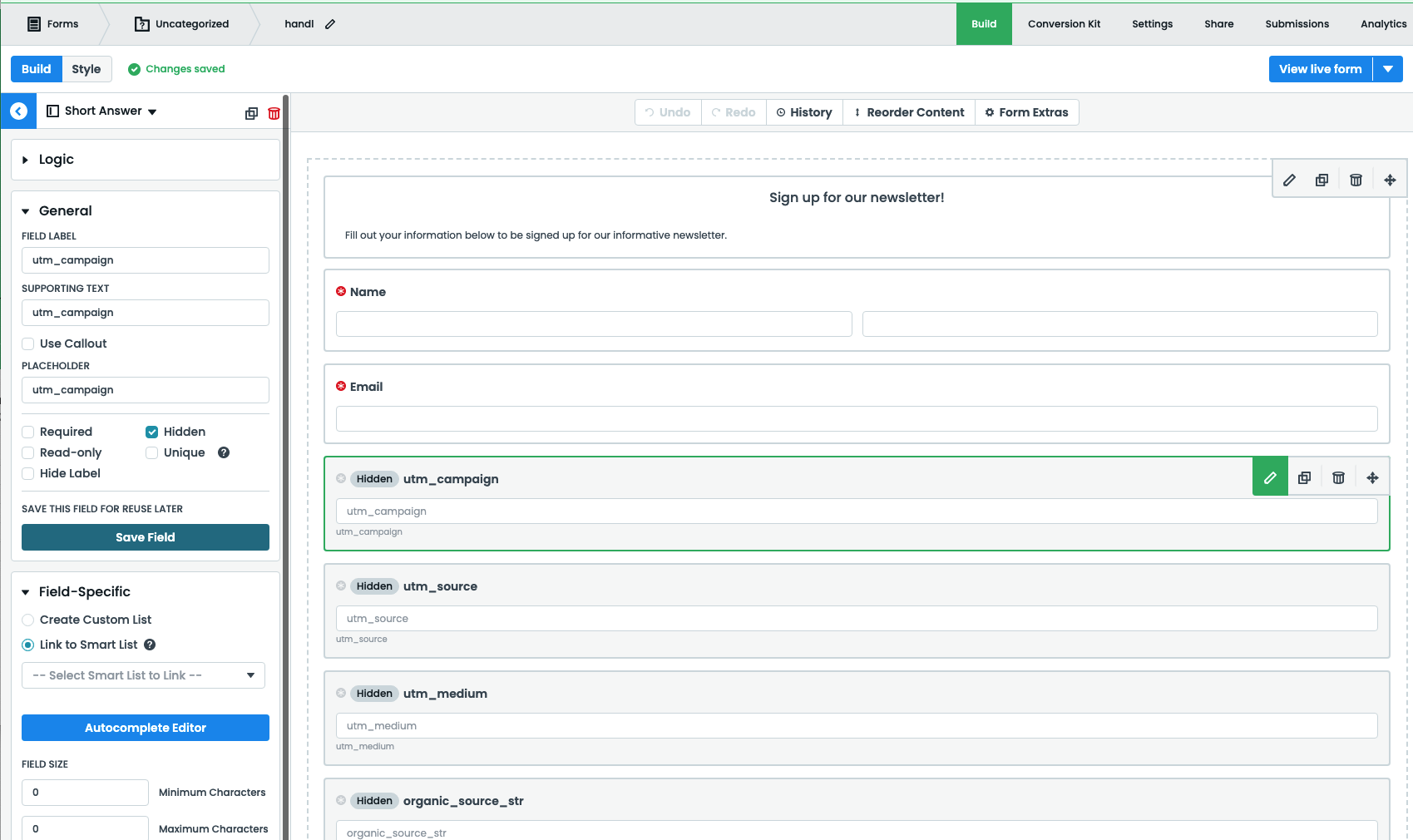
Add Embed Code in FormStack at the top of your form and include the following script there. Make sure to replace <FORM ID> with your own form id
<script>
var form = window.fsApi().getForm(<FORM ID>);
form.registerFormEventListener({
    type: 'ready',
    onFormEvent: function (event) {
        if (window.handl_utm_all_params){
        	handl_utm_all_params.map(function(v){
    			var element = document.querySelector('.fsForm [placeholder="'+v+'"]')
    			if (element){
    				var curVal = Cookies.get(v);
    				if (curVal){
						var field_id = element.getAttribute('data-fs-field-id')
						var dest_field = form.getField(field_id);
						dest_field.setValue(curVal);
    				}
    			}
    		})
        }
    	return Promise.resolve(event);
    }
});
</script>
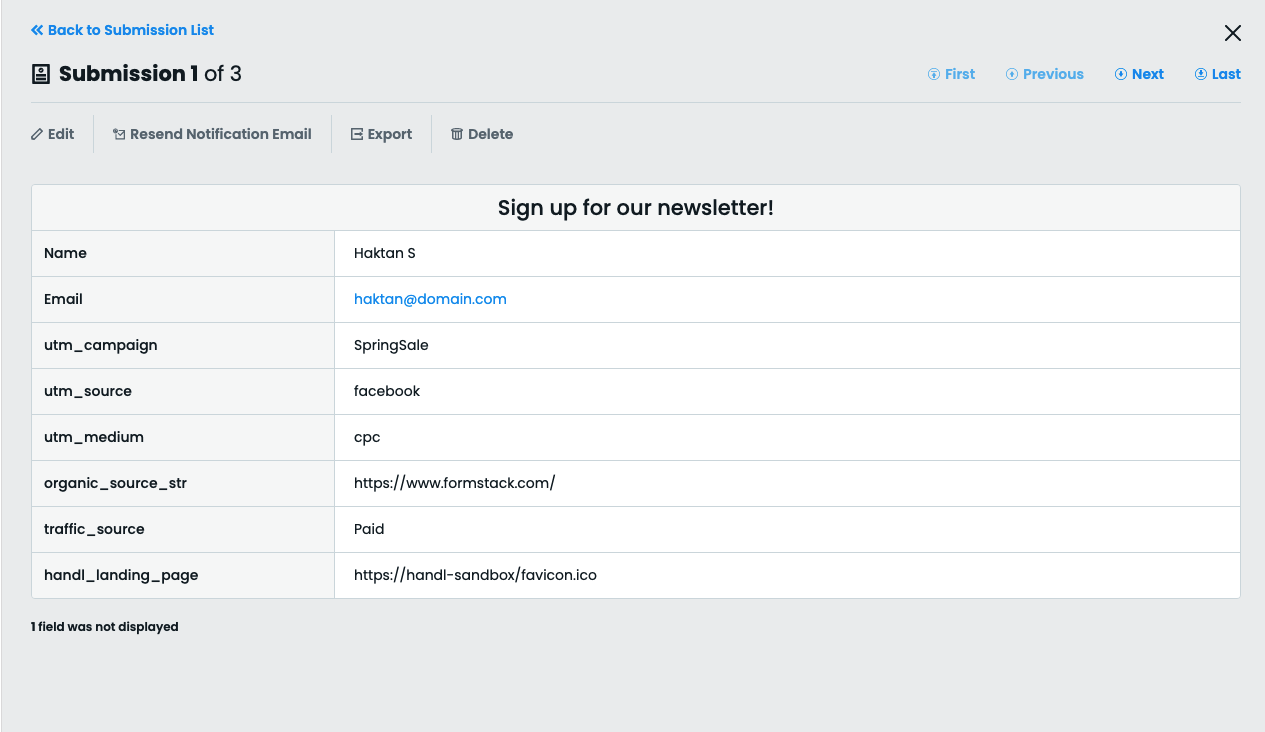
This code will automatically populate the fields after a lead is submitted.