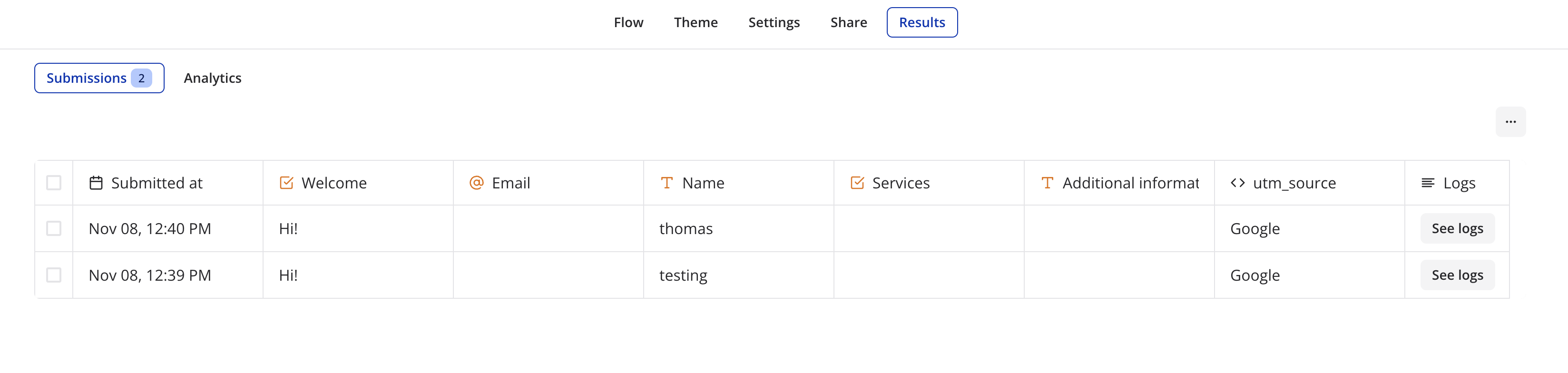
UTM Tracking in Typebot with HandL UTM Grabber
UTM attribution overview
This guide explains UTM Tracking in Typebot with HandL UTM Grabber. It helps you capture UTM source, medium, campaign, term, content, click IDs, referrer, and landing page data and keep the marketing context needed for accurate reporting across forms, bookings, signups, and sales.
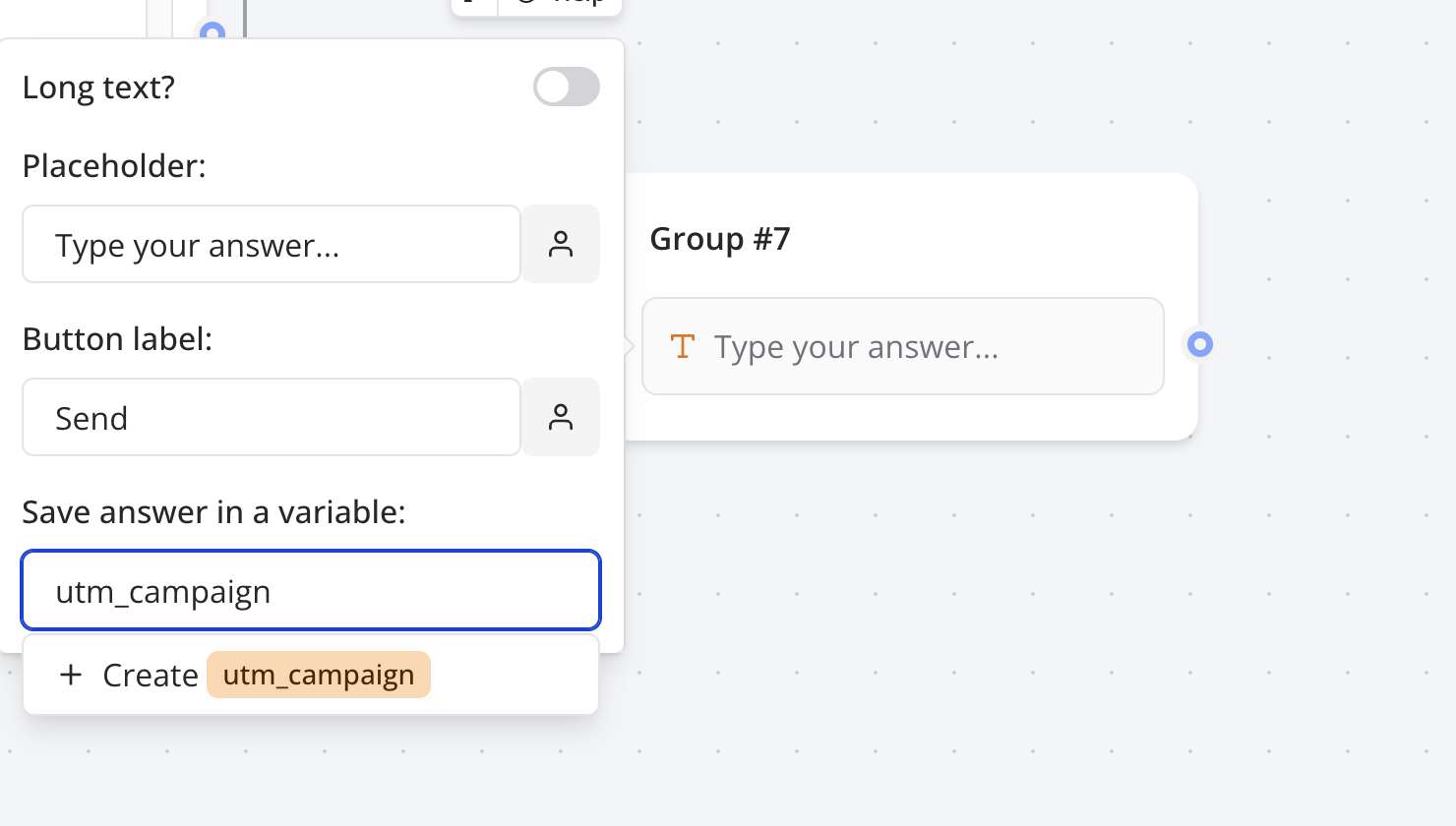
First, define the UTM parameters you wish to gather within TypeBot as illustrated below.
Once you have completed the flow, select the iframe and copy and paste it into your website.
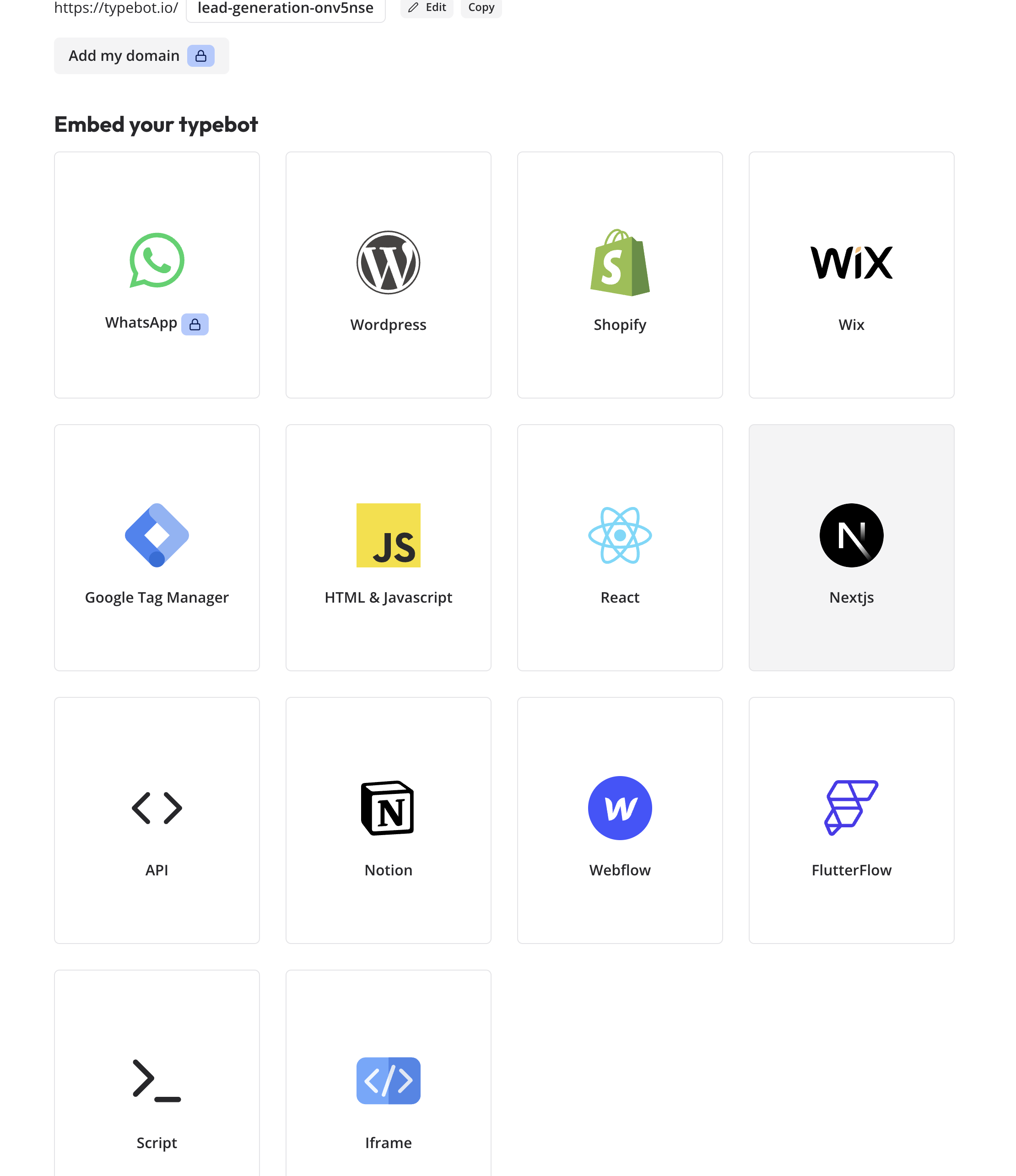
The code will appear as follows:
<iframe
  src="https://viewer.typebot.io/lead-generation-onv5nse"
  style="border: none; width=100%; height=600px"
></iframe>
Add a class variable to the code as shown below:
<iframe class="utm-src"
  src="https://viewer.typebot.io/lead-generation-onv5nse"
  style="border: none; width=100%; height=600px"
></iframe>
That's it!
UTMs will be compiled as users navigate through your flow.