How to upgrade my plan? - HandL UTM Grabber Guide
UTM attribution overview
This guide explains How to upgrade my plan? - HandL UTM Grabber Guide. It helps you configure HandL UTM Grabber correctly so campaign attribution works reliably across WordPress and keep the marketing context needed for accurate reporting across forms, bookings, signups, and sales.
Login to your account on utmgrabber.com
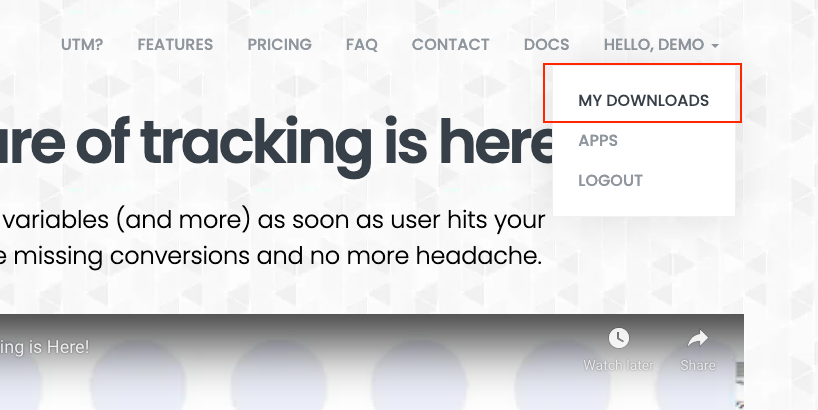
Click your name and My Downloads
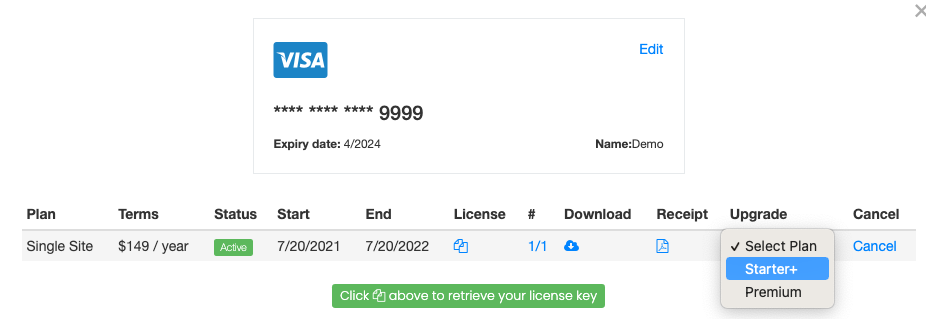
Select the plan that you are interested in upgrading to
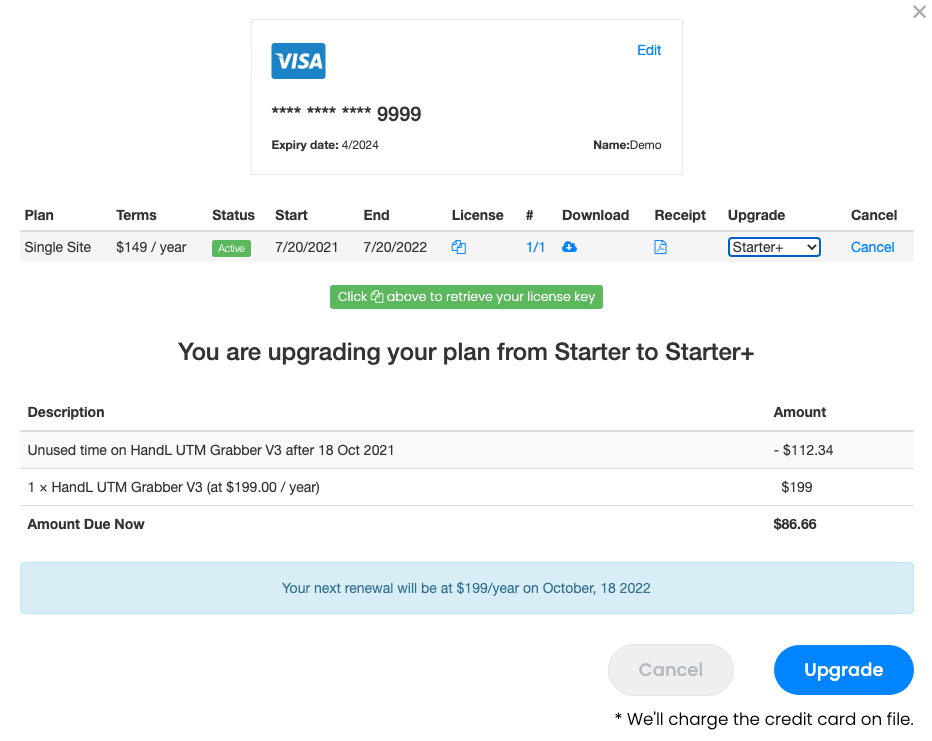
You will get a prorated upgrade fee for your review.