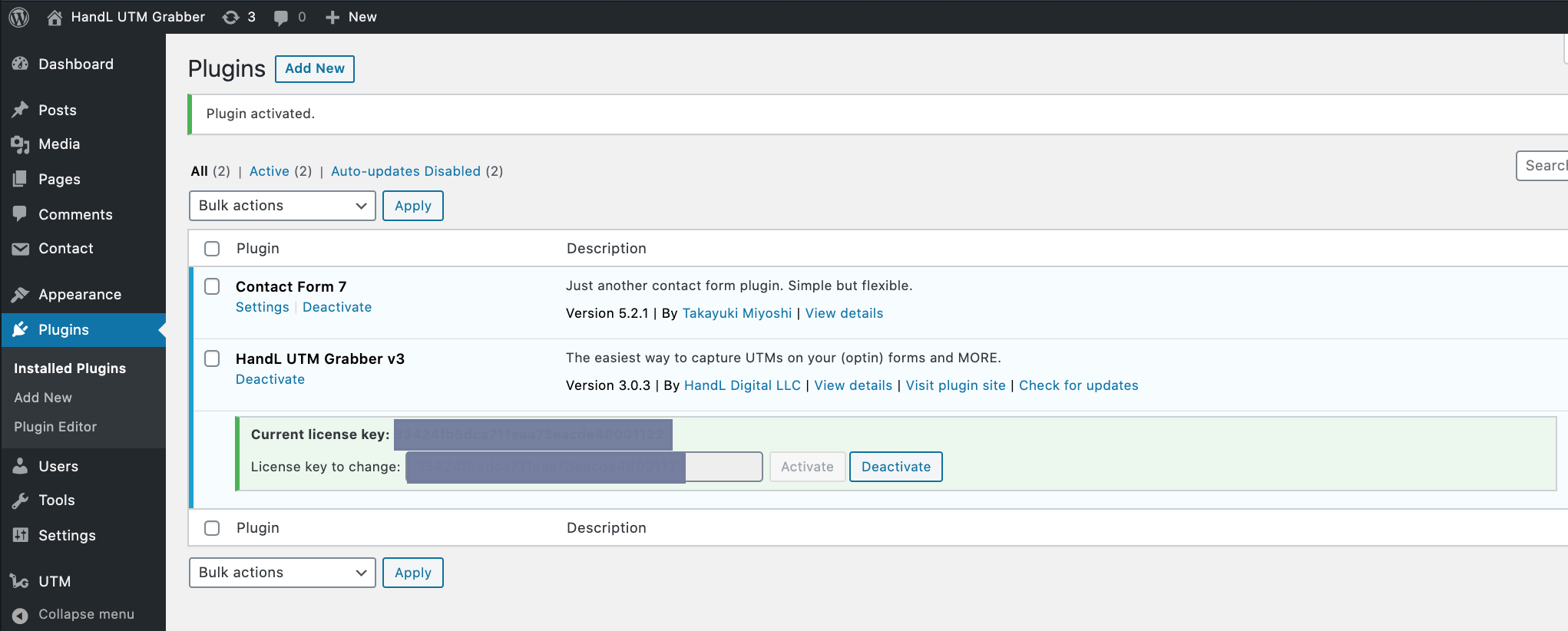
Activating The License for HandL UTM Grabber
UTM attribution overview
This guide explains Activating The License for HandL UTM Grabber. It helps you configure HandL UTM Grabber correctly so campaign attribution works reliably across WordPress and keep the marketing context needed for accurate reporting across forms, bookings, signups, and sales.
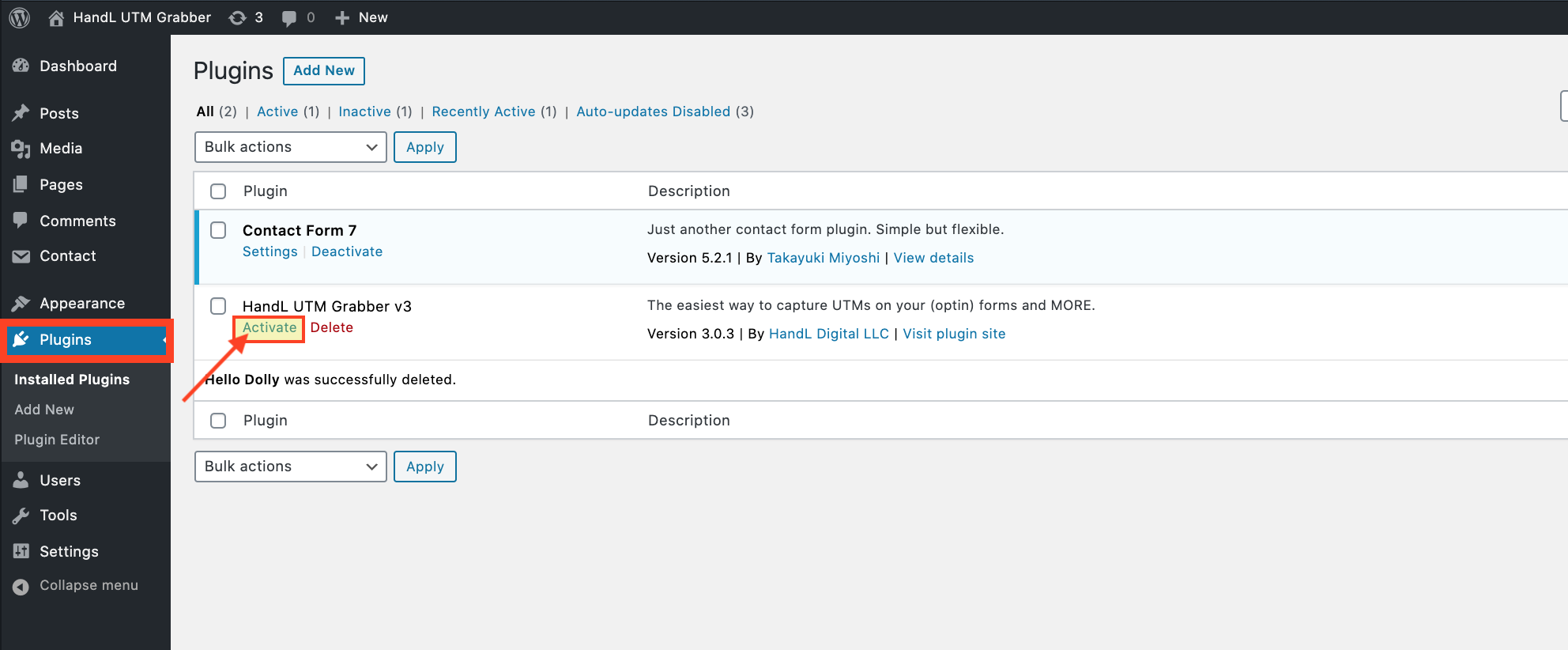
1.Activate The Plugin From Plugins Section
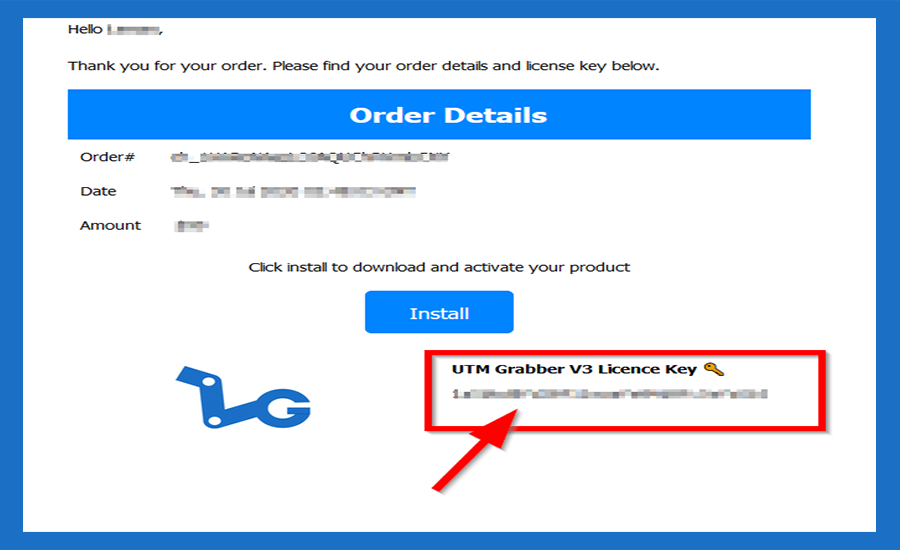
2.Copy your Licence key from your email.
3.Paste The Licence Key
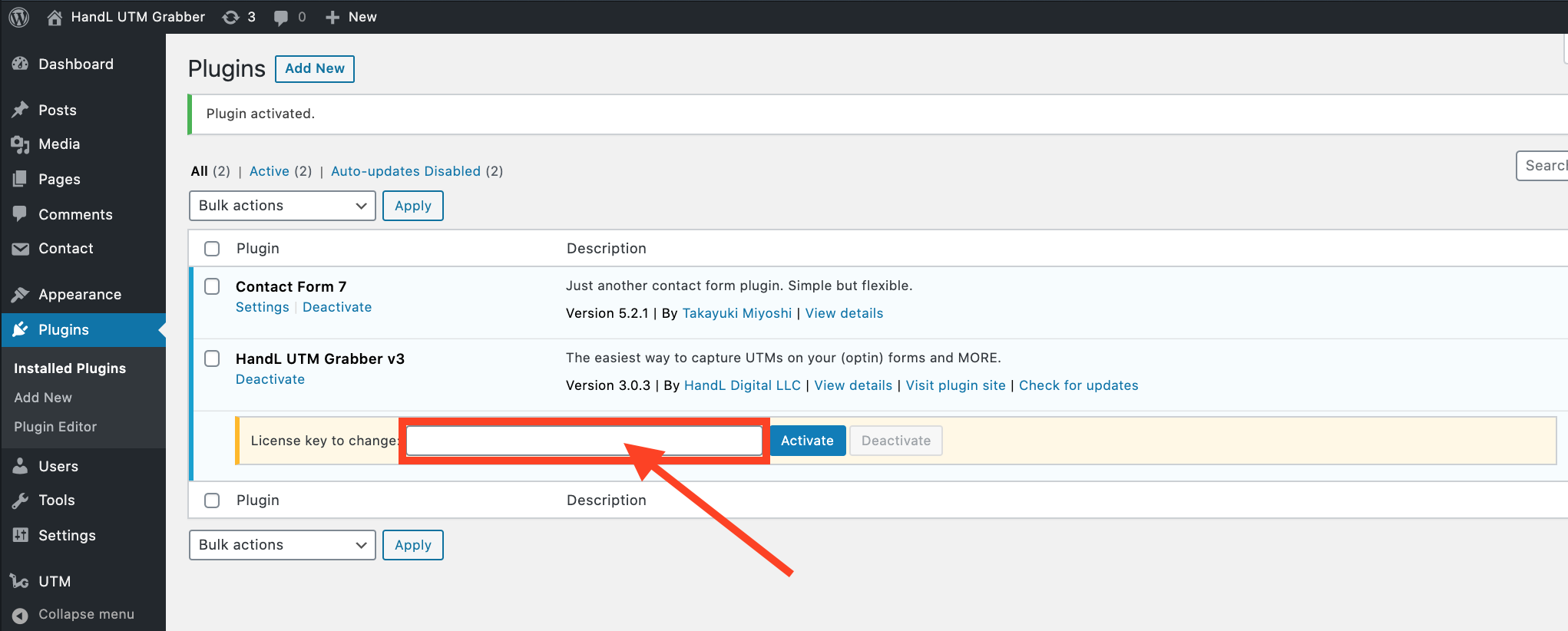
4.Click 'Activate' button after paste the key
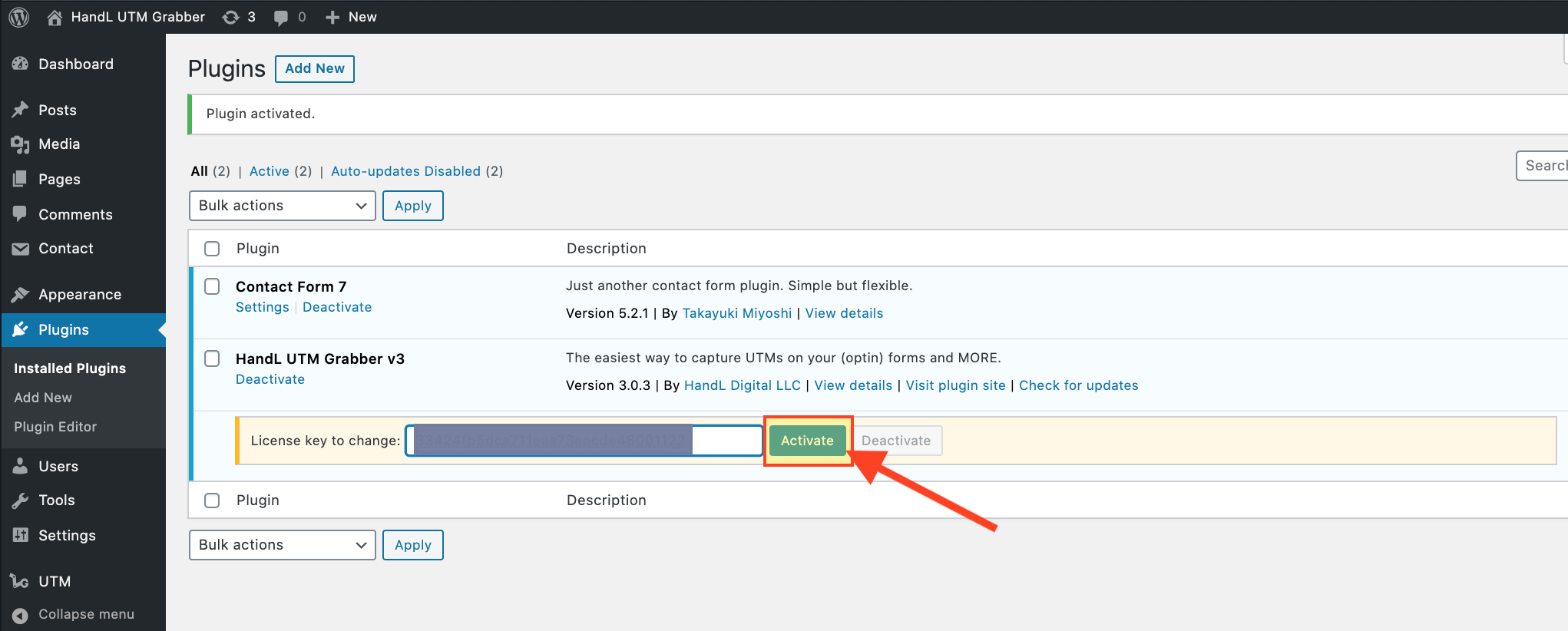
5.Great! You Activated Your Licence.