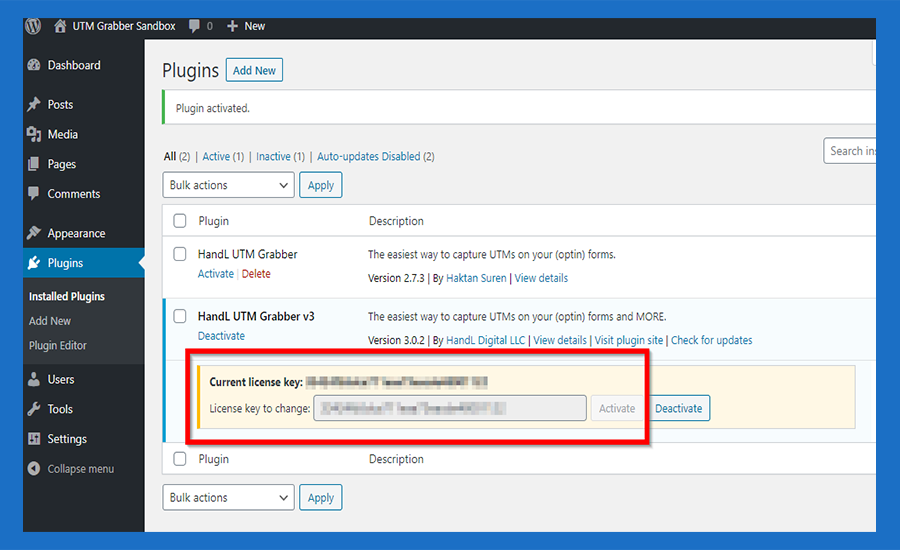
How to Activate HandL UTM Grabber/Tracker V3
UTM attribution overview
This guide explains How to Activate HandL UTM Grabber/Tracker V3. It helps you configure HandL UTM Grabber correctly so campaign attribution works reliably across WordPress and keep the marketing context needed for accurate reporting across forms, bookings, signups, and sales.
How To Install and activate HandL UTM Grabber/Tracker V3 plugin
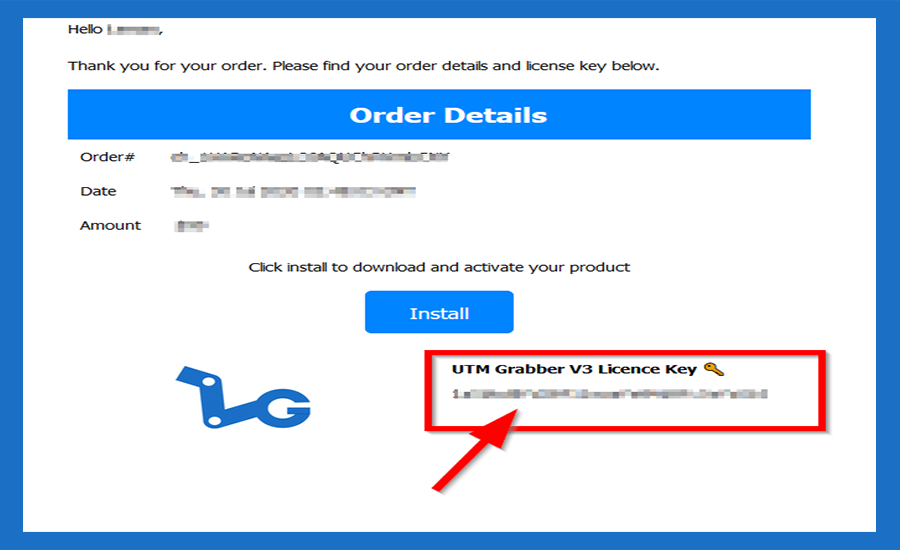
16. Please refer to your email address for the licence key
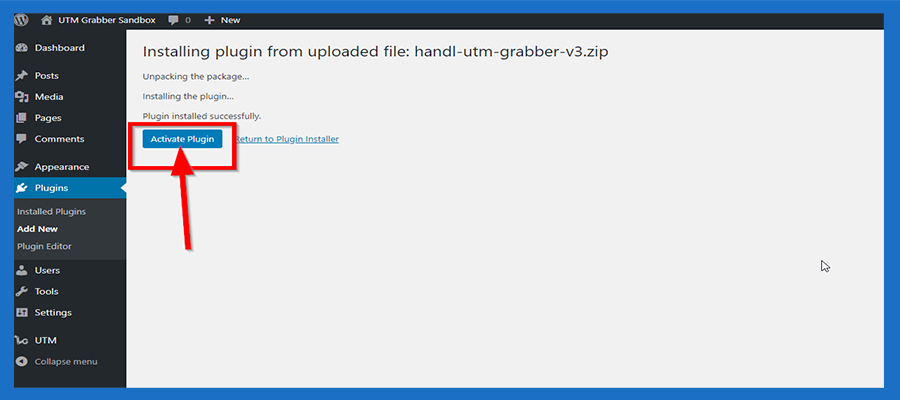
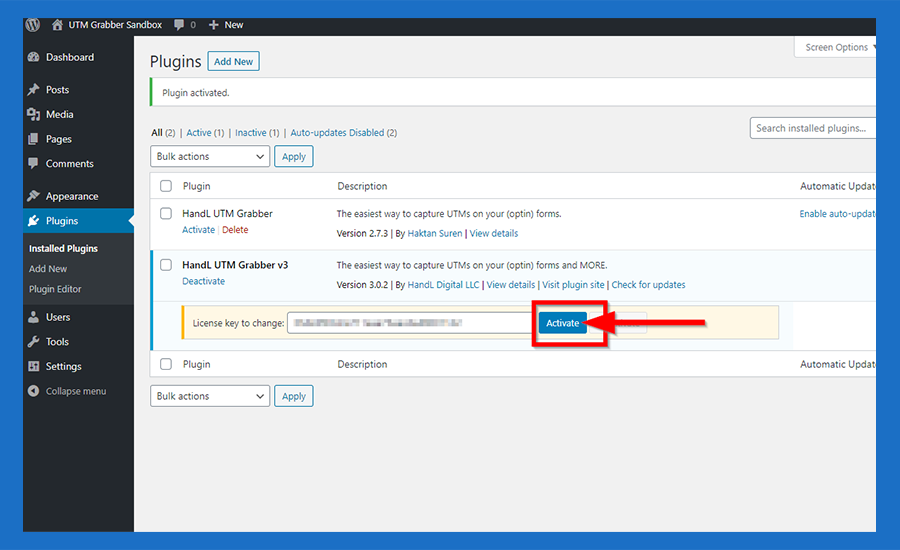
17. Go back Wordpress plugin activate page and Click the 'Activate Plugin' Button
18. Just paste your licence key to the box
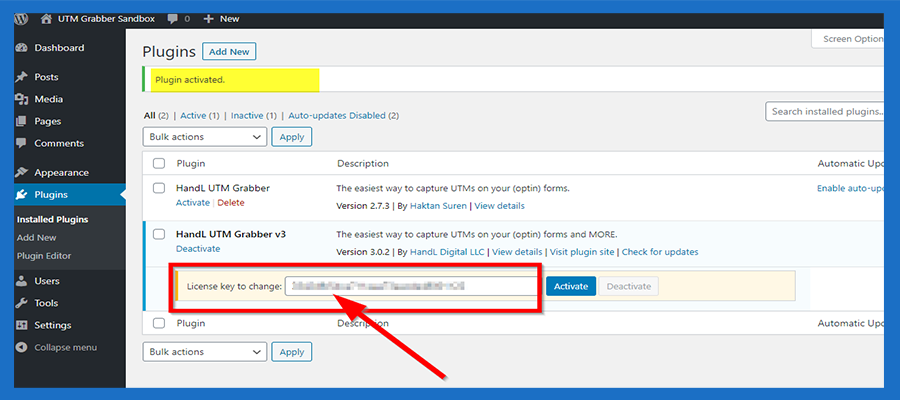
19. And then click the 'Activate' Button
20. Congratulations!