No License Key Field Appears in WP Admin > Plugins for HandL UTM Grabber
UTM attribution overview
This guide explains No License Key Field Appears in WP Admin > Plugins for HandL UTM Grabber. It helps you configure HandL UTM Grabber correctly so campaign attribution works reliably across WordPress and keep the marketing context needed for accurate reporting across forms, bookings, signups, and sales.
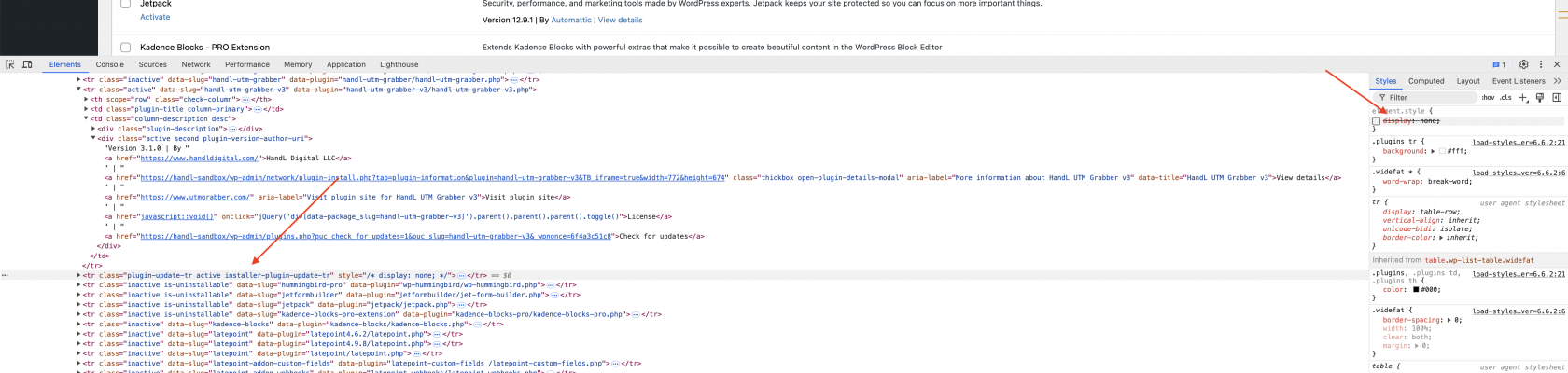
When you click "License" and no license field appears, or if you see the console log print a "javascript:void()" error message, follow these steps in your browser to make the field visible: